

It's Tuesday night, tomorrow's post is due, and the caption box is just sitting there blinking. A salon owner in Bangalore has already posted three "Monday motivation" quotes this month. A boutique in Jaipur has photographed the same rack of kurtis from every angle a rack of kurtis can be photographed from. This is the exact moment most small businesses start hunting for social media content ideas, usually with the app already open and nothing new to say.
The problem isn't a lack of effort. It's that most advice on this topic stops at "post consistently," which is true and completely useless in the same breath. What actually helps is a list long enough that you open it on a slow afternoon, pick a prompt, shoot it on your phone, and post it in twenty minutes. That's what this is: a categorized bank of concrete post ideas, organized so you can grab one and go instead of staring at a blank screen every week.
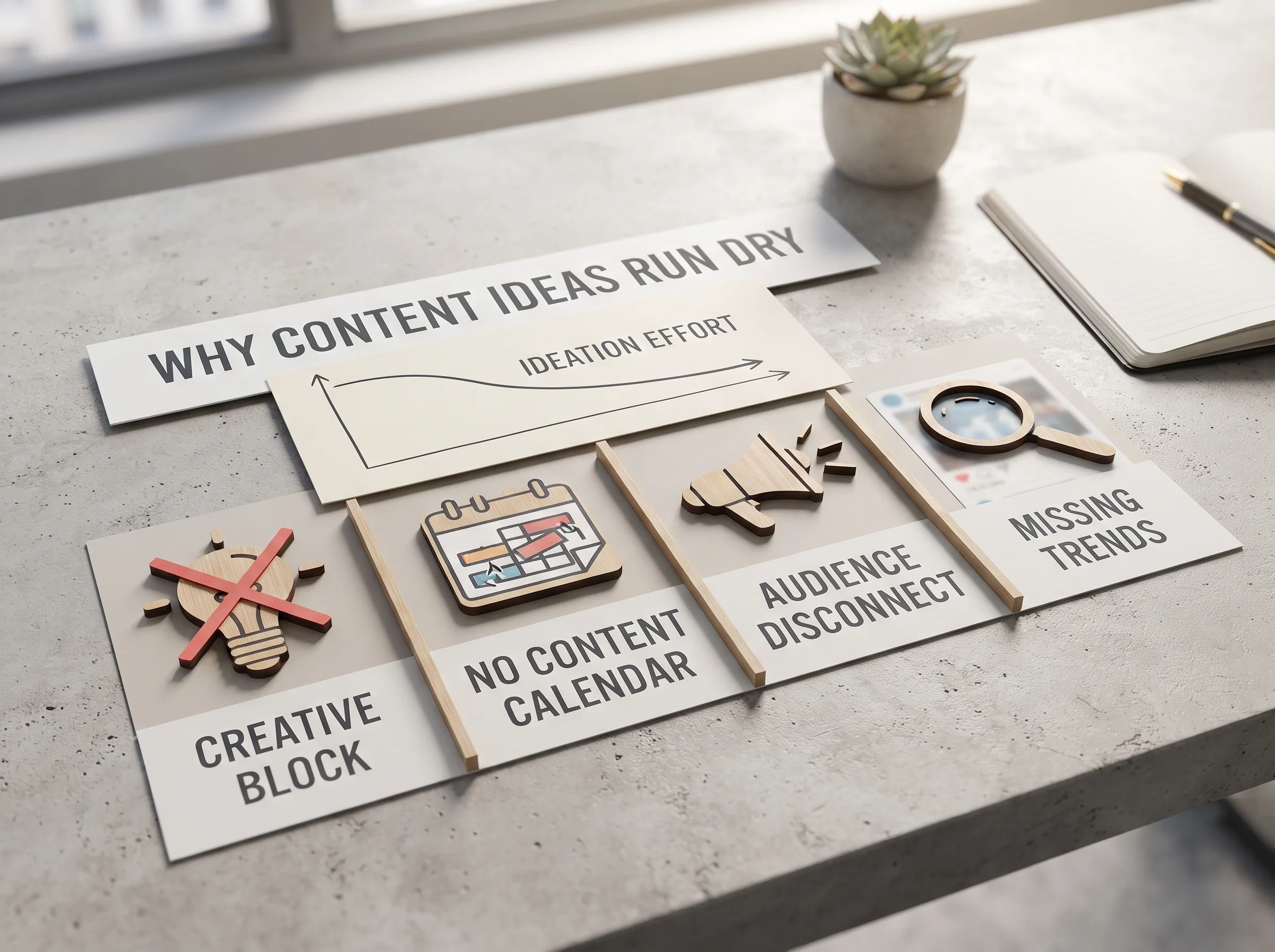
Why you keep running out of social media content ideas
Key definition: Social media content ideas are concrete, ready-to-shoot post concepts, grouped by type (behind-the-scenes, educational, promotional, and so on), that a business can pull from instead of inventing a new post from scratch every time it needs to publish.
Running out of ideas rarely means you've run out of creativity. It means you don't have a system, no buckets to pull from, no backlog, no running list, so every single post starts from zero. A business posting three times a week without a system is making the same decision three separate times, cold, usually under time pressure, usually late at night after the shop is closed.
A batching workflow fixes this by generating ideas in bulk, in themed sets, instead of one at a time. That's the difference between "what do I post today" (exhausting, happens daily) and "which of these 30 ideas fits today" (a five-minute decision from a list you already made). The rest of this post is that list, plus the categories underneath it so you can keep generating fresh ones after you run through these.
Key insight: The fix for running out of ideas isn't more creativity, it's a system: six content buckets, a weekly rotation, and a running list you add to between posting days instead of starting from zero each time.
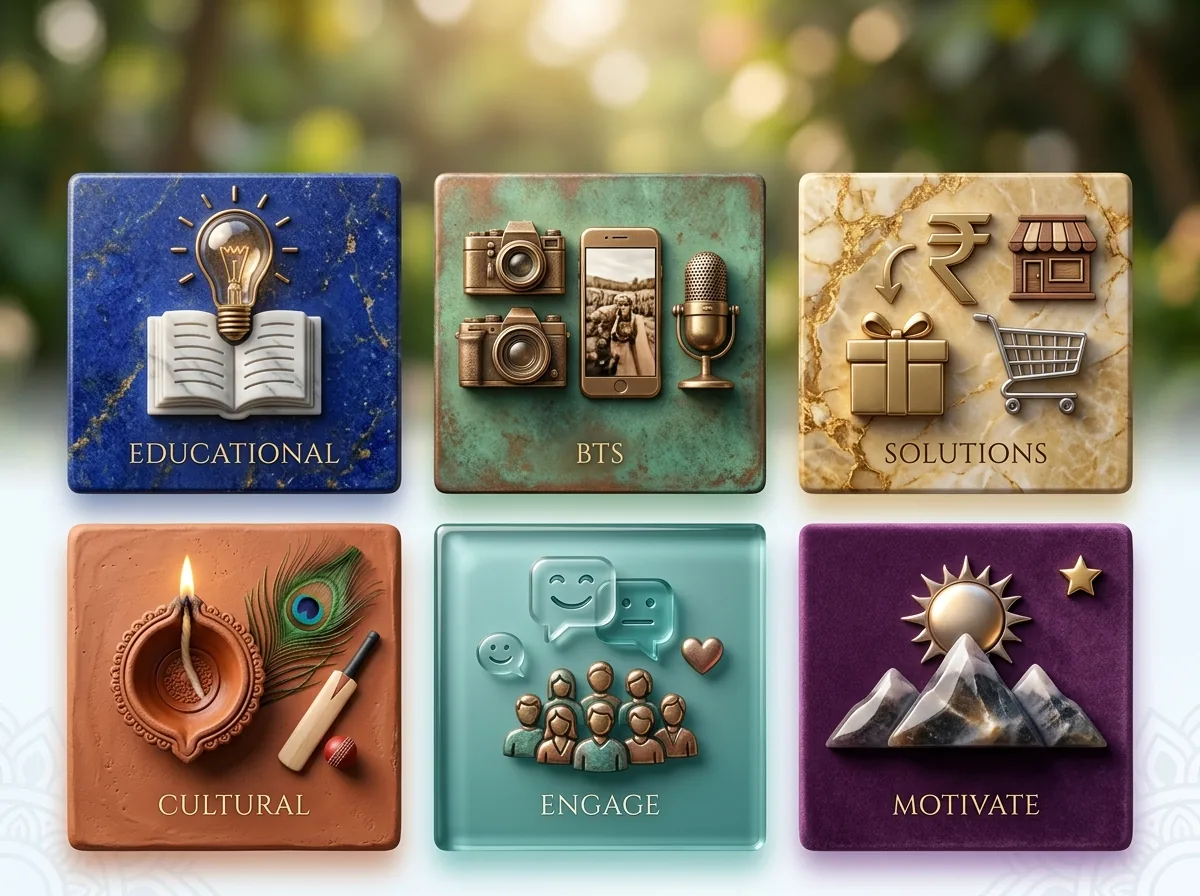
6 content buckets that solve "what do I post today"
Nearly every piece of social content, no matter the business, falls into one of six buckets. Knowing the buckets matters more than knowing individual post ideas, because once you know the categories, you can generate new content ideas for social media on your own, indefinitely, without a list at all.
Behind-the-scenes
The prep, not the polish. Opening-up routine, mixing a color, packing an order, the mess before a big shipment goes out. This consistently outperforms polished shots because it shows a real person doing real work, which a big brand can't fake.
Educational / how-to
A quick tip in your niche: how to style one piece three ways, three signs your skin needs a certain treatment, how to tie a saree drape you sell. Teaching something builds trust and gives people a reason to save the post.
Social proof / UGC
A customer's reaction, a reposted tagged Story, a before-and-after. You don't need a studio budget if your customers are already doing the photography for you.
Promotional, without sounding like an ad
New arrival, a festival offer, limited slots. Framed as news your audience would want to know, not a hard sell.
Entertainment / trend
A trending audio adapted to your niche, a relatable meme-format post, a "POV" Reel from the customer's side. Riding a trend gets a small account extra reach it wouldn't get organically, as long as it's adapted to the product instead of forced onto it.
Community / engagement
A poll, a "this or that," an honest question in the caption, a festival greeting. These exist to get replies and shares, not just likes, and a poll sticker is one of the easiest ways to get direct feedback while filling a content slot. Instagram's own guidance for businesses points to the same pattern: accounts that use interactive stickers regularly tend to see more Story replies than those that only post announcements.
The 30-idea content calendar bank (grab and go)
Here's a weekly rhythm built from those six buckets, mapped across a normal work week. Pick a day, pick a prompt, shoot it on your phone.
Monday, educational
- Quick tip in your niche (styling, skincare, drape technique)
- Myth vs. fact post about your industry
- Common mistake customers make, and the fix
- Step-by-step carousel of your service process
Tuesday, behind-the-scenes 5. Opening-up routine, shutters up, first cup of chai 6. Packing an order start to finish 7. A shipment of new stock getting unboxed 8. Your actual workspace, salon chair, sewing table, workbench
Wednesday, product / promotional 9. Single product, three angles, one caption on why it's different 10. "Styled three ways," same piece, three different occasions 11. New arrival teaser, a cropped photo the day before the full reveal 12. Limited stock countdown ("6 pieces left in this print")
Thursday, social proof / UGC 13. Screenshot of a WhatsApp thank-you message (with permission) 14. Repost a customer's tagged Story 15. Before-and-after result post 16. "Our customers wore it better," real customer photos next to your catalog shot
Friday, community / engagement 17. "This or that" poll between two product options 18. "What should we restock next?" poll 19. Q&A sticker: "Ask me anything about [your product/service]" 20. Countdown sticker to a sale or restock
Weekend, entertainment / trend + team 21. Trending audio Reel adapted to show a product transformation 22. "Rating my own product" trend, done honestly 23. Introduce a team member with their role and one fun fact 24. A photo from year one next to today
Anytime, repurpose bucket (for the weeks nothing new happened) 25. Turn your best-performing Reel from six months ago into a Story recap 26. Compile the month's best customer photos into one grid post 27. Re-shoot an old bestseller with better lighting 28. Combine three single-product posts into one collection carousel 29. Screenshot a strong comment from an old post as a quote graphic 30. Ask followers which old post they'd like to see again
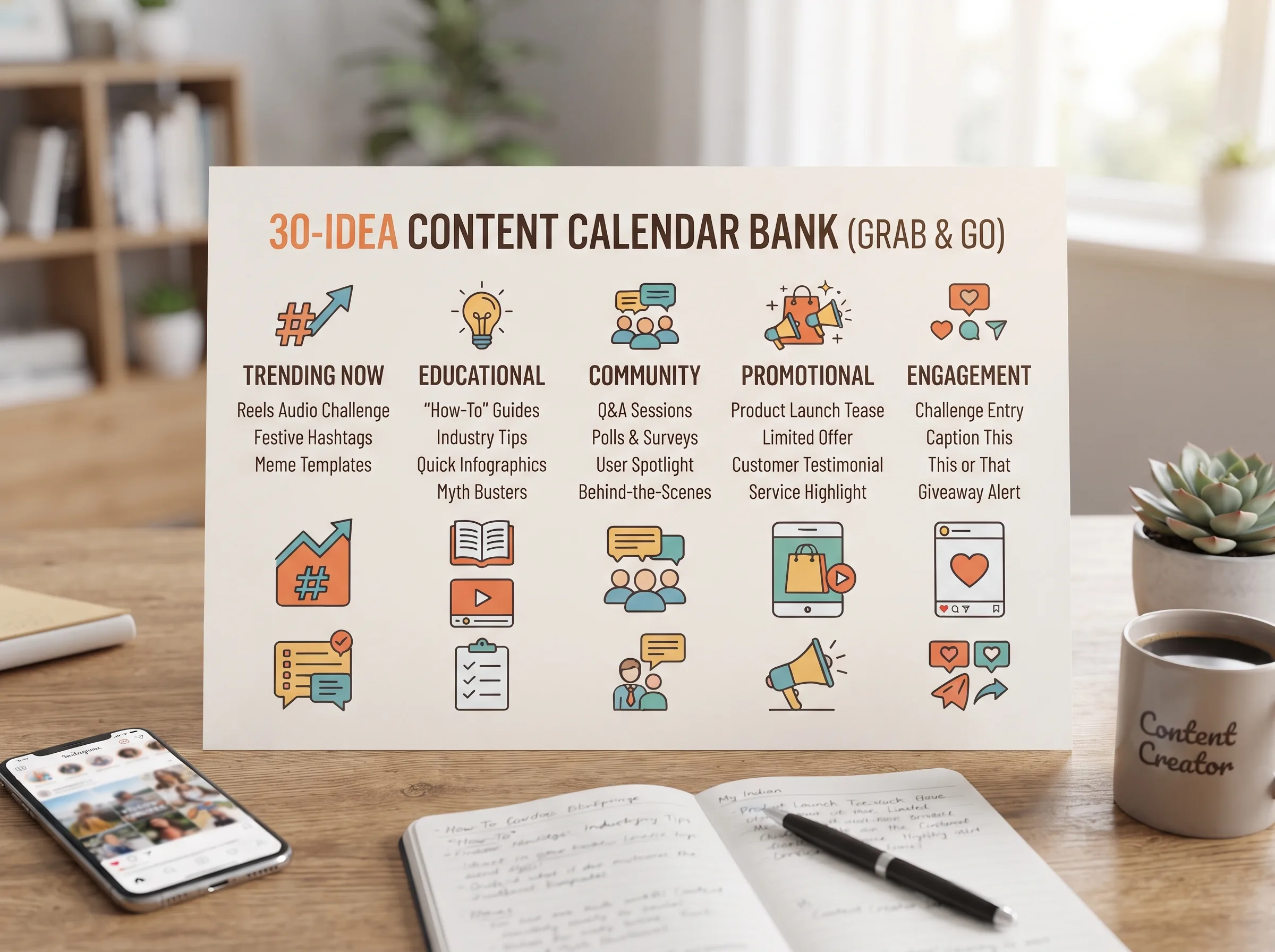
Pick 6 to 8 of these that fit your business, assign one per day, and you have a rotation instead of a decision you're making from scratch every morning.
Social media content ideas by industry: salon, boutique & local shop
The lists above work for almost any small business, but the ideas that convert best are the ones written for your specific shop, not a generic template. A boutique and a salon have different customers watching for different things.
For salons & spas
A client transformation Reel (with consent, sound off if the specifics are private) does more for bookings than almost any other single post type, because it's proof, not a promise. Pair it with a stylist Q&A ("how often should I actually get a trim?"), a "guess the service" teaser before the reveal, a festival-season offer post (wedding season readiness is a real search behavior in most Indian cities), and a slow-day availability Story ("2 slots open today at 4pm") that turns a quiet afternoon into booked chairs.
For boutiques & fashion sellers
A new-arrival Reel still works, but "styled one piece three ways" earns more saves because it answers a real question: can I actually wear this more than once. Add a customer try-on reaction, a restock alert for a print that sold out, and if you're also selling on Meesho or Myntra, a size-and-fit carousel solves the single biggest hesitation buyers have before checkout on marketplace listings, not just Instagram.
For other local businesses
A bakery's daily-special reveal, a cafe's process video (the pour, the plating), a gym's client milestone post, these work on the same logic as the buckets above: show the work, not just the finished product. A home bakery in Pune posting the actual mixing and piping process before the finished cake reveal will usually outperform the same cake shot alone, because the process is the part competitors don't show.
How to actually keep this going (without burning out)
Ideas alone don't survive contact with a busy week. The businesses that stay consistent aren't the ones with the most creative team, they're the ones with a system that removes the daily decision, because the decision was already made in one sitting a week earlier.
The batching approach that works: pick one day a month (or one afternoon a week if you post daily) and generate a bigger batch of ideas than you need, in themed sets, then repurpose each one across formats. A single product photo shot on a Tuesday can become a feed post, a Reel, and a Story the same week, three pieces of content from one thirty-second shoot. Keep a running list in your notes app of ideas that occur to you mid-week, a customer comment worth screenshotting, a process you almost forgot to film, so the list keeps growing between batching sessions instead of starting empty every time.
Even with a full list of content ideas for social media sitting in your notes app, the actual bottleneck for most small businesses isn't the idea, it's the execution: the shoot, the edit, the caption, the scheduling, done on top of running the actual business. Meta's own small-business resources repeatedly point back to consistency over volume as the thing that actually moves the needle, which is exactly the piece a running idea list and a batching habit are built to protect. That's the part worth solving with a tool — an AI social media manager — instead of raw willpower.
Turn this list into a calendar you'll actually use
Having the ideas solves half the problem. The other half is remembering which idea goes where, and getting each one shot, captioned, and posted on the right day before it slides to "tomorrow" for the third week running.
Scalio turns a product photo and a short brand brief into model-wearing photos and Reels in minutes, then drops them straight into a social media content calendar so a category from this list becomes a scheduled post instead of an idea sitting in a notes app. It replaces the shoot, the studio, and the agency retainer, starting from ₹999/month for 100 credits against a ₹10,000+ monthly agency doing the same work. Pull five ideas from the list above right now, drop them into your calendar for next week, and see how much lighter Sunday night feels. See how it works →
Once your calendar's full, pair it with the best time to post on Instagram so the right idea also lands in the right slot.
Frequently Asked Questions
How many social media content ideas do I actually need per month?
For a realistic small-business cadence of 3 to 5 posts a week, plan on roughly 12 to 20 core ideas a month, since Stories can stretch and reuse feed content. Picking one idea from 6 to 8 categories above and rotating them weekly covers a full month without repeating a format in the same week.
What should a salon or boutique post when they don't have new products every week?
Most weeks don't need a new product at all, they need a behind-the-scenes or educational post recycled from what's already happening in the shop. A salon with no new service to announce still has a client transformation, a stylist tip, or a slow-day availability Story available every single week.
How do I come up with content ideas without hiring an agency?
Use the six-bucket system above to generate your own ideas indefinitely, then batch-plan once a month instead of daily. For the execution side, shooting, editing, captioning, and scheduling, a tool like Scalio turns the raw idea and a product photo into a ready post without the agency retainer.
What's the difference between a content idea and a content calendar?
An idea is the what; a calendar is the when and how often. This list is the idea bank. A social media content calendar is where those ideas get assigned a day, a format, and a posting slot so they actually go live.