

It's Sunday night, a salon owner in Bangalore is scrolling her own Instagram trying to remember what she posted last week, and the honest answer is she doesn't remember, because there was no plan, just whatever felt postable in the ten minutes before closing. Monday's post is a repeat of last Monday's without her realizing it. This is the exact gap a content calendar is built to close.
Key definition: A content calendar is a planning tool that maps out what gets posted, on which platform, and on what date, so posting stops being a decision you make from scratch every single day.
Most advice stops at "just be consistent," which sounds reasonable and gives you nothing to actually do on a Tuesday morning. A content calendar is the thing that turns "be consistent" into an actual weekly action. This post covers what one is, what goes into it, how to build one in under an hour, and where to get one that's already filled in instead of a blank grid staring back at you.
TL;DR
- A content calendar maps what gets posted, on which platform, and on what date, so posting stops being a fresh decision every day.
- It's different from a content idea list: ideas are the "what," a calendar is the "when and how often."
- Six fields matter: date, platform, content bucket, hook/caption draft, asset status, posting time.
- Batching two to four weeks at once in one sitting beats planning day by day.
- Blank templates (Notion, Sheets, Trello) only give you the grid; you still have to fill it with actual photos and captions every week.
- Scalio drops ready posts straight into a social media content calendar so the calendar starts filled, not empty.
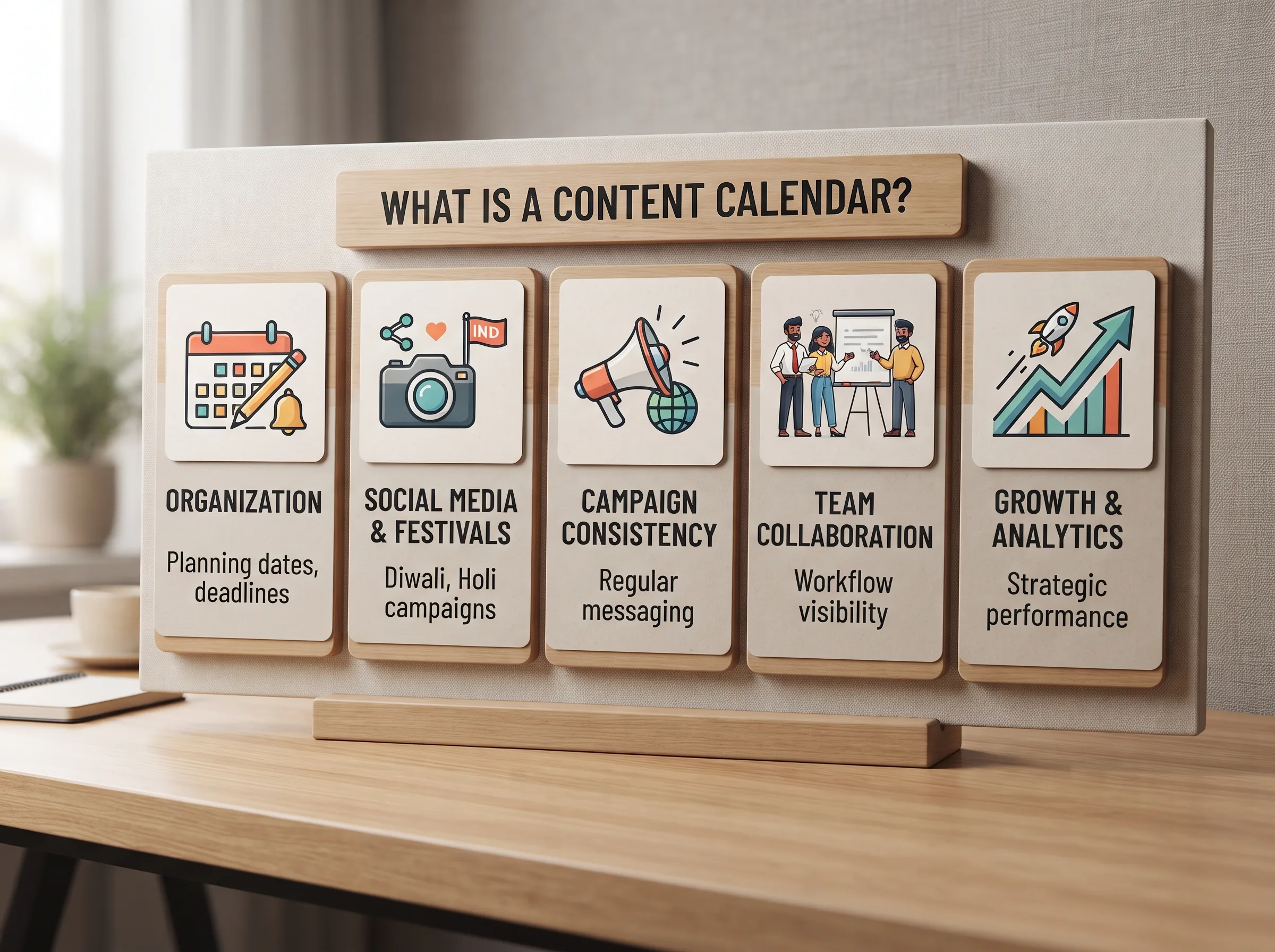
What is a content calendar?
A content calendar, at its simplest, is a schedule, usually a table or a board, that lists what content goes out, where it goes (Instagram, WhatsApp, Facebook), and when. That's it. It isn't a strategy document and it isn't a list of ideas on its own; it's the operational layer that turns ideas into dated, assigned, trackable posts. Instagram's own creator resources recommend planning posts ahead of time as a baseline habit for any account trying to grow consistently, which is exactly the gap a calendar closes.
Search the term and you'll land on Notion templates, Canva boards, HubSpot download pages, and Semrush explainers, all of which assume you already know what this is and just want the download. None of them stop to actually explain the concept plainly first, which is strange, because the confusion between "I have ideas" and "I have a calendar" is exactly where most small businesses get stuck. A boutique owner in Jaipur might have forty product photos and zero plan for which one goes out on Wednesday. That's an ideas problem solved, a calendar problem unsolved.
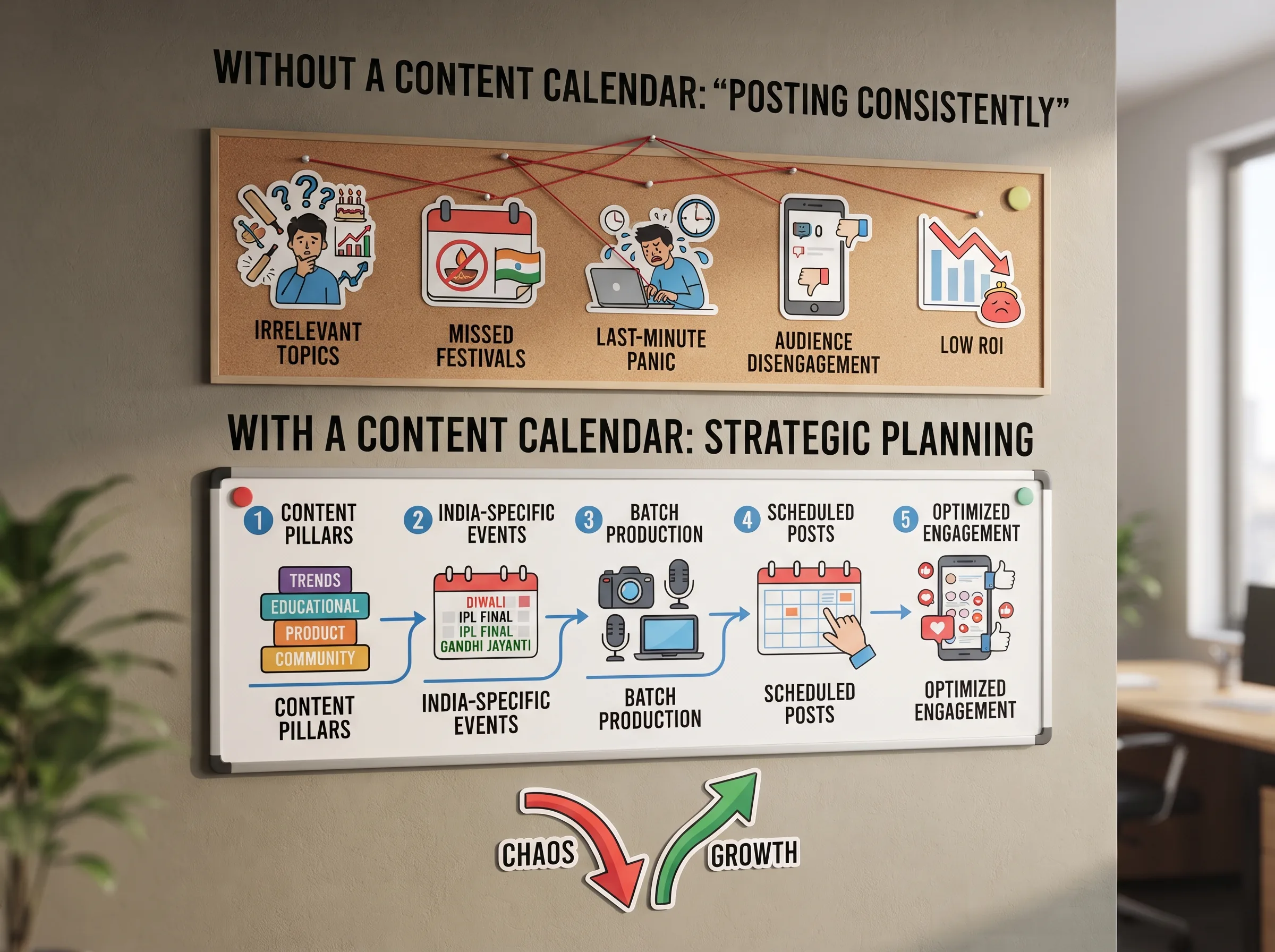
Why "just post consistently" doesn't work without a content calendar
"Post consistently" is true advice and completely unusable advice at the same time, because it doesn't tell you what to post today, only that you should post something. Without a calendar, every posting day becomes its own small crisis: open the app, stare at the caption box, scroll your camera roll, pick whatever's fastest, post it, forget it happened, repeat tomorrow.
That daily decision adds up. One founder described it plainly on Reddit: social media had been eating 14 hours a week of their startup's time, not because the content itself took that long to make, but because deciding what to post, every single day, cold, was the actual time sink. A calendar removes that daily decision by moving it upstream, into one sitting, instead of one crisis per posting day.
Key insight: The time a content calendar saves doesn't come from the grid itself, it comes from moving the "what do I post" decision from every single day to one batching sitting every two to four weeks.
Worth clearing up here: a content calendar and a content idea list aren't the same thing, even though people use the words interchangeably. An idea list is the "what," a pool of concepts to pull from. A calendar is the "when and how often," the schedule those ideas get slotted into. You need both. Short on the idea side? This list of content ideas feeds straight into the calendar below.
For a salon in Koramangala or a boutique in Jaipur, the practical version of this problem looks the same either way: Tuesday arrives, there's no plan, and "just be consistent" doesn't shoot the photo, write the caption, or pick the platform for you.
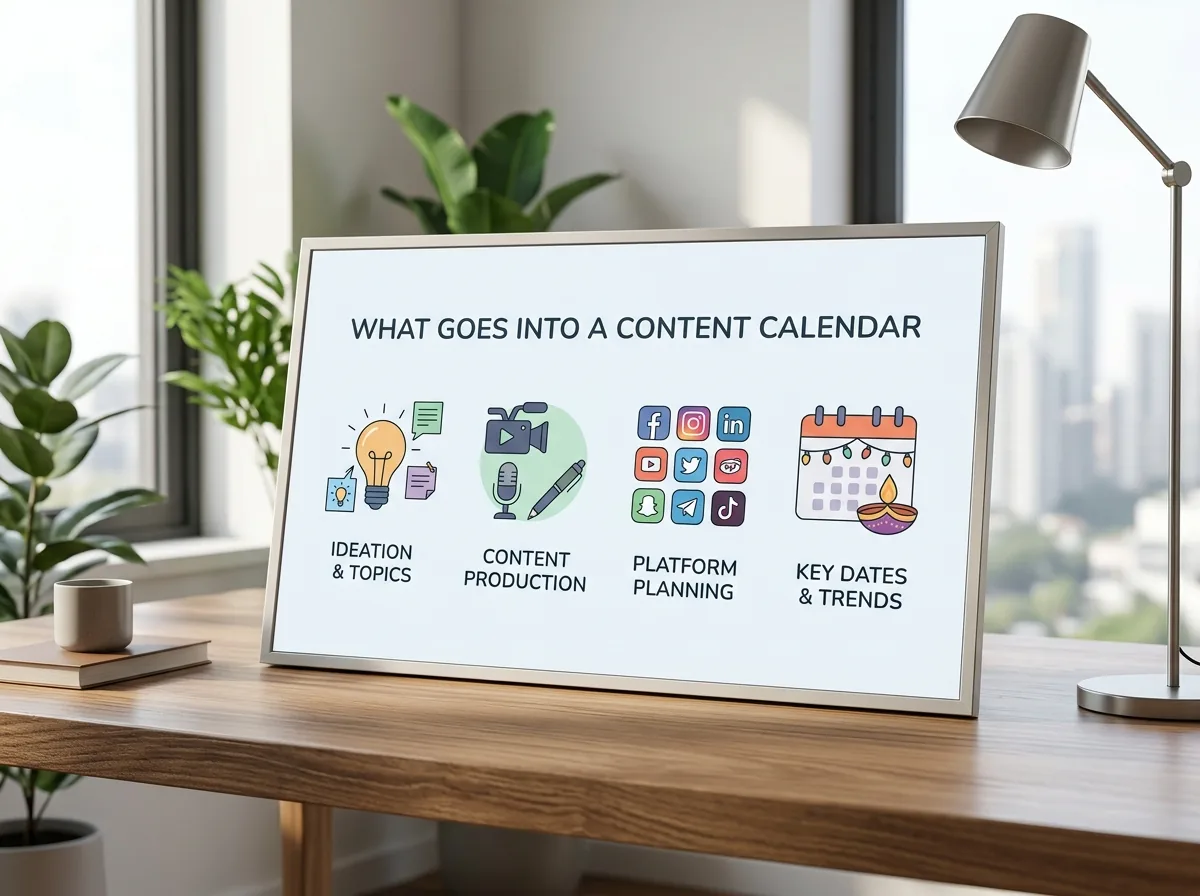
What actually goes into a content calendar
Strip away the tool-specific screenshots (every Notion tutorial spends the first five minutes just showing you their sidebar) and a content calendar is really a small number of fields, repeated for every post. Get these right and it doesn't matter whether you build it in a spreadsheet, Notion, or an app.
The fields every content calendar needs
- Date and day of week, when it goes live, not when you made it
- Platform, Instagram, WhatsApp Status, Facebook; not every post fits every platform
- Content bucket, which category it falls into (behind-the-scenes, educational, promotional, and so on; see the social media content ideas breakdown for the full set)
- Hook or caption draft, even one line, so posting day isn't also writing day
- Asset status, shot, edited, not started; this one field prevents more missed posts than any other
- Posting time slot, the actual hour, not just the day
Six fields, one row per post. Everything else (color coding, sidebar views, calendar sync) is decoration on top of that.
A single filled-in row makes this concrete:
| Date | Platform | Bucket | Hook | Asset status | Time |
|---|---|---|---|---|---|
| Wed, 10 Sep | Instagram feed | Promotional | "3 pieces left in this print" | Shot, needs caption | 6 PM |
Copy that row structure into whatever tool you already use, a spreadsheet, a notebook, Notion, and you have a working content calendar for social media without needing to learn a new app first.
How to build a content calendar for social media in under an hour
Every tutorial on this topic frames content calendar for social media setup as an hours-long project: build the Notion database, design the views, customize the fields. What creators who batch consistently keep repeating is simpler: the calendar itself takes minutes; it's the content behind it that takes time, and that time gets compressed by batching instead of by a fancier grid. One creator who posts across four channels put it plainly: about four hours a week total, because everything from ideation to scheduling happens in one sitting instead of daily. Here's the same approach compressed into an hour — or see the full from-scratch, step-by-step walkthrough if you want more detail at each stage.
Step 1: pick your content buckets first
Before you touch a calendar, decide your categories. Behind-the-scenes, educational, social proof, promotional, entertainment or trend, community, six buckets cover almost every small business post. Picking these first means you're never staring at a blank date cell wondering what kind of post even goes there.
Step 2: batch, don't fill in day by day
Block one sitting, a Sunday afternoon, a slow hour at the shop, and plan two to four weeks at once instead of one day at a time. This is the actual time-saver. A boutique owner in Jaipur planning festival-season content in one sitting gets a month of posts assigned in the time it would've taken to agonize over four separate days.
Step 3: fill in real dates and platforms
Turn the buckets into rows: Monday, educational, Instagram feed. Tuesday, behind-the-scenes, Instagram Story. Wednesday, promotional, Instagram feed plus WhatsApp Status. Real dates, real platforms, not placeholders, committing to specific days for specific bucket types instead of posting whatever's easiest whenever you remember.
Don't assign every day the same bucket every week, though. A salon that always posts "educational" on Monday trains its audience to expect that rhythm, good for consistency, but it goes stale. Rotate the order every second or third week while keeping the buckets the same.
Step 4: track asset status so nothing launches half-ready
Add one column: not started, shot, edited, ready. This single field is what stops the Tuesday-morning scramble where the post is scheduled but the photo isn't shot yet. It's the difference between a calendar that looks complete and one that actually is.
This is usually where a manually built content calendar template for social media quietly falls apart: dates and buckets get filled in during the planning sitting, full of good intentions, then the actual shoot never gets scheduled against them. A calendar with empty "ready" cells three days before they're due isn't a calendar anymore, it's a wish list with dates on it.
Content calendar templates vs. a calendar that's already working for you
Every template you'll find, Notion boards, Google Sheets, Trello cards, gives you the same thing: an empty grid with the right column headers. That's genuinely useful for organizing what you already have. It doesn't generate the caption, shoot the photo, or tell you what to post when you're out of ideas for the week; you're still doing all of that yourself, on top of running the business.
For a manufacturer in Surat or a Meesho seller managing listings across three marketplaces, the blank-template version means the calendar itself becomes another task competing for the same few hours a week. What closes the gap is a calendar that starts pre-filled, ideas and ready assets already sitting in the slots, so filling it out isn't a separate project from running the shop.
Think of it as the difference between a labeled filing cabinet and the actual files. Both useful, but only one means you're done. A template answers "where does this post go." A working calendar also answers "what is this post, and is it ready."
Direct answer: No, a downloadable content calendar template alone won't fix inconsistent posting. It gives you the grid; you still have to generate the ideas, shoot the assets, and fill every row yourself, every single time.
| Blank template (Notion, Sheets, Trello) | Pre-filled calendar (Scalio) | |
|---|---|---|
| Structure | You build the columns and views | Ready out of the box |
| Content ideas | You come up with them yourself | Ideas and generated assets already in the slots |
| Photos and Reels | Shoot or edit them separately | Generated from your product photo + brief |
| Weekly effort | Planning time plus execution time, every week | Mostly review and post |
Build your content calendar with Scalio
Having the structure solves half the problem. The other half is filling every slot with an actual photo, caption, and asset, week after week, without it becoming a second job. Meta's own small-business resources point to consistency over volume as the thing that actually moves the needle for a small account, which is exactly what a working calendar is built to protect.
Scalio turns a product photo and a brand brief into model-wearing photos and Reels in minutes, then drops them straight into a social media content calendar, so building the calendar and filling it stop being two separate chores. It replaces the shoot, the studio, and the agency retainer, starting from ₹999/month for 100 credits against a ₹10,000-plus monthly agency doing the same work. Pair it with when to actually post what you've scheduled so the calendar isn't just full, it's timed. See how it works →
Frequently Asked Questions
What is a content calendar in social media?
A content calendar is a planning tool that maps what gets posted, on which platform, and on what date, so posting isn't a decision made fresh every day. It's the schedule layer sitting on top of your content ideas, turning "I should post something" into "Tuesday is the educational post, already drafted."
What's the difference between a content calendar and a content idea list?
An idea list is the "what," a pool of raw post concepts to draw from. A calendar is the "when and how often," the dates, platforms, and status those ideas get assigned to. You need both; this content idea bank covers the idea side, this post covers the calendar side.
How far in advance should a small business plan its content calendar?
Two to four weeks at a time is a realistic batching window, planned in one sitting rather than daily. It's long enough to cover a festival or a launch without so far out that plans go stale before they're used.
Do I need special software to make a content calendar?
No. A spreadsheet or a Notion board covers the structure fine. The real bottleneck for most small businesses isn't the grid, it's filling it: shooting the photo, writing the caption, getting it scheduled on time, on top of running the actual business. That's the part worth solving with a tool instead of raw willpower.