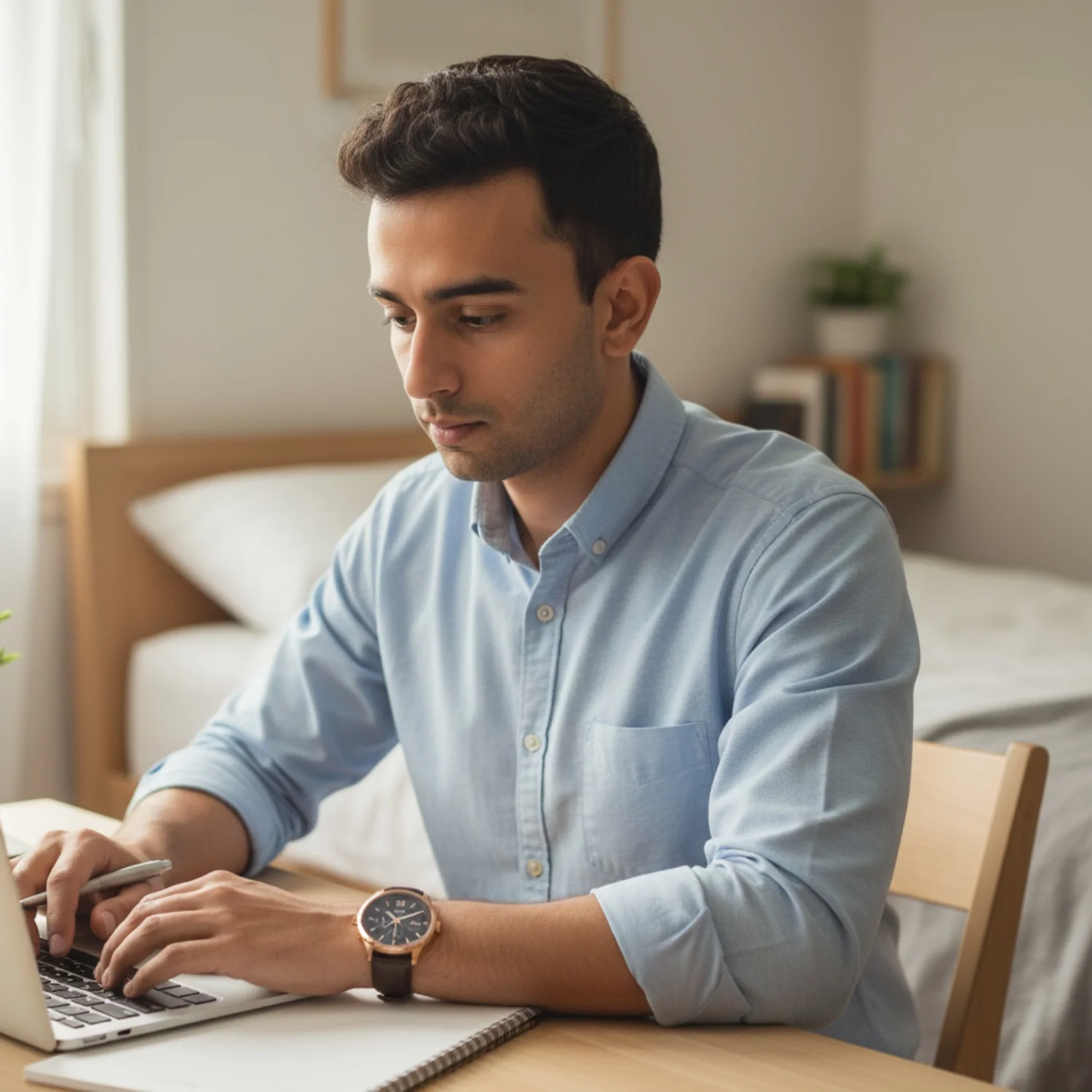
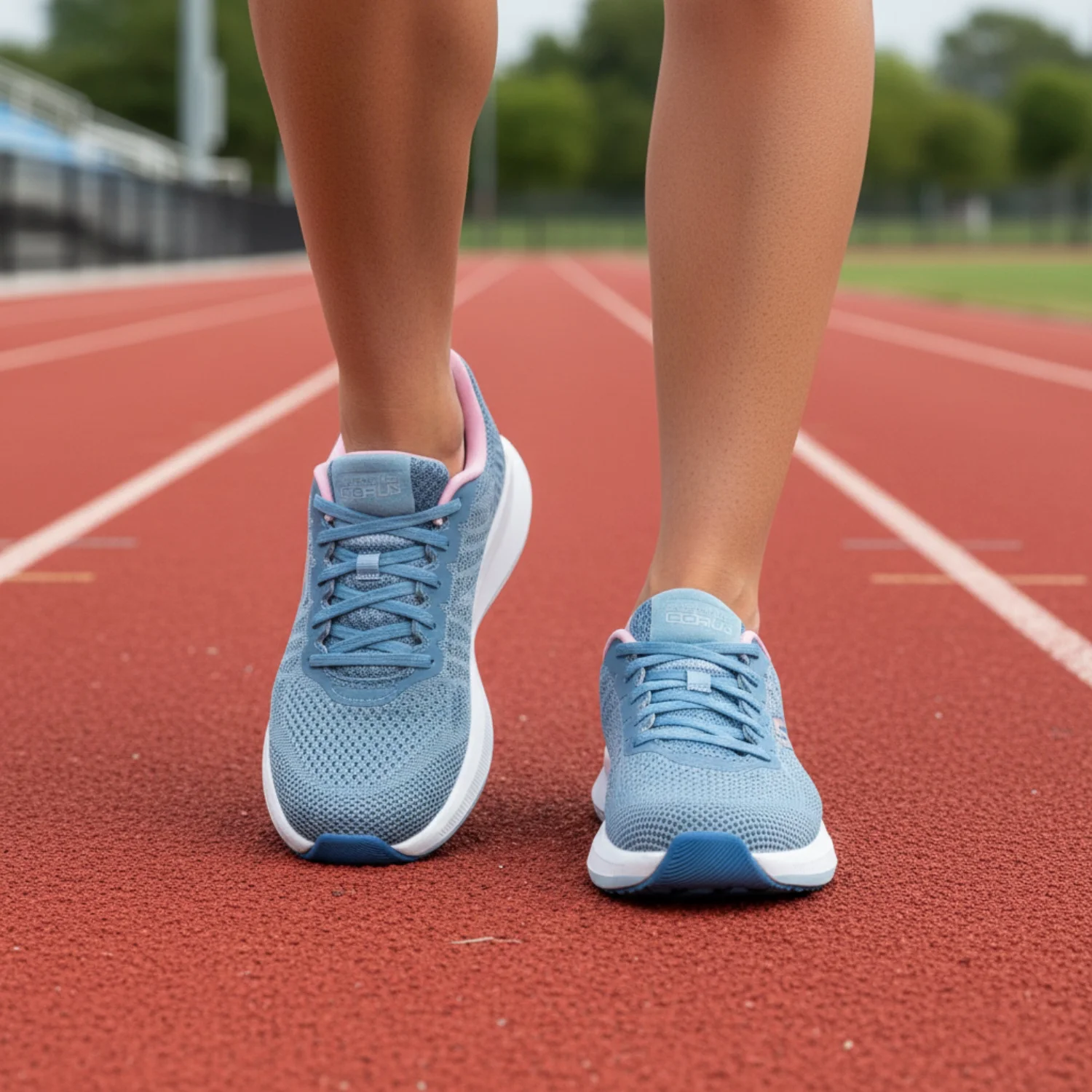
AI Photoshoot

AI photoshoots for every product, catalog, and campaign. No studio. No camera crew.

Upload a product, garment, or brand photo. Scalio turns it into studio shots, lifestyle scenes, model photos, marketplace-ready visuals, and ad creatives.

One photo becomes a full campaign shoot

Use simple phone shots, pack shots, or catalog images as the input. Scalio creates multiple usable outputs for PDPs, marketplaces, ads, social posts, and launch pages.

  • Studio and lifestyle backgrounds
  • Model and mannequin style outputs
  • Marketplace crops and clean exports

Built for Indian sellers and D2C brands

Fashion, beauty, jewellery, food, home decor, and service brands can create visuals for the channels where Indian buyers already discover them.

  • Amazon, Flipkart, Myntra, Meesho, Shopify, and Instagram use cases
  • Festival and seasonal campaign looks
  • Hindi, Hinglish, English, and regional content context

Brand-aware results, not random prompts

Scalio learns your logo, colors, products, voice, and audience so each generated photoshoot feels like your business instead of a generic AI image.

  • Brand kit applied across outputs
  • Reusable styles for repeat campaigns
  • No prompt engineering required

Comparison

Scalio vs a single-purpose AI photoshoot tool

Most photoshoot tools solve one visual task. Scalio connects photoshoots to Reels, ads, posters, and calendar planning.

Decision point
Scalio
Single-purpose photoshoot tool
Product photos
Product, fashion, model, and campaign-ready outputs
Usually product-image focused
Brand learning
Learns brand once from links and setup
Often per-template or per-prompt
Next step after photo
Turn images into ads, posts, Reels, and calendars
Export and edit elsewhere

Playbook

How business owners use AI photoshoots in Scalio

A practical workflow for replacing ad hoc shoots with repeatable creative production.

1

Upload the product or garment

Start with a clean phone shot, pack shot, flat lay, storefront, or catalog image.

2

Pick the sales context

Choose product page, marketplace listing, festive campaign, ad creative, or social post.

3

Generate and reuse

Download images, turn the best ones into posts or Reels, and keep the style for the next campaign.

FAQ

Answers for business owners

What is an AI photoshoot?

An AI photoshoot turns a basic product or business photo into studio, lifestyle, model, catalog, or campaign visuals without a physical shoot.

Can Scalio make marketplace-ready photos?

Yes. Scalio is built for ecommerce use cases such as Amazon, Flipkart, Myntra, Meesho, Shopify, Instagram, and product ads.

Do I need prompting skills?

No. Scalio uses guided templates and brand setup so business owners can create without writing complex prompts.

Can I try it free?

Yes. You can set up your business and preview what Scalio can create before choosing a paid plan.

Make the next campaign shoot from your phone.

Set up your business once. Generate photoshoots, posts, ads, and Reels in one place.