

A boutique owner in Jaipur opens Instagram to post something, anything, and realizes she posted the exact same block-print kurti angle three weeks ago, she just forgot. There was no record of what went out when, so nothing was stopping the repeat. Learning how to create a social media calendar isn't about finding the right app. It's about building the process that catches that kind of repeat before it happens, and this post walks through that process from a blank page to a filled-in week, no existing calendar required.
Key definition: A social media calendar is a planning process and document that maps what gets posted, on which platform, and on what date, built by auditing past posts, choosing content buckets, and batching several weeks at once instead of deciding fresh every day.
Direct answer: No single app or template creates a social media calendar for you. The calendar comes from five steps done in order: audit your last month of posts, pick your platforms and cadence, decide your content buckets, fill in dated rows, then schedule on a weekly rhythm. Skipping straight to a blank grid without the first three steps is why most calendars stall by week three.
TL;DR
- Start with an audit: pull your last 4-8 weeks of posts before you plan anything new.
- Pick one or two platforms and a cadence you can actually keep, not an aspirational one.
- Decide your content buckets before you touch a calendar grid, then batch 2-4 weeks in one sitting.
- Fill in real rows: date, platform, bucket, caption draft, asset status, posting time.
- Schedule on a weekly rhythm, and review it every week so it doesn't go stale by week three.
- Skip the blank grid entirely with the free pre-filled template, or let Scalio fill it for you.
How to create a social media calendar: Step 1, audit what you've already posted
Before you build anything new, look at what you've already put out. Open your last 4-8 weeks of posts on whichever platform you use most and actually look at them side by side, not scrolling past them the way you normally would. Two things fall out of this immediately: which posts got real engagement, and which topics you've quietly repeated without noticing.
This step doesn't take long, twenty minutes with a notes app open, but it's the one step every calendar template skips, because a template assumes you're starting from zero. Most small businesses aren't. A salon in Koramangala usually has three months of Reels already sitting in their camera roll and their Instagram grid, they just haven't looked at the pattern in one sitting before. Instagram's own creator resources list planning ahead as a baseline habit for any account trying to grow consistently, and an audit is where that planning actually starts.
You don't need analytics software for this first pass, either. Scroll your own grid or feed, screenshot the posts that visibly outperformed the rest, and jot down a one-line reason next to each: "customer photo," "before-after," "festival offer." That short list becomes the seed of your content buckets in Step 3, built from what your specific audience actually responded to, not a generic list copied from a marketing blog.
What to look for in your last month of posts
Note which posts got noticeably more likes, saves, or comments than the rest, that's a signal for a content bucket worth repeating. Note anything you posted more than once without meaning to, a repeated product angle, the same generic "we're open" caption reworded. And note which platforms you actually posted to versus which ones you meant to but didn't, that gap is your real cadence, not the one you'd planned.

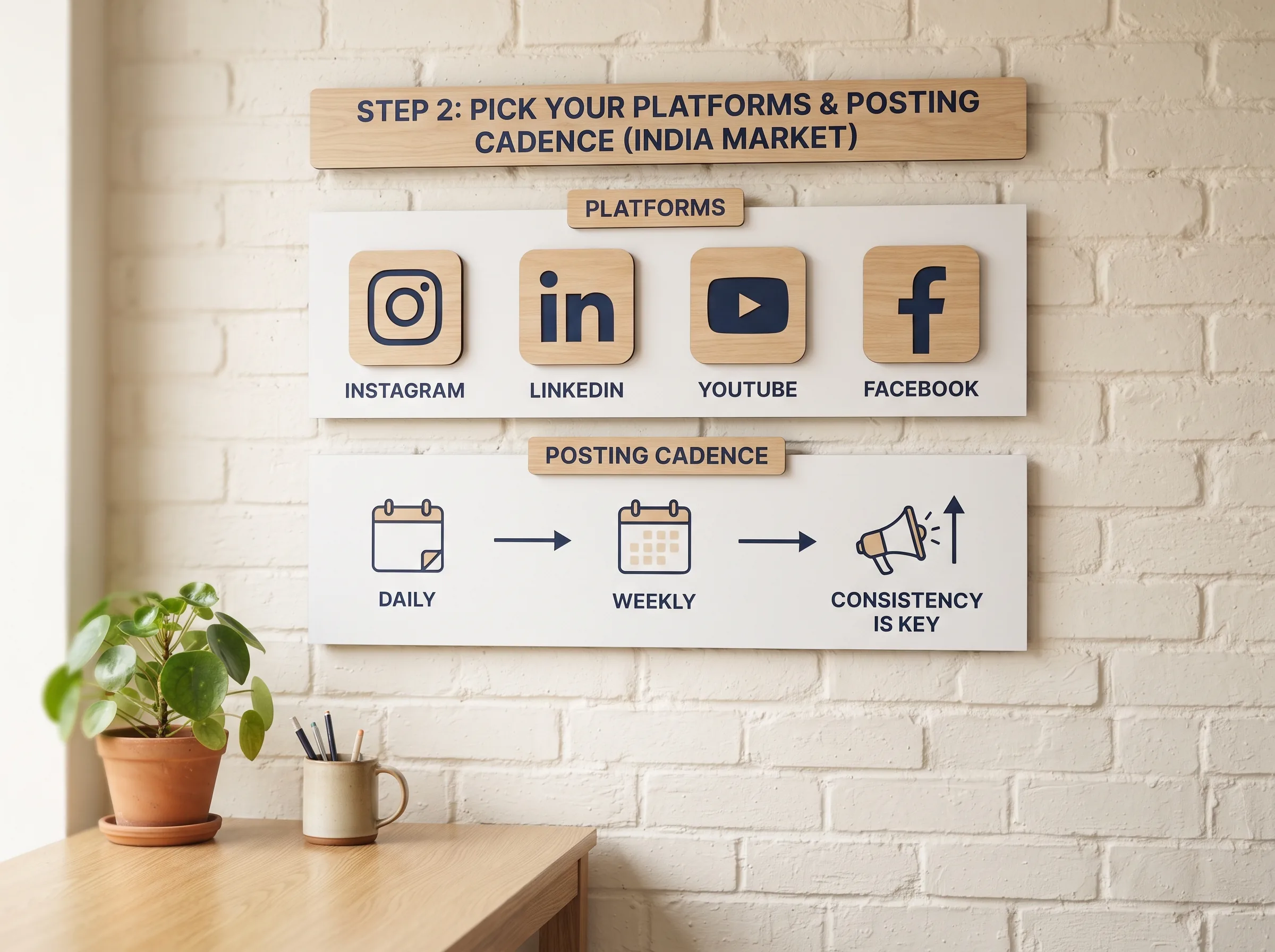
Step 2: Pick your platforms and posting cadence
Once you know what you've actually been doing, decide what you're doing going forward, starting with platforms. The instinct is to try to be everywhere, Instagram, Facebook, WhatsApp Status, maybe a YouTube Shorts account too. One well-known social media walkthrough opens with exactly this warning before it shows a single calendar field: pick one platform to focus on first, based on the kind of content that actually fits your business, before trying to take on all of them at once.
For a salon in Koramangala, that usually means Instagram plus WhatsApp Status, one for growth, one for existing clients, rather than spreading the same three posts a week across four platforms and doing all of them half-heartedly. Cadence works the same way: three solid posts a week beats a "daily posting" plan that survives exactly nine days before it collapses under a busy week.
How many platforms is too many to start
If you can't name, right now, who is actually posting to a platform and when, that platform isn't part of your real cadence yet, it's aspirational. One platform mastered with a consistent cadence outperforms three platforms touched inconsistently, and it's a lot easier to learn how to plan a social media calendar for one channel than for four at once. Instagram's own business guidance is a reasonable starting point once you've picked your primary platform, walking through account setup and posting basics without assuming you're already running three channels at once.
Step 3: Batch-plan your content buckets
This is the step most people skip straight past, and it's the one that separates a calendar that survives from one that quietly dies by week three. Before you open a calendar grid at all, decide your content buckets, the categories every post falls into. Behind-the-scenes, educational, social proof, promotional, trend or entertainment, community, most small businesses need somewhere between four and six of these. Pick the buckets first, then plan dates against them, not the other way around.
One creator who posts across two YouTube channels, two Instagram accounts, TikTok, and a newsletter put a number on why this order matters: she spends around four hours a week total on content, covering ideation, filming, and scheduling, and the reason it fits into four hours is that it all happens in one batching sitting instead of daily. That's the actual argument for how to create a content calendar for social media that doesn't eat your week: the calendar itself takes minutes to fill in once the buckets exist, it's deciding what to post, from scratch, every single day, that eats the time.
Key insight: The time a social media calendar saves doesn't come from the grid, it comes from moving the "what do I post" decision from every single day to one batching sitting every two to four weeks.
Why batching beats planning day by day
Block one sitting, a slow Sunday afternoon, an hour after closing, and plan two to four weeks of buckets at once instead of one day at a time. A boutique owner in Jaipur planning an entire festival season in one sitting gets a month assigned in less time than four separate days of "what do I post today" would have taken. Don't lock every day to the same bucket forever either, a salon that always posts educational content on Monday trains its audience into that rhythm, which is fine for a while but goes stale, so rotate the order every second or third week while keeping the same buckets.

Step 4: Fill in the actual calendar
With buckets decided and a batching sitting blocked, this is where buckets become dated rows. Six fields cover almost everything a working calendar needs: date, platform, content bucket, a caption or hook draft (even one line), asset status, and a posting time slot. That's it, everything else, color coding, sidebar views, calendar sync, is decoration on top of those six fields.
Rather than building this grid from an empty spreadsheet, there's already a filled-in version worth starting from: the free social media calendar template comes pre-loaded with real example rows for a salon and a boutique, so you're editing a working sheet instead of staring at blank columns. Copy its structure, swap in your own dates and captions, and you've skipped the part of "how to make a social media calendar" that usually takes the longest, deciding what the columns should even be.
The fields your calendar actually needs
Date and platform are self-explanatory. Content bucket keeps you from posting five promotional rows in a row without noticing, pull from the content idea bank whenever a bucket's caption column runs dry. Asset status, not started, shot, edited, ready, is the single field that stops the Tuesday-morning scramble where a post is scheduled but the photo behind it was never taken.
Step 5: Schedule and publish on a rhythm
Once rows are filled, scheduling is the easy part, most platforms now support native scheduling directly in-app, and third-party tools exist if you're managing several accounts at once. What actually matters more than which tool you use is the weekly review habit: fifteen minutes every week to check what's scheduled, what still needs a photo, and what's about to go live with a caption that was never finished.
This is also where the "when" question sits on top of the "what" question this whole process has been answering. Once your calendar is filled, the best time to actually post it becomes worth checking, since a fully planned week posted at the wrong hour still underperforms an unplanned one posted at the right hour. Learning how to organize a social media calendar means treating both the schedule and the timing as part of the same system, not two separate problems.
A weekly review sitting is also where the audit from Step 1 turns into a habit instead of a one-time fix. Fifteen minutes at the same point every week, check what actually got posted against what the calendar said should have, and you catch the same repeat-content problem that started this whole process before it happens a second time, rather than noticing it three weeks late again.
Get a calendar that's already filled in
Following these five steps gets you a working calendar built from scratch, audited, batched, and filled in with your own buckets and dates. If you'd rather start from something already built instead of an empty grid, the free social media calendar template has real example rows for a salon and a boutique ready to edit today.
| Building it yourself (this guide) | Pre-filled calendar (Scalio) | |
|---|---|---|
| Structure | You audit, choose buckets, build rows | Ready out of the box |
| Content ideas | You come up with them from your own audit | Ideas and generated assets already in the slots |
| Photos and Reels | Shoot or edit them separately, per row | Generated from your product photo + brief |
| Weekly effort | Batching sitting plus execution time, every cycle | Mostly review and post |
Scalio turns a product photo and a brand brief into model-wearing photos and Reels in minutes, dropping them straight into a social media content calendar so the grid starts filled instead of empty, no separate shoot, no waiting on a photographer, no Status column stuck on "Idea" for another week. It replaces the shoot, the studio, and the agency retainer, starting from ₹999/month for 100 credits against a ₹10,000-plus monthly agency doing the same planning-plus-shooting work. See how it works →
Frequently Asked Questions
How do I create a social media calendar from scratch?
Audit your last month of posts, pick one or two platforms and a cadence you can realistically keep, decide your content buckets before opening any calendar grid, batch-plan two to four weeks in one sitting, then fill in dated rows with an asset status column so nothing launches half-ready.
What should a social media calendar include?
Six fields per row cover it: date, platform, content bucket, a caption or hook draft, asset status (shot, edited, ready), and a posting time slot. Everything beyond that, color coding, extra views, is optional decoration on top.
How far in advance should I plan my social media calendar?
Two to four weeks at a time, batched in one sitting rather than planned day by day. That's long enough to cover a festival or a launch without planning so far ahead that ideas go stale before they're used.
Do I need special software to make a social media calendar?
No. A spreadsheet, a notebook, or the free downloadable template all work fine for the structure. The real bottleneck for most small businesses isn't the grid, it's filling it every week with an actual photo and caption on top of running the business.