
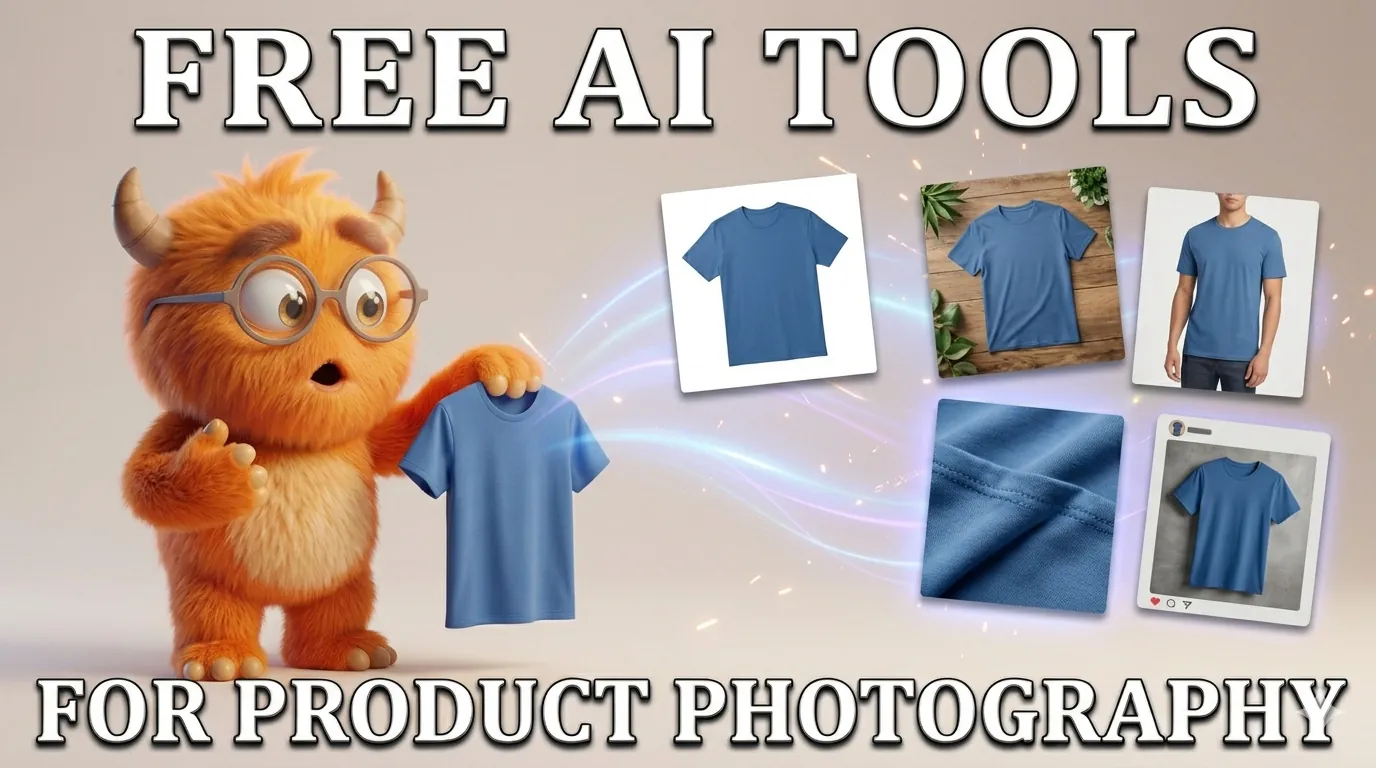
TL;DR
- All five tools on this list let you start without paying upfront — but 'free' means different things across each one.
- Some free tiers produce watermarked images not usable for commercial listings; others give you genuine free preview or unlimited basic features.
- Scalio (#1 for Indian ecommerce): try for free before choosing a plan, commercially usable, built for Myntra/Flipkart/Amazon India.
- The critical question before using any free tier commercially: does it add a watermark, and do the terms of service explicitly allow commercial use?
Every tool on this list lets you generate or edit product images without paying upfront. But free tiers in AI photography vary enormously — some give you commercially usable images, others add watermarks that make the output unusable for marketplace listings. This guide cuts through that clearly. For each tool, we tell you exactly what the free tier gives you, what it takes away, and when you need to upgrade.
What 'Free' Actually Means for AI Product Photography Tools
Before diving into tools, the two questions that matter for any seller considering a free tier. If you already know you want a marketplace-ready result, our AI product photoshoot tool skips the free-tier limits entirely.
| Question | Why It Matters |
|---|---|
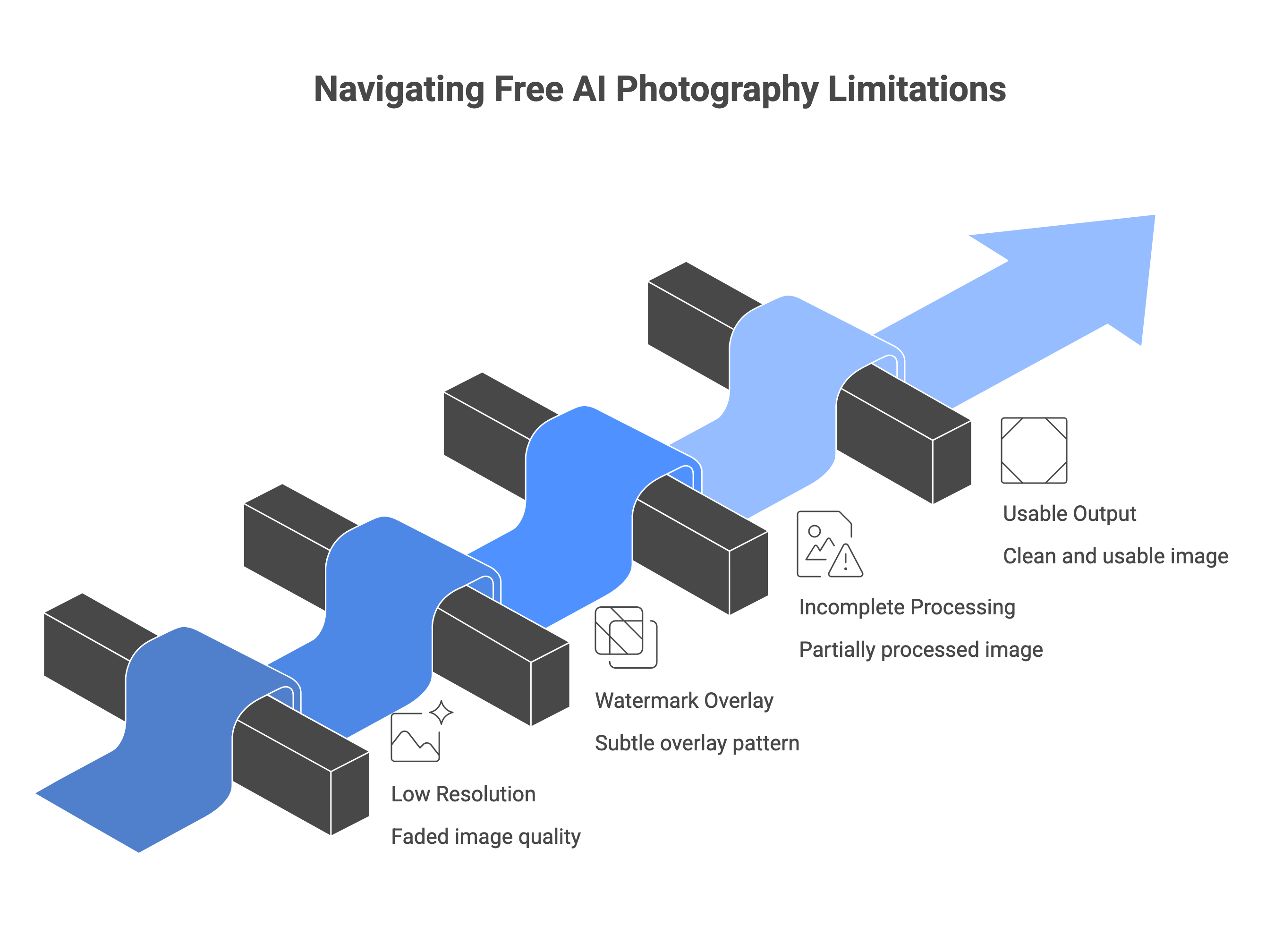
| Does the free export have a watermark? | A watermarked image cannot be used on Amazon, Flipkart, Myntra, or any marketplace — you are advertising the tool, not your product. |
| Do the terms of service allow commercial use? | Some free plans explicitly prohibit commercial use. Using a free-tier image in a listing could violate the tool's terms even if there is no watermark. |
| What resolution does free give you? | Low-resolution free exports may be below marketplace minimum requirements. |
| How many free generations per month? | A tool offering try for free/month is fundamentally different from one offering 250 exports — the difference determines whether the free tier is genuinely useful or just a demo. |
All 5 Tools at a Glance
| Tool | Best For |
|---|---|
| Scalio | Indian ecommerce — Myntra, Flipkart, Amazon India — ethnic wear |
| Photoroom | Testing and evaluation only; upgrade needed for listings |
| remove.bg | Background removal testing; not suitable for marketplace images |
| Canva | Simple listings, branded templates, social media images |
| Pixa | Mobile-first sellers; quick edits; most affordable paid upgrade |
The 5 Best Free AI Product Photography Tools: Full Reviews
| #1 Scalio Best for Indian Ecommerce — Free Start, Commercially Usable ★ Top Pick — 5 genuinely usable free preview, no watermark, built for Indian marketplaces 🆓 Free tier: try for free on signup, no card required. ✅ Best for: Indian ecommerce sellers on Myntra, Flipkart, Amazon India, and Ajio. The only tool in this list built specifically for Indian marketplaces, Indian model poses, and ethnic wear categories (sarees, kurtis, lehengas). 🔗 Scalio → |
|---|
| #2 Photoroom 🆓 Free tier: 250 exports per month. Free exports carry a visible Photoroom watermark and are explicitly not licensed for commercial use per Photoroom's terms. ✅ Best for: Sellers who want to thoroughly test AI product photography before committing to a paid plan. The 250-export limit is generous for evaluation. Also strong for: background removal, lifestyle scene generation, AI fashion models. 🔗 Photoroom → |
|---|
| #3 remove.bg 🆓 Free tier: Free plan, limited to some extent. ✅ Best for: Quick background removal testing at no cost. Useful for evaluating output quality on your specific products before buying HD credits. Also: integrates with Figma, Photoshop, and Zapier for workflow automation. 🔗 remove.bg → |
|---|
| #4 Canva 🆓 Free tier: Free plan includes AI Background Remover, Magic Edit, templates, and basic design tools — no watermark on standard exports. No credit limit on core features. ✅ Best for: Sellers who need more than just background removal — Canva's free plan covers background removal plus branded templates, text overlays, and multi-platform resize. Good for social media images, simple listing images, and ad creatives alongside product photos. 🔗 Canva → |
|---|
| #5 Pixa 🆓 Free tier: Free plan includes basic editing tools with no watermark on exports. Commercially usable for basic edits. ✅ Best for: Best suited to sellers with small catalogs needing quick, clean product image edits on the go. 🔗 Pixa → |
|---|
| ✦ Start with Scalio — 5 Free Credits, No Card Required → ✦ Indian marketplace-ready · Ethnic wear support · Commercially usable from day one |
|---|
Which Free Tool Should You Start With?
| Your Situation | Start Here |
|---|---|
| Selling on Myntra, Flipkart, Amazon India — need compliant listing images | Scalio |
| Selling ethnic wear (sarees, kurtis, lehengas) | Scalio |
| Want to test AI photography extensively before paying anything | Photoroom |
| Only need background removal / background change — already have good product shots | remove.bg |
| Need background removal + branded templates + social media images | Canva free plan |
| Editing on mobile, small catalog, tight budget | Pixa |
| Selling on Shopify and want seamless integration | Photoroom or Scalio |
🔗 AI vs Traditional Photography — Full Cost Comparison →
What Free Tiers Don't Cover (And When to Upgrade)
Free tiers are designed to get you started — not to run a full catalog. The triggers that consistently push sellers toward paid plans:
| Common Reasons Sellers Upgrade from Free to Paid Volume: processing more than a handful of images per month; free preview ends quickly on any tool. Watermarks: free exports on most tools are watermarked and/or not licensed for commercial use in listings. Resolution: free tiers often cap at lower resolutions (Photoroom free exports, remove.bg previews) — below what marketplaces recommend. Batch processing: processing a 50+ SKU catalog manually one image at a time defeats the purpose of AI photography. Consistency: maintaining the same background, lighting, and style across a full catalog requires features typically locked behind paid plans. Marketplace-specific templates: correct framing for Myntra, Flipkart, or Amazon India requires paid tiers on most tools. |
|---|
🔗 Bulk Product Photography AI →
Frequently Asked Questions
Are AI product photography tools really free?
Some tools offer genuinely free tiers — Scalio gives 5 commercially usable credits with no card required. Canva's free plan includes background removal with no watermark. Pixa's free plan allows basic editing.
Can I use free AI product photo tools for Amazon or Flipkart listings?
It depends on the tool. Scalio produces commercially usable images at the correct resolution for Amazon India and Flipkart. Canva's free plan allows commercial use on standard exports.
What is the best completely free AI product photography tool?
For Indian e-commerce: Scalio. For general use: Canva's free plan. If you only need background removal, remove.bg offers free low-resolution previews to test quality before buying HD credits. For mobile-first sellers on a tight budget, Pixa's free plan covers basic edits without a watermark.
Which free tool works on mobile for quick product photo edits?
Pixa is the strongest mobile option on this list, it has full iOS and Android apps with no watermark on the free tier and basic editing tools that work well for quick product cleanup before uploading to a marketplace.
| ✦ Try Scalio Free — 5 Credits, No Card Required → ✦ Commercially usable from day one · Indian marketplace templates · Ethnic wear support |
|---|