

Saree product photography: the short answer
A textile wholesaler in Surat lists the same banarasi saree on Meesho, Amazon, and Flipkart. Three platforms, three different photo sets, one saree. The zari border that looks rich in person shows up flat and grey in the listing photo. A buyer scrolls past it for a competitor's shot where the same border catches the light properly. Nothing about the saree changed. The photo did the damage.
TL;DR: Good saree product photography comes down to four things: steam and pin the drape before you shoot, use a plain background for marketplace compliance, light silk and zari with soft diffused light instead of a harsh flash, and capture five specific angles (full drape, pallu, border detail, blouse piece, flat-lay). If a full shoot isn't realistic for every SKU, an AI tool can generate marketplace-ready variants from one product photo.
Saree product photography is genuinely harder than photographing a t-shirt or a pair of jeans, and most guides on this topic skip straight to "hire a photographer" without explaining what actually goes wrong. This one doesn't.
Key definition: Saree product photography is the process of photographing sarees for ecommerce listings in a way that shows drape, fabric texture, and embellishment (zari, silk sheen, embroidery) accurately, so a buyer can trust the listing photo matches the physical product.
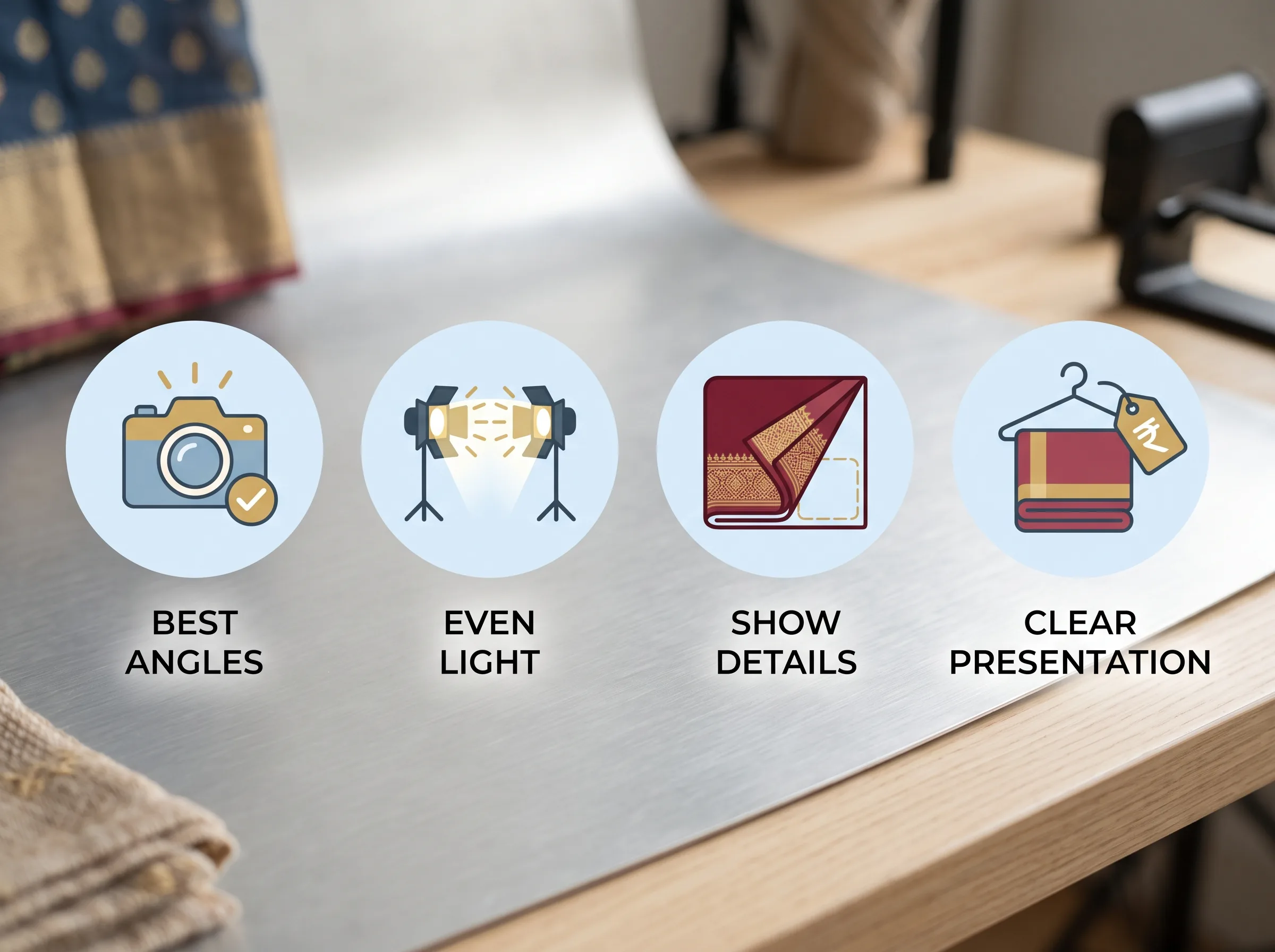
Why saree product photography is harder than it looks
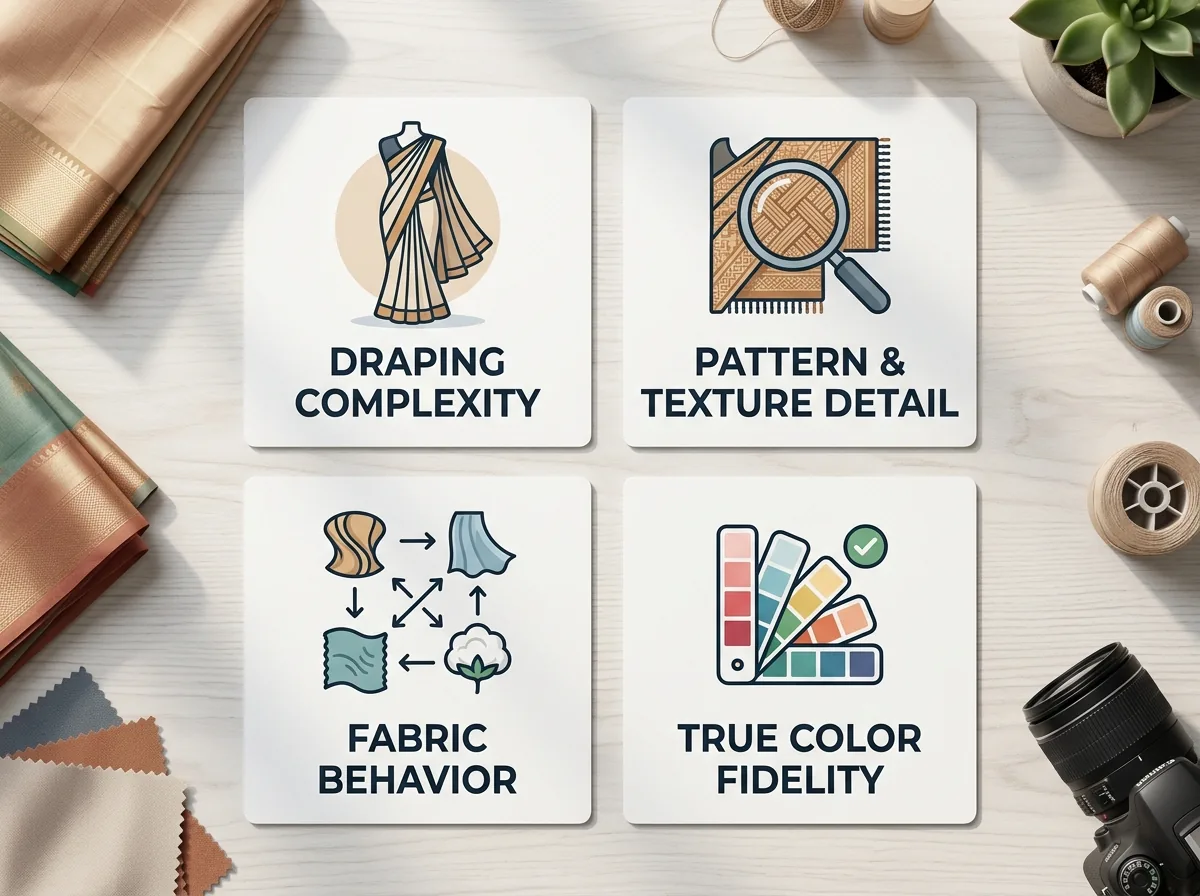
A saree is six to nine yards of fabric that has to be draped, not just laid flat, for a buyer to understand how it looks worn. That drape has to be redone for every single shoot, by hand, and a bad pleat ruins the shot before the camera even matters.
Then there's the fabric itself. Silk has a sheen that shifts depending on the light angle. Zari work, the metallic thread woven into the border and pallu, either catches light beautifully or turns into a flat grey smear depending on how it's lit. Sequins and stone work reflect unpredictably. A saree photographed under the same flat lighting you'd use for a plain cotton kurta will lose all of that detail, and detail is exactly what a buyer is paying extra for.
On top of that, marketplace listings usually need both a flat-lay shot (for catalogue compliance) and a worn or draped shot (so the buyer can picture the fall). Most other apparel categories only need one or the other. A saree needs both, done well, every time.
Color accuracy is its own headache. Deep reds, maroons, and jewel tones are notoriously hard to photograph true to life, and a camera's white balance can shift a rich maroon into something closer to brick orange under the wrong lighting. Buyers who receive a saree that looks noticeably different from the listing photo return it, and every return eats into margin on top of the shoot cost you already paid for.
Step 1: Draping and prep before you shoot
Steam or iron the saree fully before it goes anywhere near a camera. Creases from packaging show up worse in photos than they do in person. Pin the pleats so they hold their shape under studio lights, which tend to move fabric with airflow from AC vents or fans.
From here, decide your format: flat-lay (folded, laid on a surface), mannequin drape (no live model needed), or a model wearing it. Flat-lay and mannequin drape cover most marketplace listing requirements without booking a model at all, which matters if you're listing dozens of SKUs and can't justify a model day for each one.
Step 2: Background and setup for marketplace listings
Amazon, Flipkart, and Meesho all expect a plain white or light-grey background for the primary listing image, this is a catalogue compliance requirement, not a style choice. Amazon Seller Central's own product image guidelines require a pure white background for the main image, and platforms enforce this in QC before a listing goes live. Save the styled backgrounds, the props, the festive set dressing for your Instagram or website lookbook shots.
Keep the surface completely flat and check for shadows creeping in from the sides, they read as dirt or damage on a phone screen. If you're shooting a worn drape, a plain backdrop still wins for the primary listing photo, with a more styled shot reserved as a secondary image.
Step 3: Lighting silk, zari, and embellished fabric
This is the part most saree photography guides skip entirely, and it's the difference between a listing that converts and one that doesn't.
Silk needs soft, diffused light, not a direct flash. Direct light creates a hot, blown-out spot on the sheen instead of showing the fabric's natural glow. A softbox, a diffuser panel, or even shooting near a large window with indirect daylight does this better than any on-camera flash.
Zari and metallic thread need angled light, not flat frontal light. Point your light source slightly off to the side rather than straight on, and the metallic thread will catch and reflect properly instead of disappearing into a flat grey border. If you only have one light source, move it around the saree during the shoot and check the zari detail in each position before settling on the angle.
Sequins and stone work are the trickiest. Slightly diffused, slightly angled light usually shows detail without creating harsh reflective spots. Take a few test shots at different angles before committing to the full shoot.
Key insight: The single biggest lighting mistake in saree product photography is using flat, direct, frontal light. It's the fastest way to shoot, and it's also what flattens zari into grey and blows out silk sheen. Angled, diffused light takes marginally longer to set up and is the difference buyers actually notice.
Step 4: Angle shots sellers actually need for listings
Most marketplace templates expect a specific set of angles, not just one hero shot:
- Full drape, front-facing: the primary listing image, whole saree visible, worn or on a mannequin
- Pallu close-up: the decorated end piece, since this is often the main selling point
- Border and zari detail close-up: buyers zoom in on this before purchasing
- Blouse piece shot: if a matching blouse piece is bundled, shoot it separately
- Flat-lay folded shot: required by most catalogue templates as a secondary image
Shooting all five for every SKU is exactly what turns a saree catalogue update into a full studio day.
The real problem: shooting the same saree for 4 different platforms
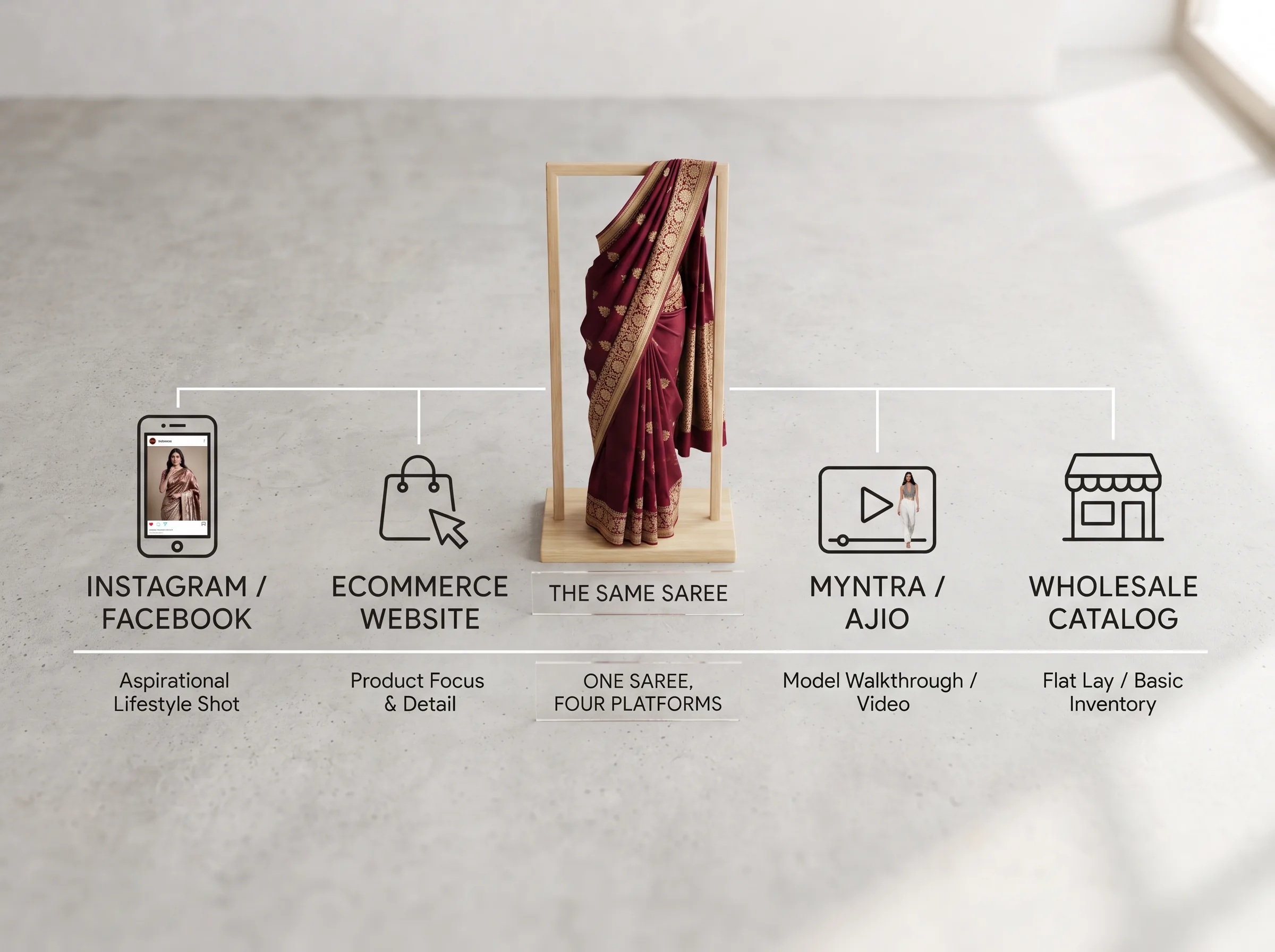
Here's what actually eats a seller's week. Meesho, Amazon, Flipkart, and Myntra each have their own image specs, background rules, and required angle counts. A saree that's fully shot and edited for Amazon's catalogue template often doesn't meet Flipkart's requirements without cropping or re-editing, and Myntra has its own separate seller onboarding photo checklist.
For a Surat or Jaipur manufacturer running the same collection across all four platforms, that means either re-shooting per platform (expensive, slow) or reusing photos that technically don't meet a platform's guidelines (risky, can get a listing flagged). Flipkart's seller hub sets its own separate image and catalogue specs from Amazon's, which is exactly why a photo set built for one platform often needs rework before it clears QC on another. Neither re-shooting nor reusing non-compliant photos is a good option, and this is the exact pain point that shows up in seller forums under titles like "running product photography for 4 platforms separately is killing my time."
Direct answer: No, you don't need to re-shoot a saree separately for every marketplace. One clean, well-lit source photo can be adapted into each platform's required background, crop, and angle set, either manually in editing or automatically with an AI tool built for it.
Catalogue speed matters just as much as image quality here. A new saree design that sits half-listed for two weeks while photos get sorted out is a design that's already losing its window against faster-moving competitors on the same platform. The seller who can shoot once and list everywhere within a day has a real edge over the one still booking a studio slot for each marketplace separately.
The AI shortcut: saree product photography without a studio or model
Sellers are already searching for ways to do this without booking a model or a full studio day. That search behavior alone tells you something: the demand for a faster path exists, people just haven't had a reliable one until recently.
This is where AI product photography changes the math. Instead of a studio day per collection, you photograph one saree once, clean and well-lit, and generate the rest: a model-wearing version, a mannequin drape version, a flat-lay variant, and platform-specific crops, all from that single source photo. You're not re-booking a shoot every time a platform wants a different angle count or background spec, you're generating what each platform needs from what you already have.
Scalio works this way. Upload one product photo of the saree and a short brand brief, and it generates model-wearing shots, flat-lay variants, and marketplace-ready angle shots in minutes, without a studio booking, a model day, or a reshoot for every platform. It's built for exactly the workflow described above: one shoot in, multiple marketplace-ready outputs out.
A Surat seller's before/after workflow
Picture a mid-size saree manufacturer in Surat who wholesales across Meesho and Amazon. The old workflow: book a studio and a model for a full day, shoot the season's new arrivals, wait for edited files, then manually re-crop and re-edit for each platform's spec before uploading. A new collection drop means repeating that whole cycle.
The new workflow looks different: photograph each new saree once in decent, even light. Feed that photo into an AI tool that generates the model-wearing shot, the flat-lay, and the platform-specific crops. Upload straight to each marketplace without waiting on a studio calendar or a model's availability. The bottleneck shifts from "when can we book the next shoot" to "how fast can we photograph new arrivals," which is a much smaller problem to solve.
Turning better photos into better listings
Saree product photography that sells comes down to getting the drape right before you shoot, lighting silk and zari so the texture actually shows, and capturing the specific angles marketplace buyers look for before they purchase. None of that requires expensive equipment, it requires knowing what to fix.
If you're the seller re-shooting the same saree four times for four platforms, the next step isn't another studio booking, it's testing whether an AI tool can generate what you need from a photo you already have. For a deeper look at writing prompts that get consistent AI product photos, see our guide to AI prompts for product photography, and if Meesho is your main channel, our Meesho seller photography guide covers platform-specific listing requirements in more depth. Scalio also has a dedicated saree photography page showing example outputs.
Scalio turns a product photo and a brand brief into model-wearing photos and Reels in minutes, replacing the shoot, the studio, and the agency retainer. From ₹999/month (100 credits) against a ₹10,000+/month agency. See how it works →
Frequently Asked Questions
How do you photograph a saree for online selling?
Steam and pin the drape so it holds its shape, use a plain white or grey background for marketplace compliance, light it with soft diffused light angled to catch zari and silk detail, and capture full-drape, pallu close-up, border-detail, and flat-lay shots for a complete listing set.
What is the best lighting for silk saree photography?
Soft, diffused, angled light works best. Direct flash or harsh frontal light blows out silk's natural sheen and flattens zari work into a grey smear. Angling your light source slightly to the side lets the weave and metallic thread catch light properly instead of disappearing.
Do I need a model for saree product photography?
No. Flat-lay and mannequin drape shots satisfy most marketplace listing requirements without a model. AI tools like Scalio can also generate a model-wearing version from a single flat-lay or mannequin photo, so you get that option without booking a shoot.
What image specs do Meesho, Amazon, and Flipkart require for saree listings?
Each platform sets its own background, resolution, and required angle-count rules for catalogue images, and they don't always match each other. Check each marketplace's current seller photo guidelines before a shoot, or generate platform-specific crops from one source photo so a single shoot can cover all of them.