
A kurti manufacturer in Jaipur ships the same product photos to Myntra, Flipkart, and Meesho every week. Half the Myntra uploads bounce back: wrong aspect ratio, background not compliant, one angle missing. He reshoots, resubmits, and loses three days of listing time on stock that's already sitting in the warehouse. Nothing wrong with the product. Everything wrong with the photoshoot spec he didn't check first.
Key definition: A Myntra photoshoot is a marketplace-compliant apparel image set (front, side, back, and detail shots on a gender-matched model) shot to Myntra's own dimension, background, and format rules, distinct from Flipkart's or Amazon's specs.
If you're setting up a Myntra photoshoot for the first time, or figuring out why your last one got rejected, here's the actual checklist, followed by how it compares to Flipkart and Amazon, and where an AI photoshoot fits if reshoots are eating your week.
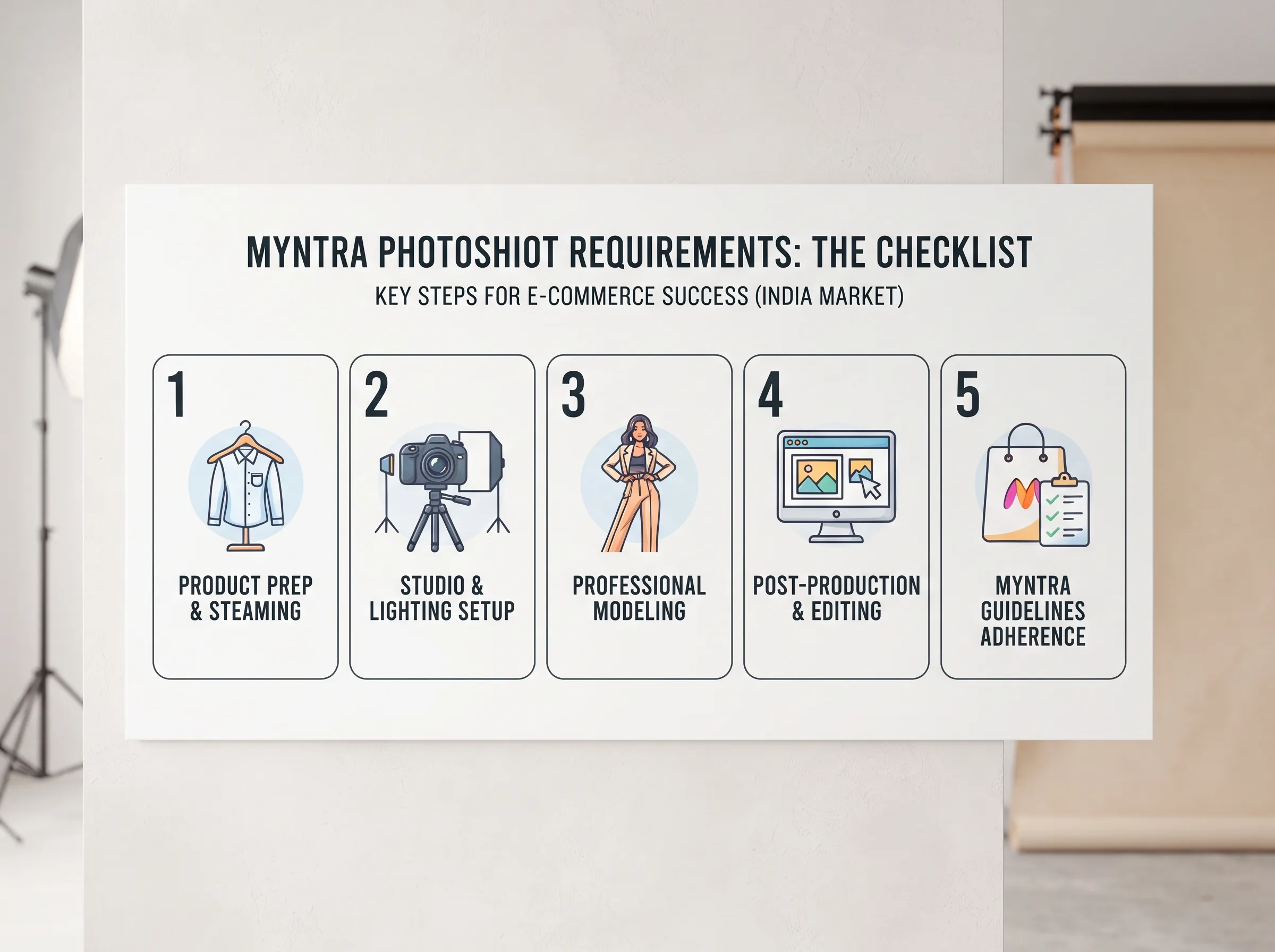
Myntra photoshoot requirements: the checklist
Myntra's own Seller University image guidelines lay out a specific technical spec, and most rejected listings fail on one of these points.
| Requirement | Myntra spec |
|---|---|
| Minimum dimensions | 1080 x 1440 px |
| Recommended dimensions | 1500 x 2000 px |
| Aspect ratio | 3:4 (portrait) |
| Resolution | 72 dpi or more |
| File format | JPEG only |
| File size | 500 KB to 1 MB |
| Background | White or light grey |
| Required angles | Front, side, back, plus a detail shot for pattern/embroidery |
That table is the whole answer if you just needed the numbers. The next three sections are why sellers still get rejected even when they think they've followed it.
Image dimensions and format
Myntra wants 1080 x 1440 px minimum in a 3:4 portrait crop, not the square 1:1 you'd use for Flipkart or Amazon. Upload a square image cropped from a wider shoot and it either gets stretched or rejected outright. Shoot in portrait from the start if Myntra is your primary channel, or budget time to recrop from a taller master file. Format is strict too: JPEG only, sized between 500 KB and 1 MB. PNGs or oversized TIFFs from a professional camera get bounced before a human even looks at the product.
Background and lighting rules
Myntra's guidelines call for a white or light grey background with soft, even lighting. Hard studio lighting that throws a strong shadow or shifts the garment's true color is a common rejection reason, especially on darker fabrics where a harsh light can make black read as navy or maroon read as brown. This matters more for Myntra than it does for a flat product shot on Amazon, because the model and garment both need to read accurately against that background for the listing to pass quality control.
Model vs mannequin: what Myntra actually wants
For apparel, Myntra's own guidelines are built around a live, gender-matched model wearing the garment, not a mannequin. Women's wear goes on a female model, men's wear on a male model, kids' wear on an age-appropriate child model. The garment needs to be well-fitted and properly ironed, no visible creases or bunching, and skin tone should stay consistent across the front, side, and back shots so the images don't look like they came from three different sessions. This is the step manufacturers skip most often when they're used to shooting flat-lay or mannequin images for Meesho or their own website, and it's why a shoot that looks fine on other marketplaces can still fail on Myntra.
Why Myntra listings get rejected (and how to avoid it)
Run through this before you submit, not after you get the rejection email:
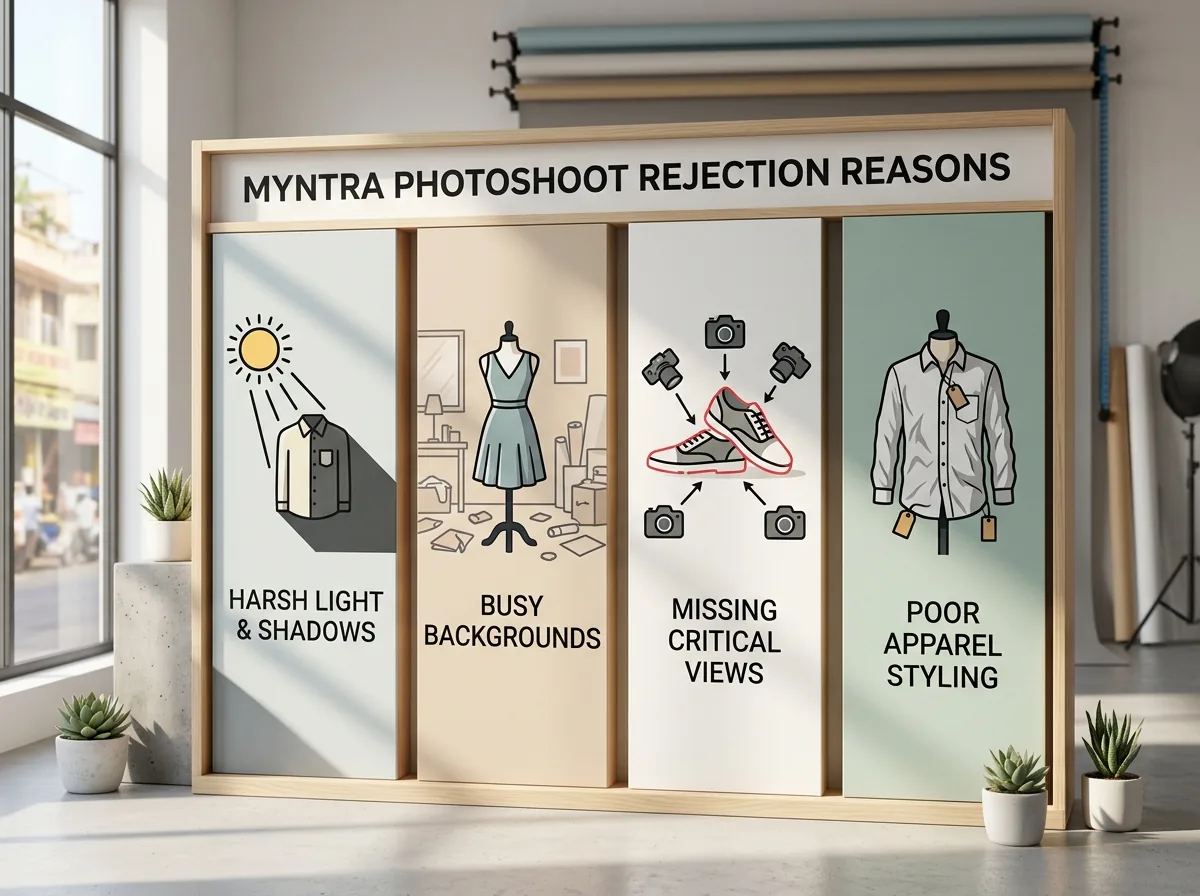
- Wrong dimensions or aspect ratio. The single most common failure. Check the file is 1080 x 1440 or larger, in 3:4, before upload.
- Non-compliant background. Anything other than white or light grey, including a subtle color cast from bad white balance, can trigger a rejection.
- Missing angle shots. Myntra expects front, side, back, and a detail shot for texture or embroidery. Submitting only a front shot is an automatic gap.
- Garment condition. Wrinkled, poorly steamed, or ill-fitting samples get flagged even when the dimensions and background are correct.
- Inconsistent skin tone or lighting across shots. If the front shot and back shot look like they were lit differently, it reads as an inconsistent set.
Fixing these before your first submission saves the three-to-five day resubmission cycle that most new Myntra sellers hit at least once.
The AI photoshoot shortcut: one shoot, every marketplace spec
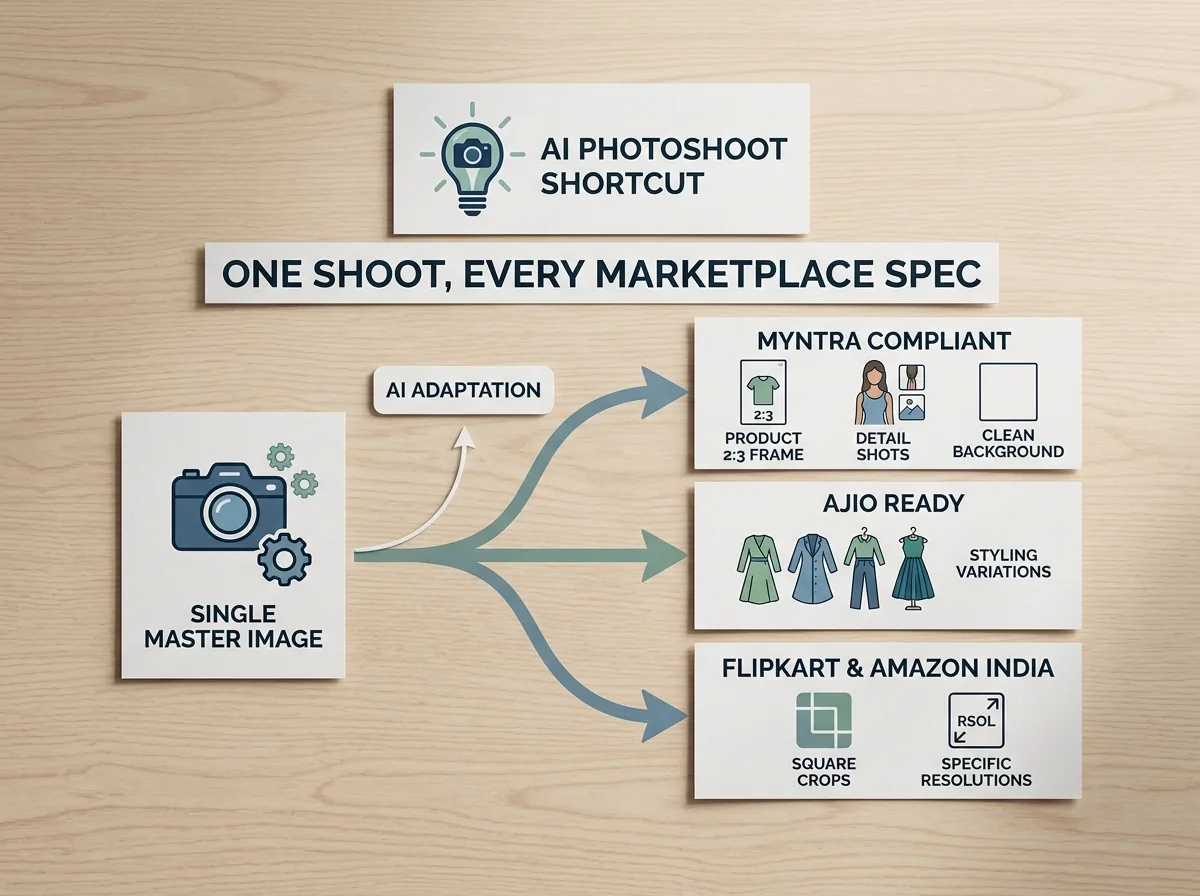
Here's the part that actually costs manufacturers money: a Surat textile unit or a Jaipur garment exporter isn't listing on one marketplace. The same kurti goes up on Myntra, Flipkart, and Meesho in the same week, and each one wants a different aspect ratio, a different background tone, and in Myntra's case, a live model instead of a flat lay. Booking a model and studio for every SKU, every season, across three platforms is the actual bottleneck, not the photography itself.
This is the structural problem an AI photoshoot solves. Instead of a studio day rate per SKU, you upload one clean product photo and a brand brief, and the tool generates a full model-wearing catalog set, sized and backgrounded for whichever marketplace you're listing on next.
One product photo becomes a full Myntra-compliant set
Scalio takes a flat product photo, drops it onto a generated model matched to your target gender and body type, and outputs front, side, and detail angles in the crop and background each marketplace expects. A Jaipur boutique brand running the same kurti across Myntra, Flipkart, and Meesho can generate a Myntra-spec portrait set and a Flipkart-spec square set from the same source photo instead of paying for two separate shoots. It runs on credits instead of a day rate, so a 20-SKU catalog costs a fraction of what a studio booking would, and there's no waiting on a model's schedule to hit a listing deadline.
Myntra vs Flipkart vs Amazon: image requirements compared
Sellers cross-listing across marketplaces usually assume one photoshoot covers all three. It doesn't. Here's how the three compare on the specs that actually cause rejections:
| Requirement | Myntra | Flipkart | Amazon India |
|---|---|---|---|
| Minimum dimensions | 1080 x 1440 px | 500 x 500 px | 1000 px (longest side) |
| Recommended dimensions | 1500 x 2000 px | 1000 x 1000 px | 1600 px+ |
| Aspect ratio | 3:4 portrait | 1:1 square | Not fixed, product-led |
| Background | White or light grey | Pure white, 85% frame fill | Pure white (RGB 255, 255, 255), 85% frame fill |
| File format | JPEG only | JPEG or PNG | JPEG, TIFF, or PNG |
| File size | 500 KB to 1 MB | Under 1 MB | Up to 10 GB |
| Model requirement | Live, gender-matched model | Not specified for basic listing | Not specified for basic listing |
Sources: Myntra Seller University via Fynd's documented integration spec, Amazon Seller Central India image requirements, Flipkart seller image guidance.
Key insight: Myntra is the outlier of the three. It's the only one that requires a portrait crop and a live model by default, which is exactly why a photo shot for Amazon or Flipkart usually needs a full reshoot, not a recrop, before it's Myntra-ready.
How to actually shoot for Myntra: a practical workflow
If you're doing this the traditional way, the order matters:
- Book a gender-matched model for the garment category, or generate one with an AI photoshoot tool if you'd rather skip the booking cycle entirely.
- Set the backdrop to white or light grey, with soft, diffused lighting, no hard spotlights that throw a strong shadow.
- Steam and check the garment fit before the model puts it on. This is the step most rejections trace back to.
- Capture all four required angles: front, side, back, and a close detail shot for embroidery, prints, or texture.
- Export at 1080 x 1440 or larger, in 3:4, as JPEG, between 500 KB and 1 MB, and check every image against that spec before you upload.
If steps 1 through 4 are the part that's actually slowing you down, an AI product photoshoot workflow replaces the model booking and studio day with a generated set built to the same spec, so step 5 is the only manual check left.
Direct answer: No, one photoshoot does not cover Myntra, Flipkart, and Amazon at once. Each platform has a different aspect ratio and background rule, so the fastest compliant path is either a per-platform reshoot or an AI photoshoot tool that generates each platform's crop and background from a single source photo.
Frequently Asked Questions
What image size does Myntra require for product photos?
Myntra requires a minimum of 1080 x 1440 px, with 1500 x 2000 px recommended, in a 3:4 portrait aspect ratio. Images must be JPEG format, sized between 500 KB and 1 MB, at 72 dpi resolution or higher, on a white or light grey background.
Does Myntra allow mannequin photography instead of a live model?
No. Myntra's guidelines are built around a live, gender-matched model wearing the garment for apparel categories, not a mannequin. Women's wear needs a female model, men's wear a male model, kids' wear an age-appropriate child model, with a well-fitted, properly ironed garment throughout.
Why did my Myntra listing images get rejected?
The most common reasons are wrong dimensions or aspect ratio, a non-compliant background, missing required angle shots (front, side, back, detail), a wrinkled or ill-fitting garment, or inconsistent skin tone and lighting across the image set. Check all five before resubmitting.
Can I use the same photos for Myntra, Flipkart, and Amazon?
Not directly. Myntra wants a 3:4 portrait crop with a live model, Flipkart wants a 1:1 square with 85% frame fill, and Amazon wants a pure white RGB background with 85% frame fill. A reused image usually fails at least one platform's check.
How much does a Myntra product photoshoot cost in India?
Studio day rates and per-SKU photography costs vary widely by city and model booking, and no single verified India-wide average exists in current research. AI photoshoot tools work on a credit basis instead, generating a full catalog set for a fraction of a comparable studio booking.
Get Myntra-ready catalog images without the studio
The checklist above is what Myntra checks. Whether you hit it depends on whether you're rebooking a studio and a model every time a SKU needs updating, or generating the set in minutes.
Scalio turns a product photo and a brand brief into model-wearing photos and Reels built to each marketplace's spec, replacing the shoot, the studio, and the agency retainer. Starts at ₹999/month for 100 credits against a ₹10,000+/month agency retainer. See how it works →
For the Flipkart and Meesho side of your catalog, see our Flipkart product image guidelines and Meesho seller photography guide. You can also generate Myntra-specific listing images directly from our Myntra product photography tool.