GeminiNano BananaChatGPTMidjourney

AI Prompts for Flipkart Product Listing Images

15 Flipkart product photography prompts, each one rendered so you can see what it produces before you spend a generation on it. Copy the text, paste it into the model named on the card. Works in Gemini, Nano Banana, ChatGPT, Midjourney and Stable Diffusion.

Flipkart sellers: generate clean, compliant listing images without repeat photoshoots.

15 prompts, every one renderedon nano-banana-22026-08-10
Flipkart Fashion Catalog Model Shot — our own render of this exact prompt
Flipkart Main Listing Image — our own render of this exact prompt
Color Variant Lineup — our own render of this exact prompt

Three of the 15 renders below — each generated from the prompt beside it.

Every prompt, and what it produced

Copy the text, paste it into the model named on the card. Each render below is ours, made from the exact prompt beside it.

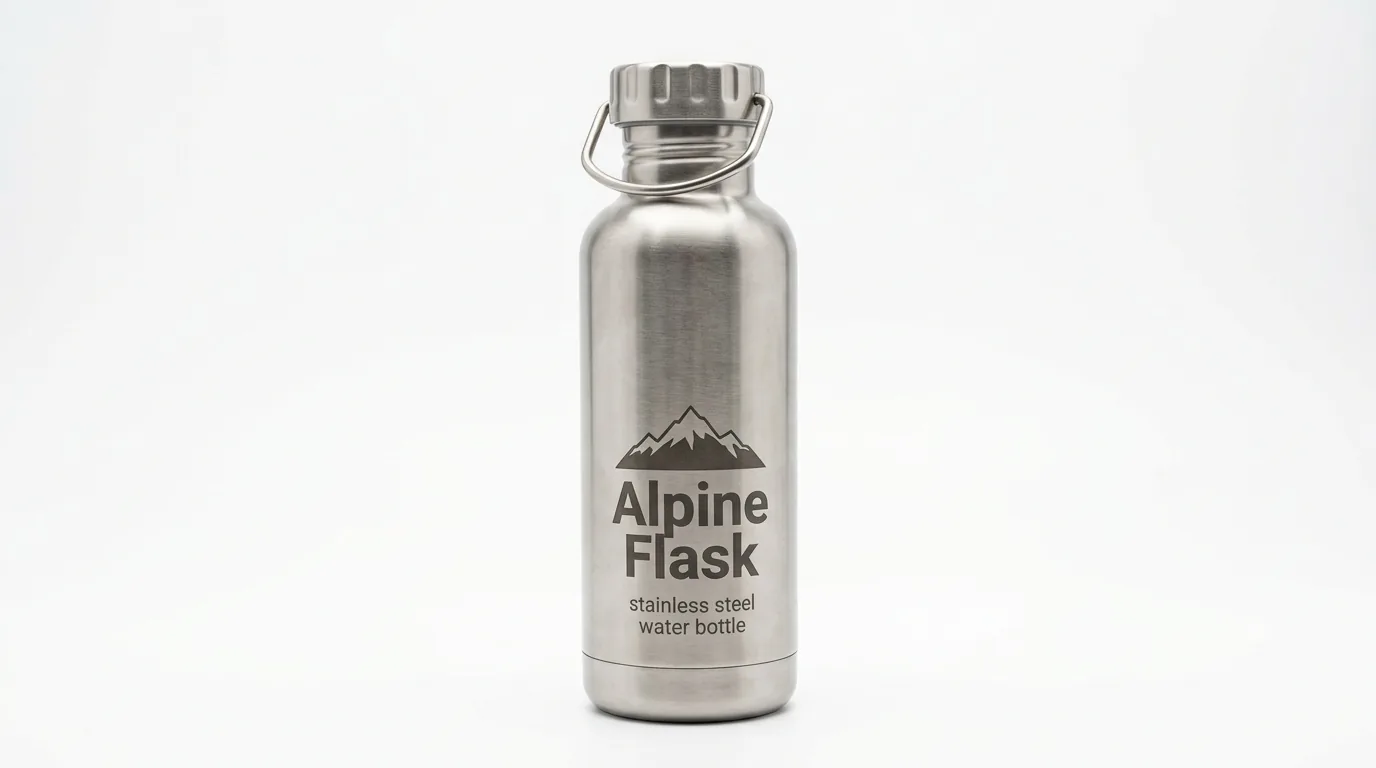
Flipkart Main Listing Image — our own render of this exact prompt

Our render of this exact prompt.

1

Flipkart Main Listing Image

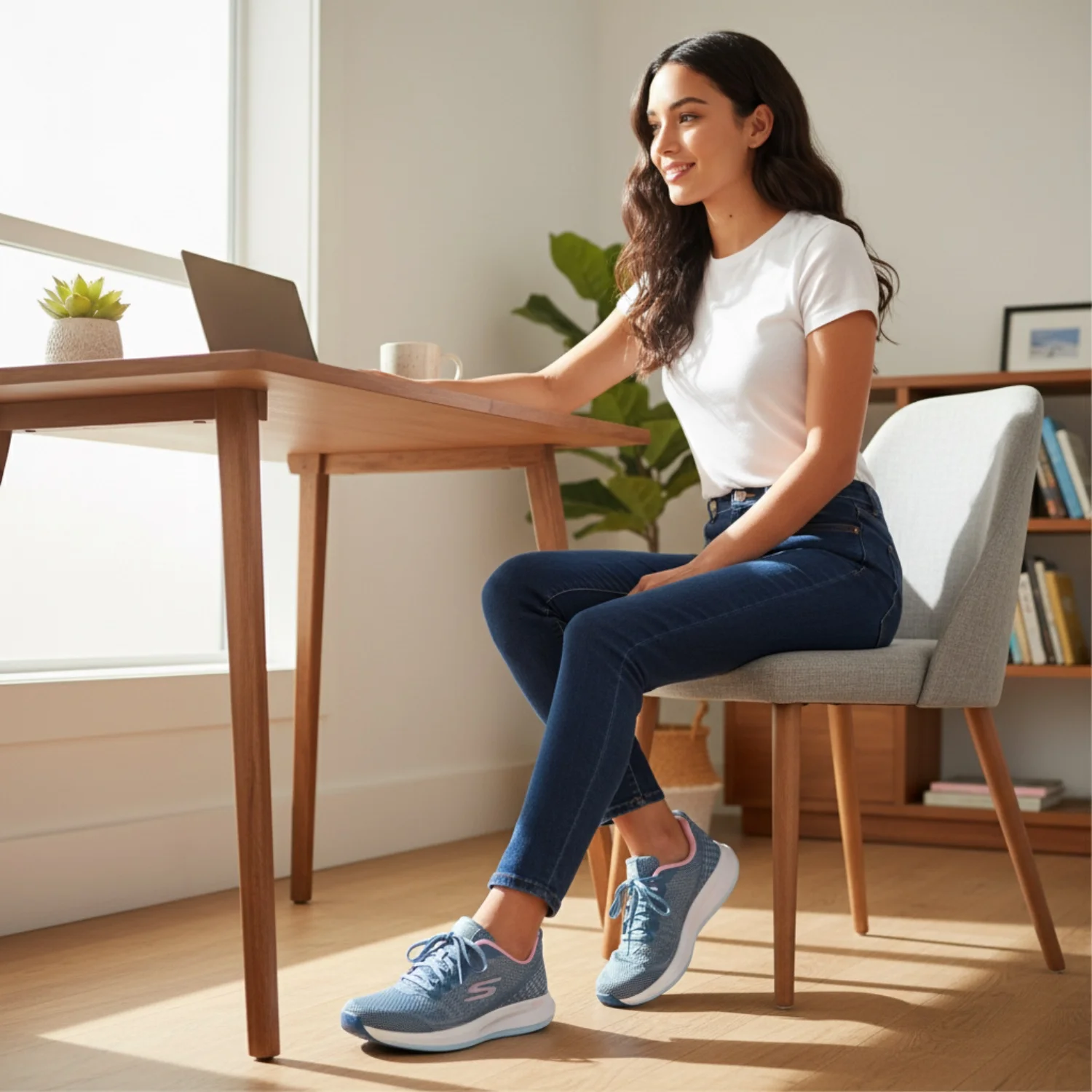
Create an ultra-realistic product photography image of a single product photographed for Flipkart search and PDP main image. Compose it as pure white or very light background with product centered. Use bright ecommerce studio lighting. Emphasize full product visible, accurate shape, no text, no watermark, no extra props. Keep the result commercial, high-resolution, natural in scale, and free from generated text overlays or watermarks.

nano-banana-21:1
Flipkart Fashion Catalog Model Shot — our own render of this exact prompt

Our render of this exact prompt.

2

Flipkart Fashion Catalog Model Shot

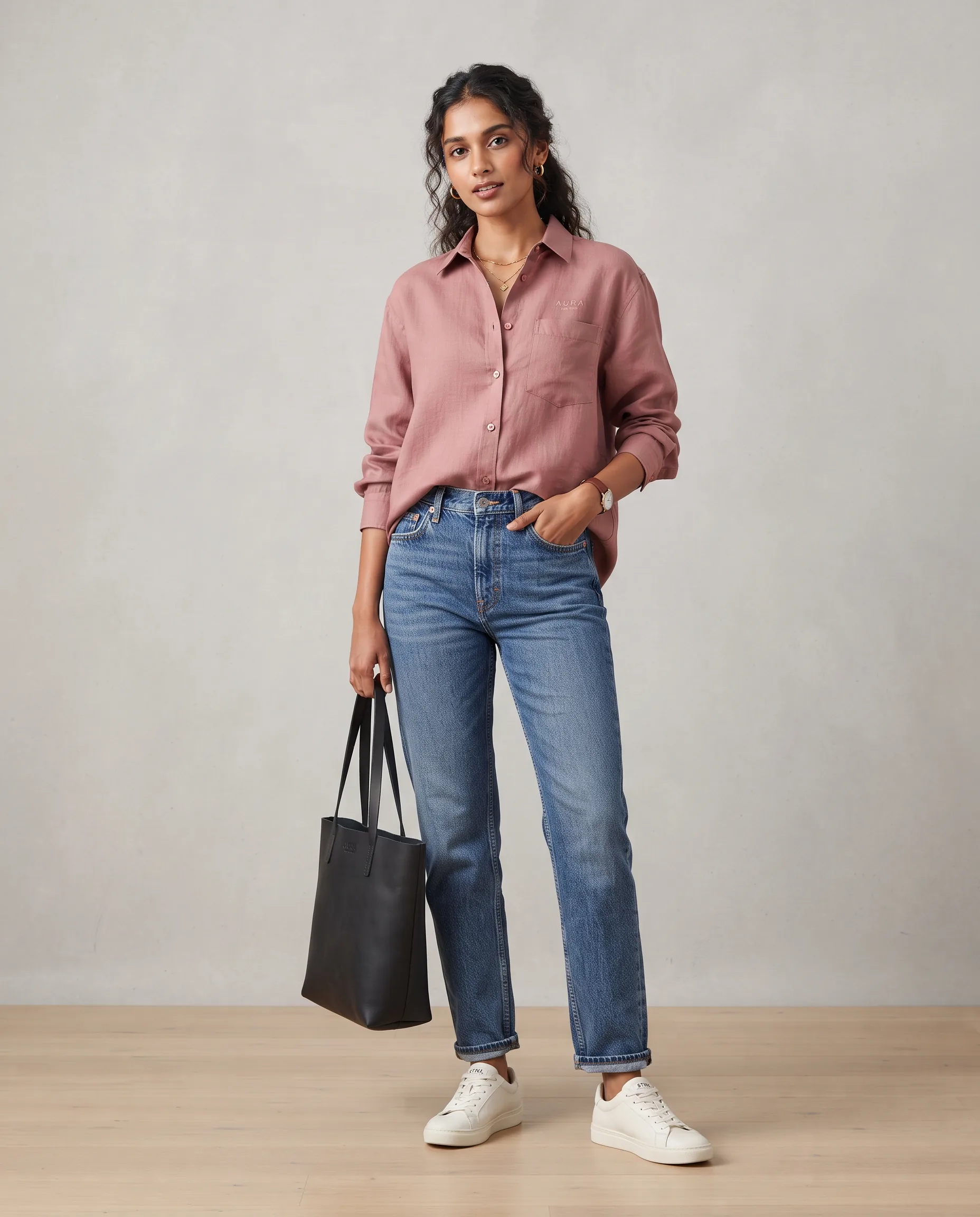
Create an ultra-realistic product photography image of a fashion product worn by an Indian model. Compose it as full-body catalog pose on a clean studio background. Use soft diffused light and realistic floor shadow. Emphasize fit, length, drape, fabric texture, marketplace-ready clarity. Keep the result commercial, high-resolution, natural in scale, and free from generated text overlays or watermarks.

nano-banana-24:5
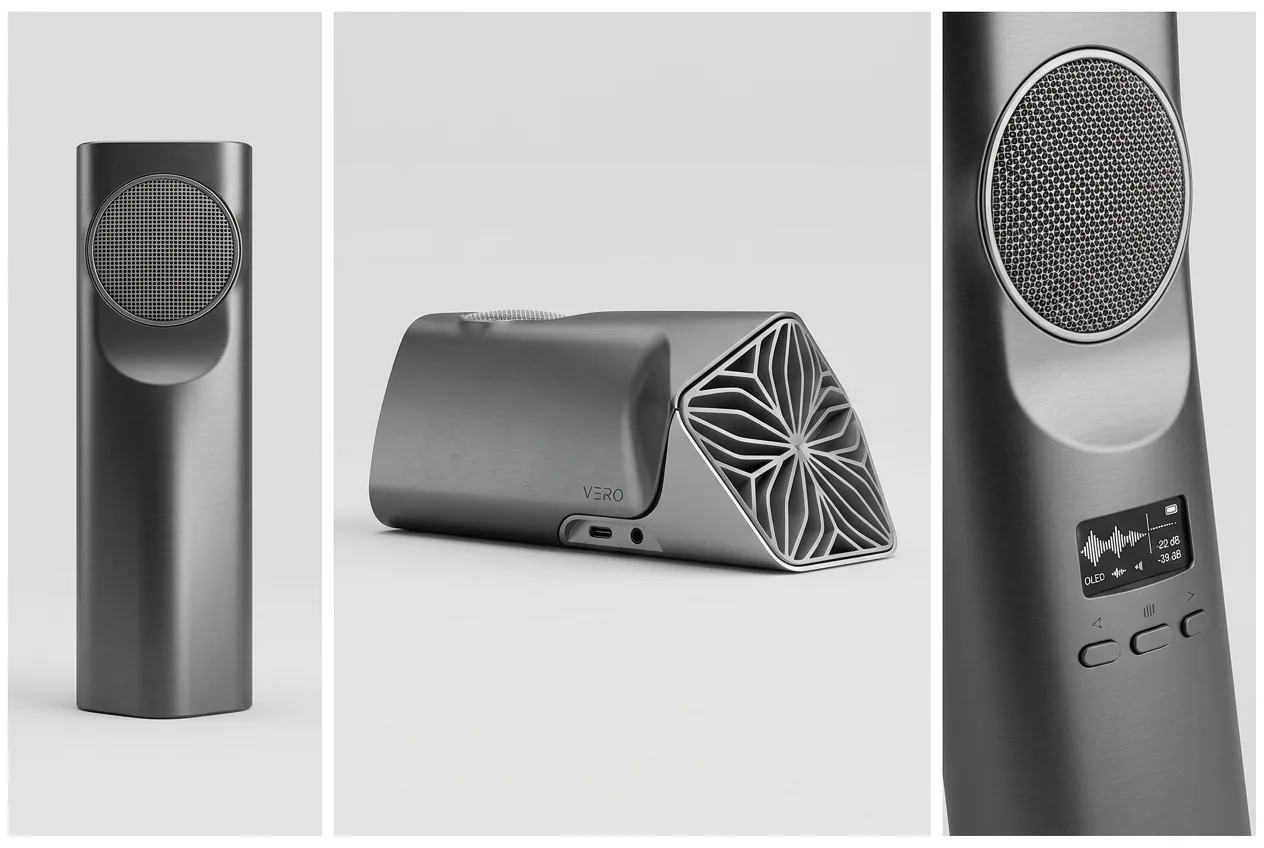
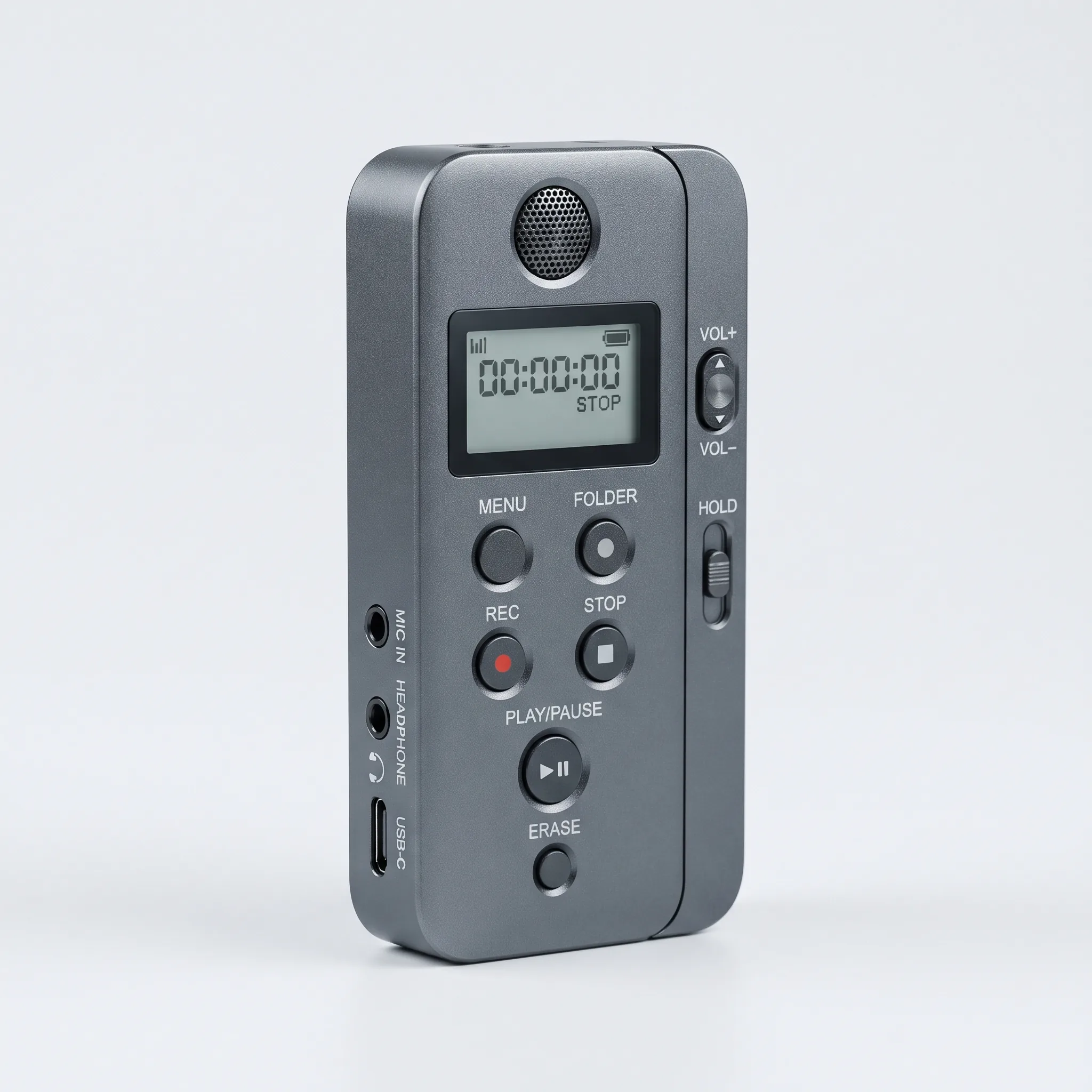
Electronics Flipkart Product Shot — our own render of this exact prompt

Our render of this exact prompt.

3

Electronics Flipkart Product Shot

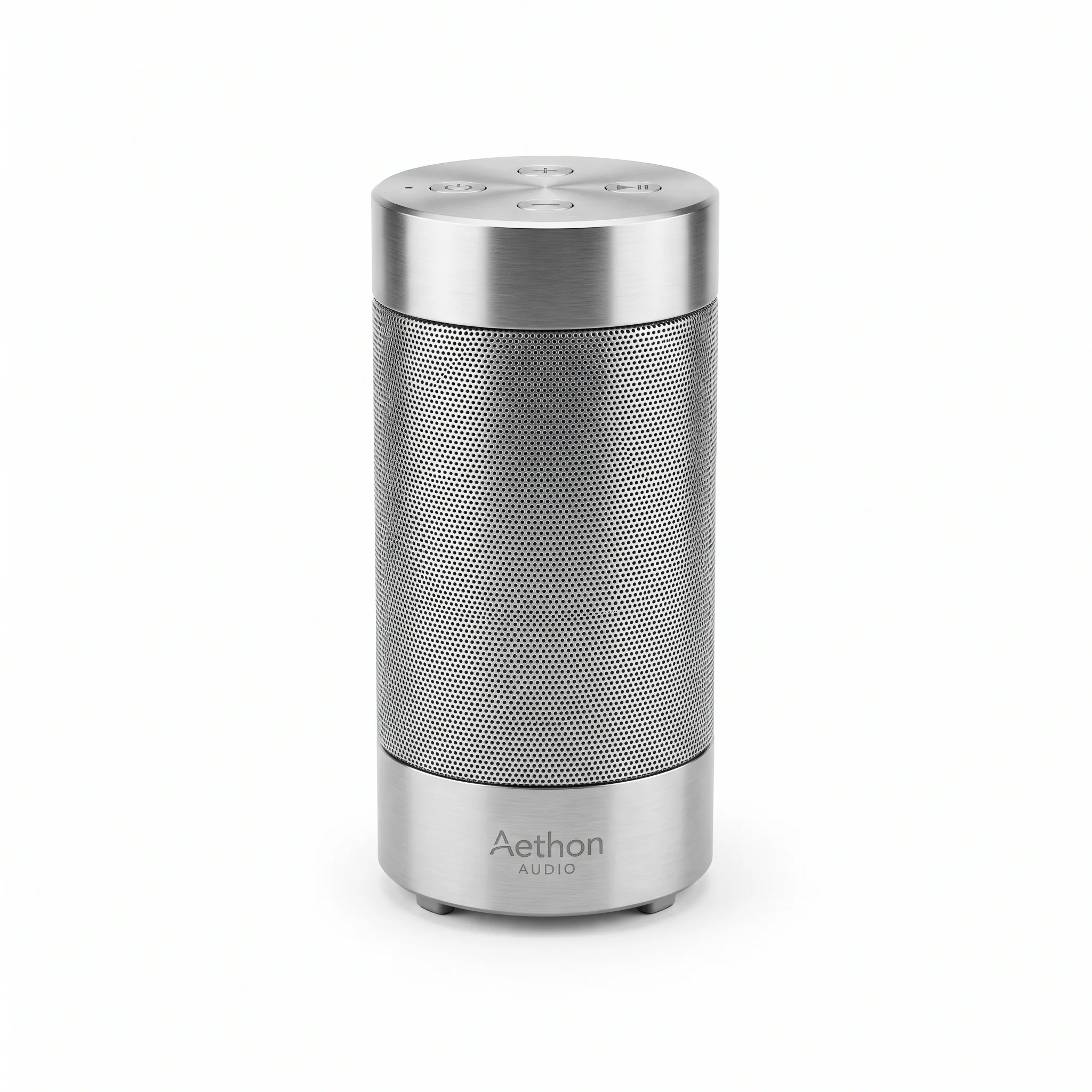
Create an ultra-realistic product photography image of an electronic gadget with key buttons and ports visible. Compose it as three-quarter view on a clean white background. Use cool studio light with subtle reflections. Emphasize precise geometry, no fake screen UI, no brand hallucination. Keep the result commercial, high-resolution, natural in scale, and free from generated text overlays or watermarks.

nano-banana-21:1
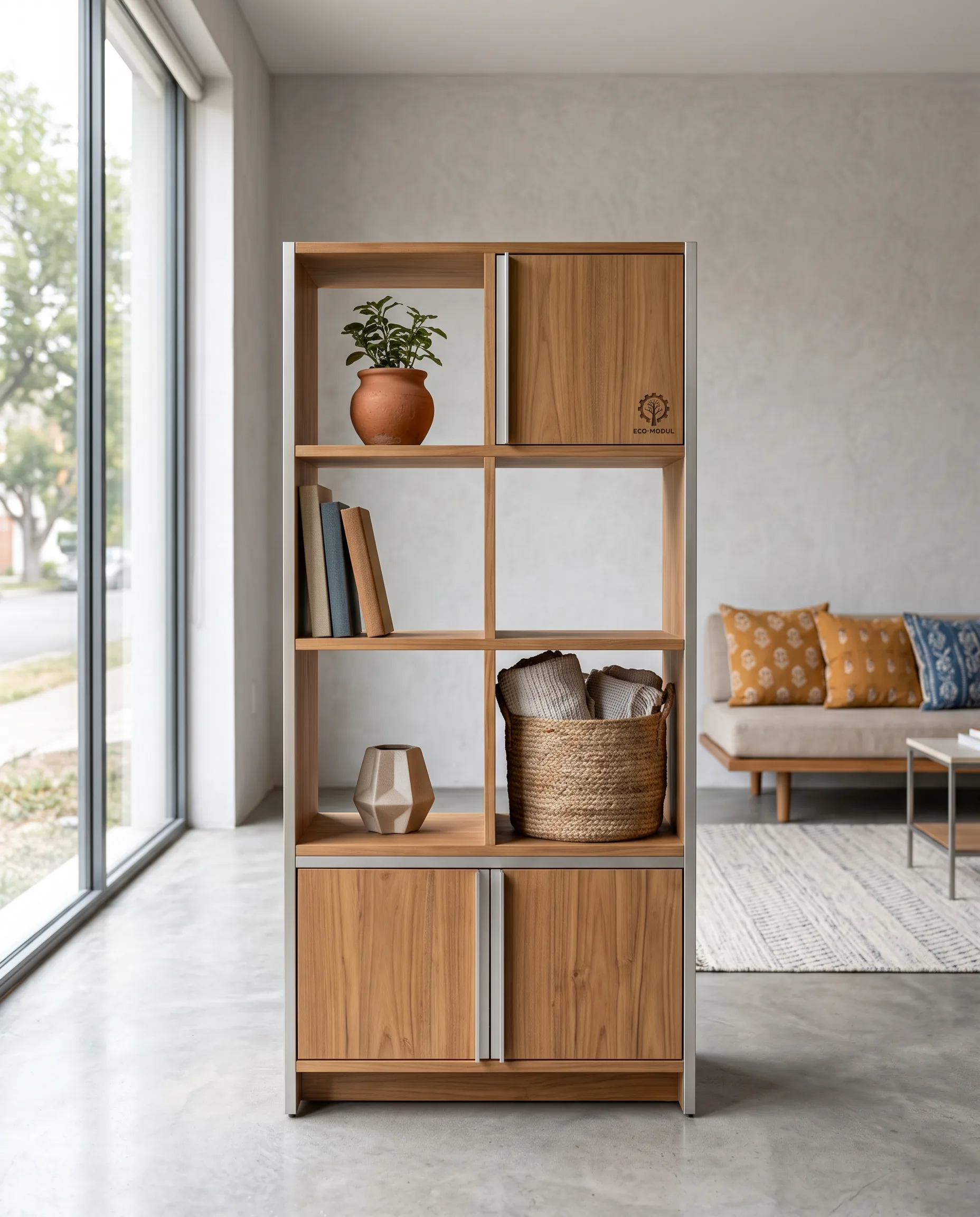
Furniture Room Context Image — our own render of this exact prompt

Our render of this exact prompt.

4

Furniture Room Context Image

Create an ultra-realistic product photography image of a furniture product placed in a clean modern Indian living room. Compose it as secondary listing lifestyle scene with product centered. Use natural window light with soft interior fill. Emphasize scale, material, and use context clear, no clutter. Keep the result commercial, high-resolution, natural in scale, and free from generated text overlays or watermarks.

nano-banana-24:5
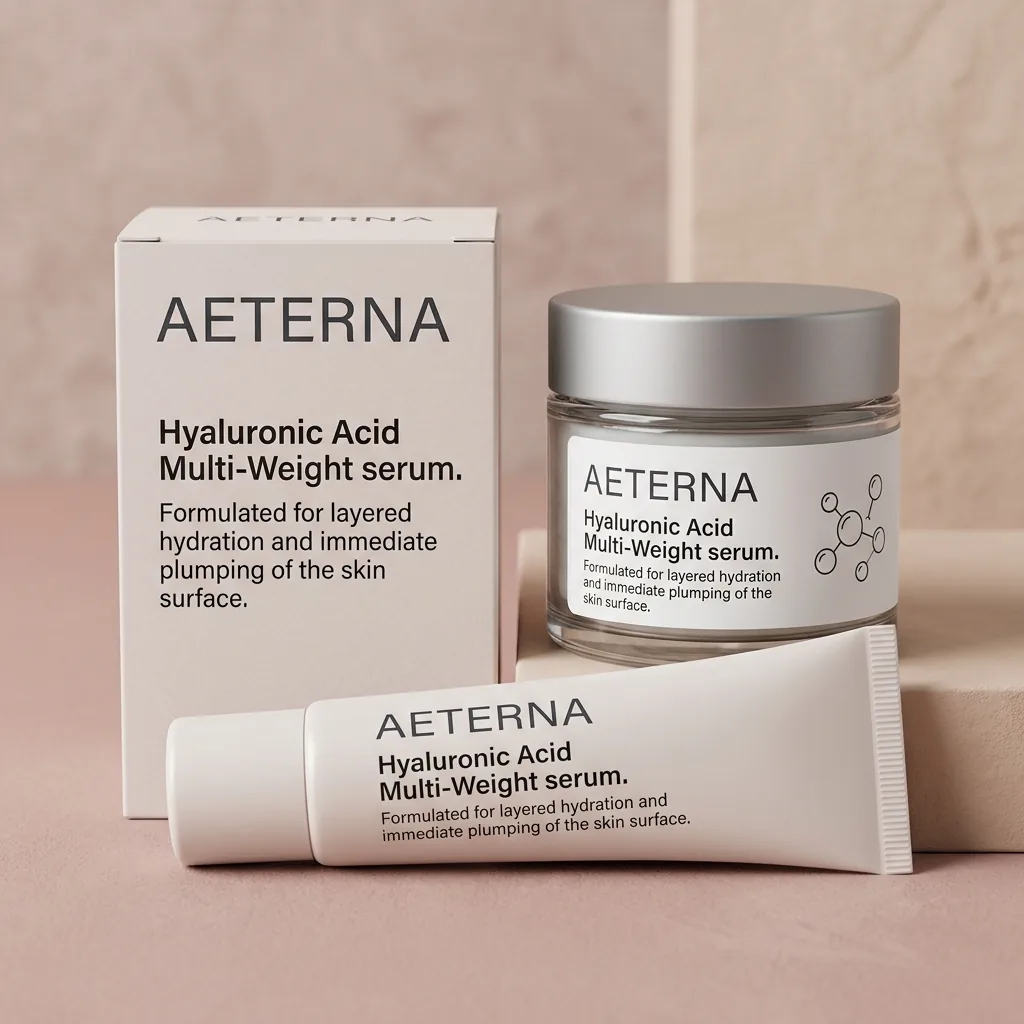
Beauty Product Flipkart Listing — our own render of this exact prompt

Our render of this exact prompt.

5

Beauty Product Flipkart Listing

Create an ultra-realistic product photography image of a beauty product tube, jar, and outer box arranged together. Compose it as premium ecommerce image on a pastel neutral background. Use soft commercial light preserving pack color. Emphasize readable packaging, clean arrangement, no extra claims. Keep the result commercial, high-resolution, natural in scale, and free from generated text overlays or watermarks.

nano-banana-21:1
No prompting needed

You don't need to learn prompting

Every render on this page is a generic product image the model invented — not yours. Upload a photo of your actual product and Scalio produces these same shots with your real product in them.

Generate with my own product

Free to start · No card needed

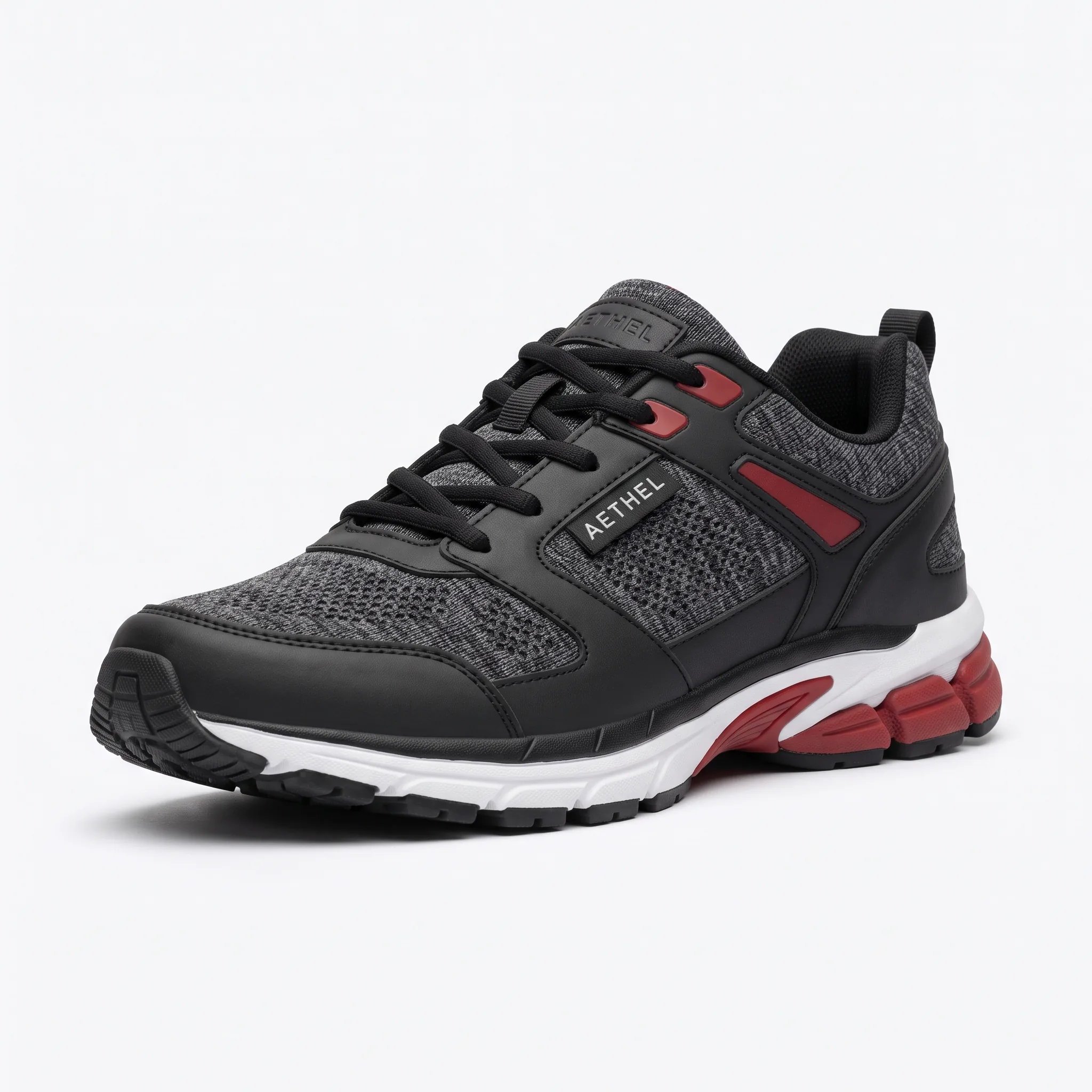
Footwear Flipkart Listing Image — our own render of this exact prompt

Our render of this exact prompt.

6

Footwear Flipkart Listing Image

Create an ultra-realistic product photography image of a pair of shoes photographed from a three-quarter angle. Compose it as white marketplace background with subtle grounding shadow. Use even diffused studio light. Emphasize sole, side profile, material, and color clearly visible. Keep the result commercial, high-resolution, natural in scale, and free from generated text overlays or watermarks.

nano-banana-21:1
Mobile Thumbnail Optimized Image — our own render of this exact prompt

Our render of this exact prompt.

7

Mobile Thumbnail Optimized Image

Create an ultra-realistic product photography image of a hero product with strong silhouette and contrast. Compose it as square crop for mobile marketplace search results. Use high-key light and crisp edge definition. Emphasize recognizable at small size, no visual noise, no crop cutoffs. Keep the result commercial, high-resolution, natural in scale, and free from generated text overlays or watermarks.

nano-banana-21:1
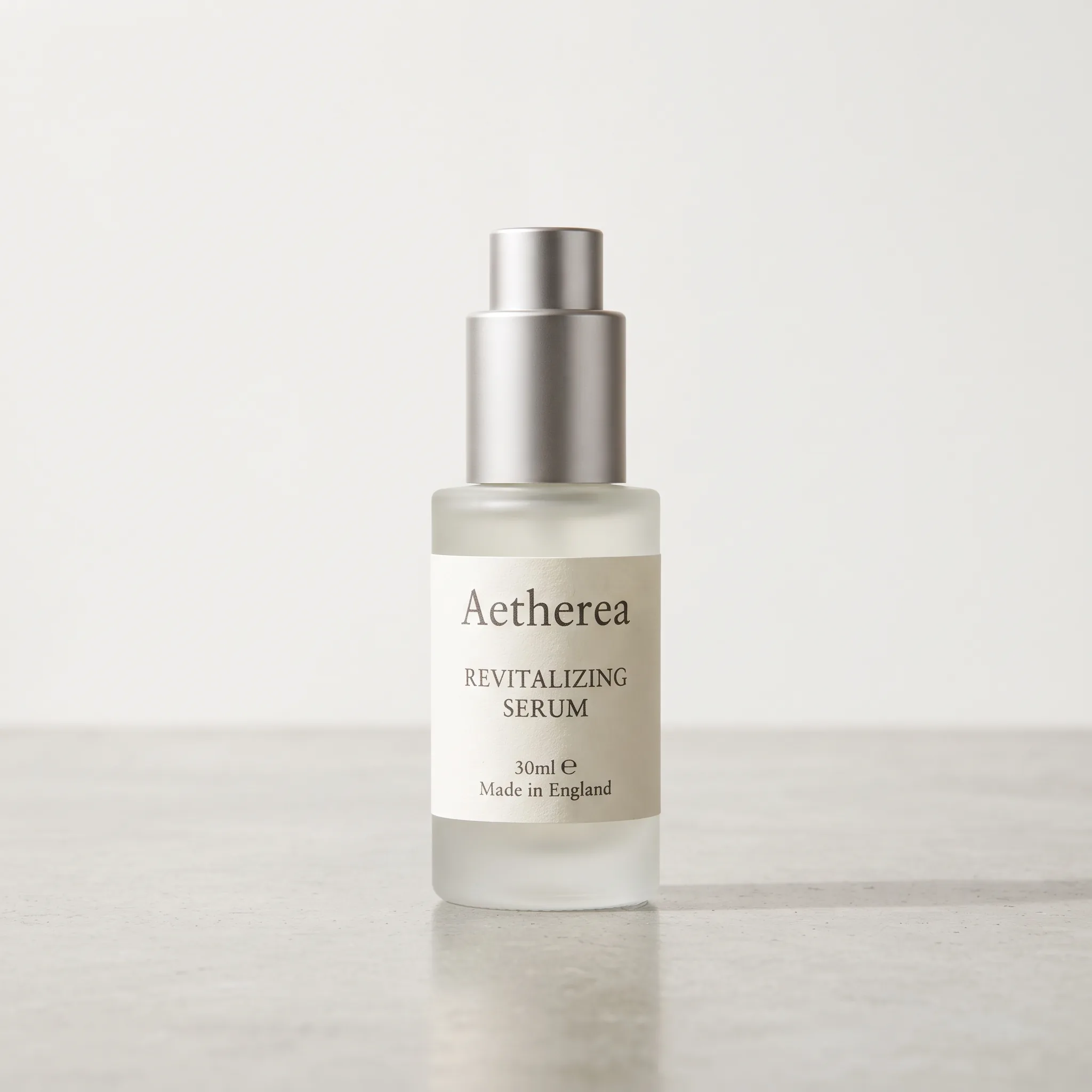
A+ Feature Banner Style Image — our own render of this exact prompt

Our render of this exact prompt.

8

A+ Feature Banner Style Image

Create an ultra-realistic product photography image of a product placed in a clean lifestyle setting with negative space. Compose it as wide horizontal banner composition for enhanced listing modules. Use soft editorial light and shallow depth of field. Emphasize benefit story, product prominent, no generated text. Keep the result commercial, high-resolution, natural in scale, and free from generated text overlays or watermarks.

nano-banana-24:5
Skip the re-rolls

Prompts change your product. Scalio keeps it.

Re-rolling a prompt gives you a different product image every time — that's why nothing matches across your listing. Scalio locks your product and changes only the scene, lighting and angle.

Try it on your product

Free to start · No card needed

Festive Sale Product Creative — our own render of this exact prompt

Our render of this exact prompt.

9

Festive Sale Product Creative

Create an ultra-realistic product photography image of a product styled with subtle festive accents for a seasonal Flipkart campaign. Compose it as ad-ready composition with clean space around product. Use warm festive light plus crisp studio fill. Emphasize seasonal mood, product-first, no offer typography. Keep the result commercial, high-resolution, natural in scale, and free from generated text overlays or watermarks.

nano-banana-24:5
Color Variant Lineup — our own render of this exact prompt

Our render of this exact prompt.

10

Color Variant Lineup

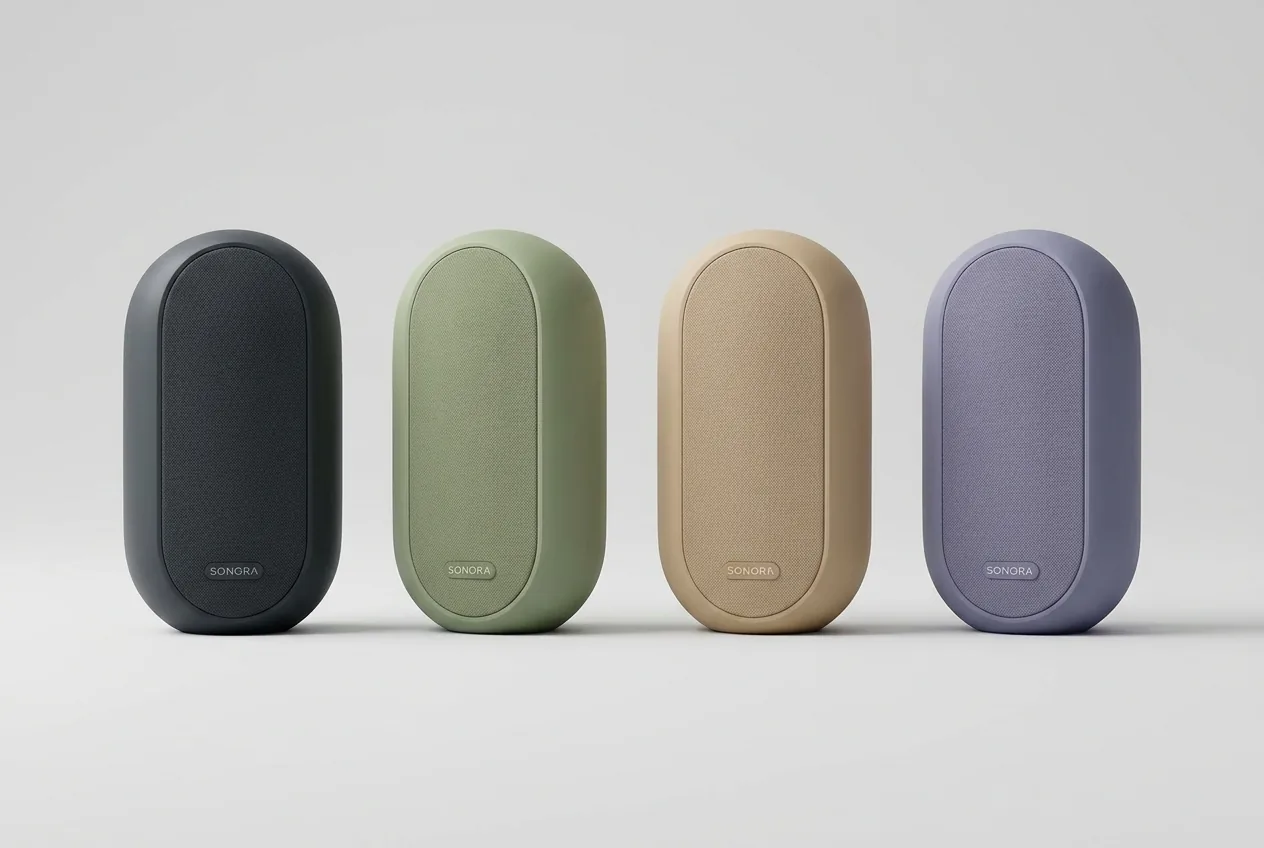
Create an ultra-realistic product photography image of multiple color variants of the same product arranged evenly. Compose it as clean light background with equal spacing and scale. Use balanced lighting with accurate color rendering. Emphasize variant comparison, no labels, no distortion. Keep the result commercial, high-resolution, natural in scale, and free from generated text overlays or watermarks.

nano-banana-23:2
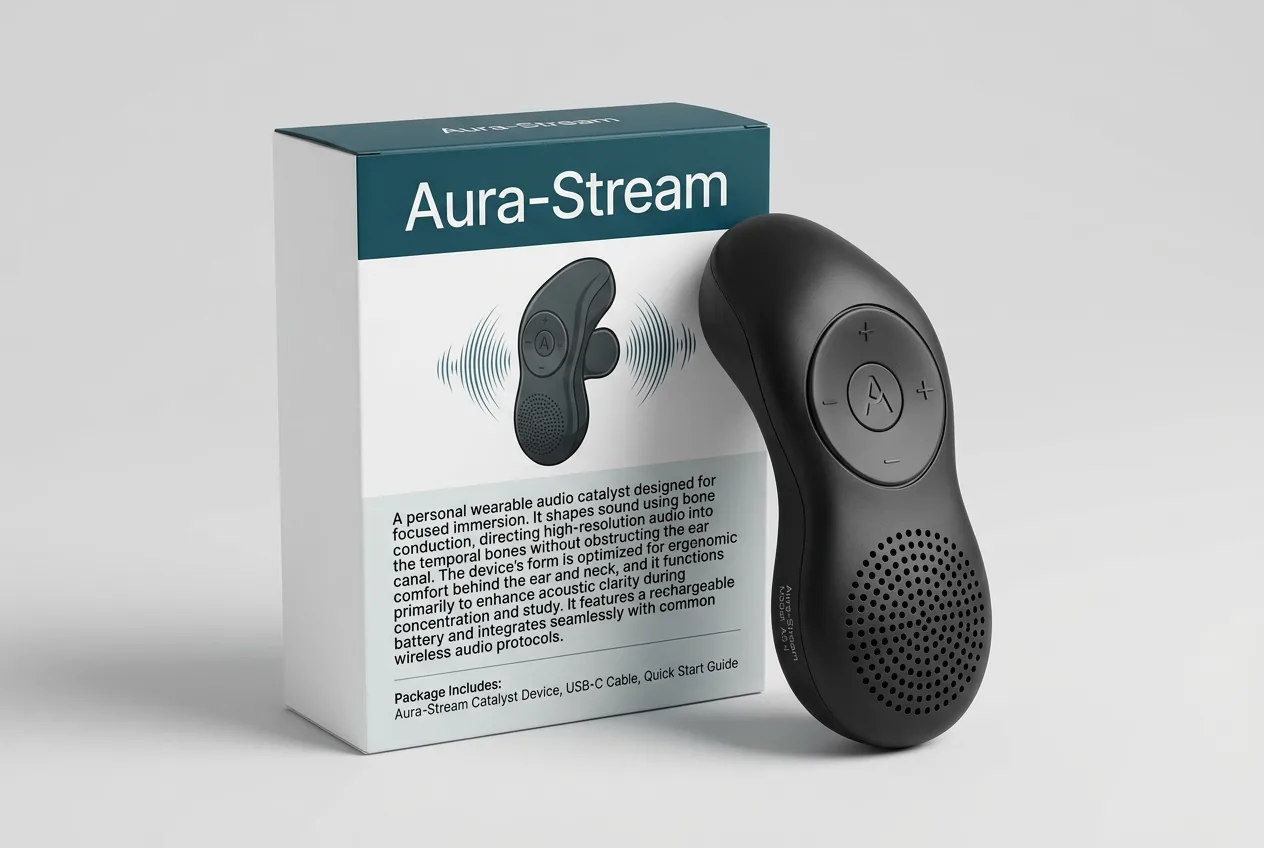
Packaging and Product Combo — our own render of this exact prompt

Our render of this exact prompt.

11

Packaging and Product Combo

Create an ultra-realistic product photography image of a product shown beside its retail packaging. Compose it as three-quarter ecommerce secondary image. Use bright studio light with clean shadows. Emphasize pack front readable, product shape accurate, no duplicate boxes. Keep the result commercial, high-resolution, natural in scale, and free from generated text overlays or watermarks.

nano-banana-23:2
Built for whole catalogues

You have hundreds of products, not one

Writing and re-rolling a prompt for every piece you stock does not scale. Scalio runs the whole catalogue through one look, so lighting and background stay identical across every listing.

Photograph my catalogue

Free to start · No card needed

Multi-Angle Listing Image — our own render of this exact prompt

Our render of this exact prompt.

12

Multi-Angle Listing Image

Create an ultra-realistic product photography image of the product shown from front, side, and detail angles in one clean composition. Compose it as structured collage-style layout without text. Use even light and consistent scale across angles. Emphasize all important surfaces visible, no messy overlap. Keep the result commercial, high-resolution, natural in scale, and free from generated text overlays or watermarks.

nano-banana-23:2
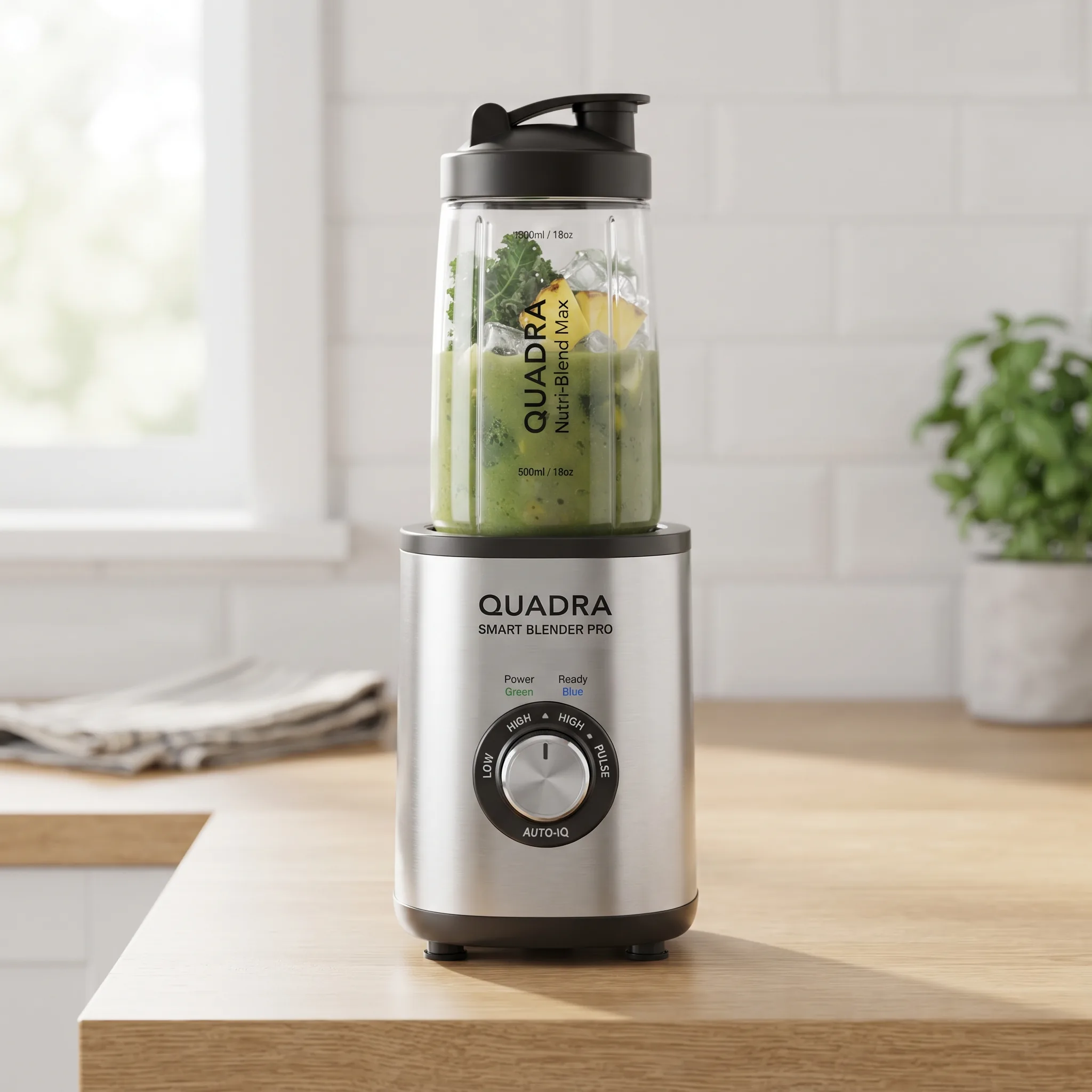
Home Appliance Product Shot — our own render of this exact prompt

Our render of this exact prompt.

13

Home Appliance Product Shot

Create an ultra-realistic product photography image of a compact home appliance photographed for ecommerce. Compose it as clean kitchen counter or white studio setup. Use bright diffused light and realistic reflections. Emphasize front panel, controls, size, and material visible. Keep the result commercial, high-resolution, natural in scale, and free from generated text overlays or watermarks.

nano-banana-21:1
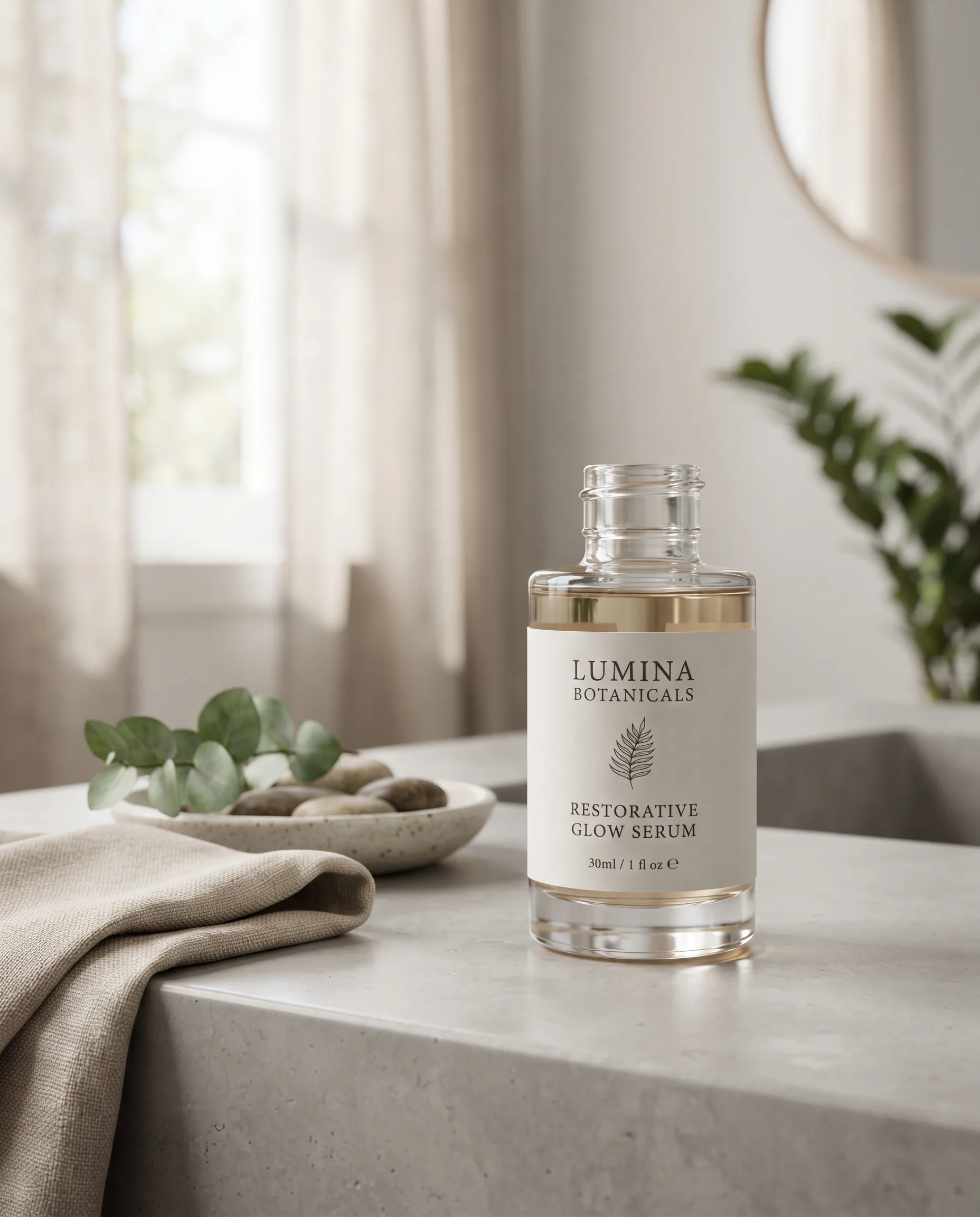
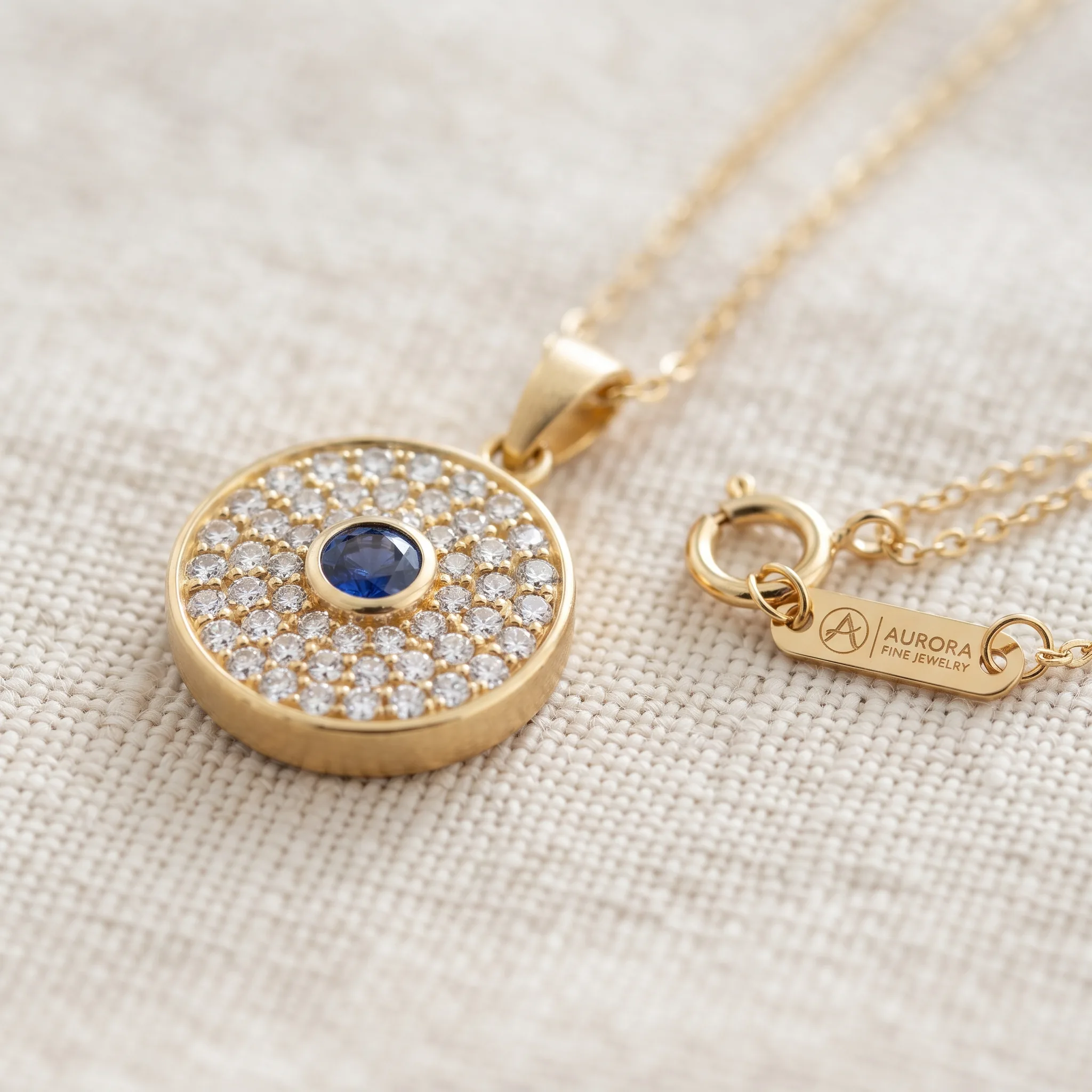
Jewelry Flipkart Detail Image — our own render of this exact prompt

Our render of this exact prompt.

14

Jewelry Flipkart Detail Image

Create an ultra-realistic product photography image of a jewelry product with stones and clasp clearly visible. Compose it as macro close-up on a neutral premium surface. Use soft light with controlled sparkle. Emphasize fine detail, no overexposure, true metal tone. Keep the result commercial, high-resolution, natural in scale, and free from generated text overlays or watermarks.

nano-banana-21:1
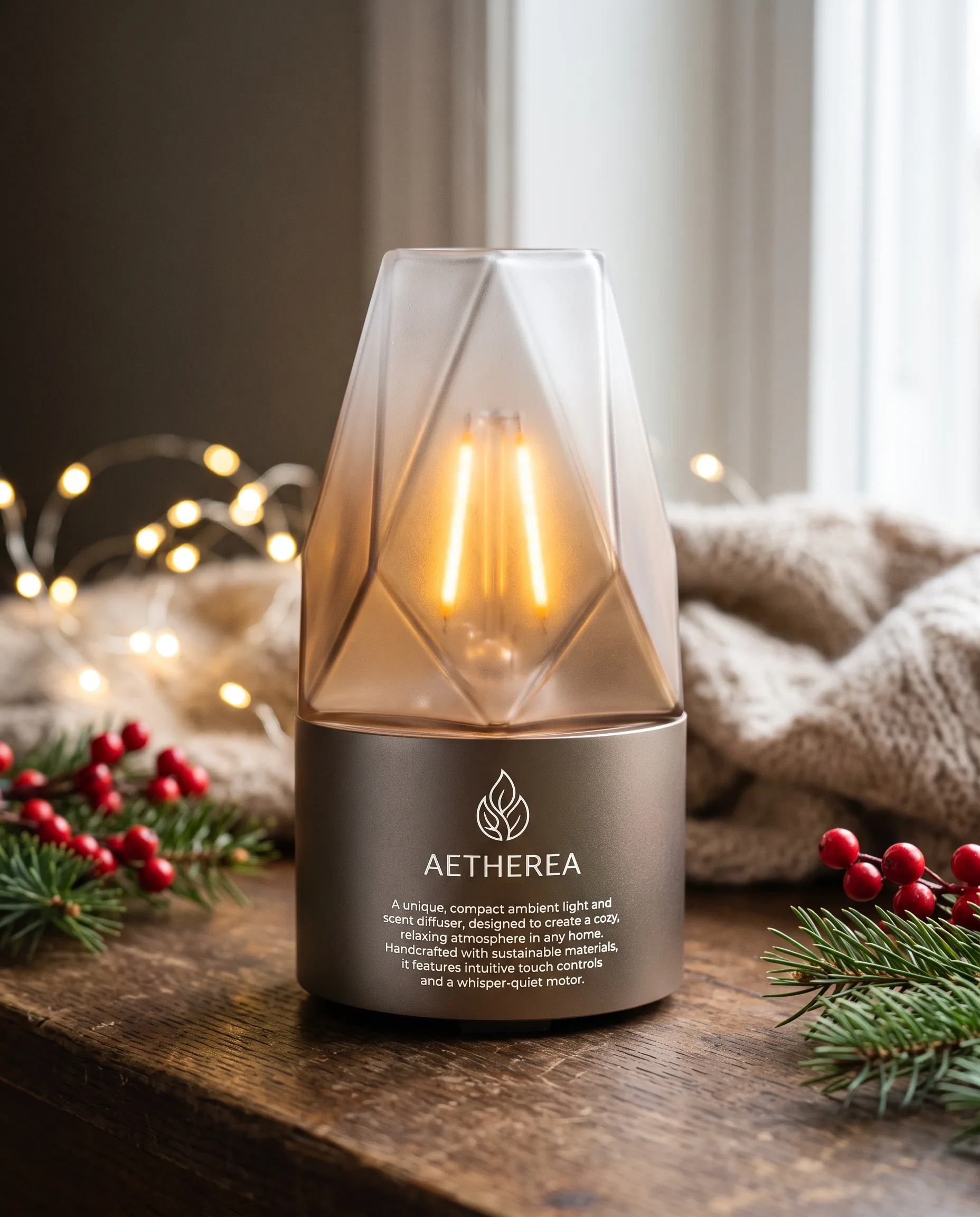
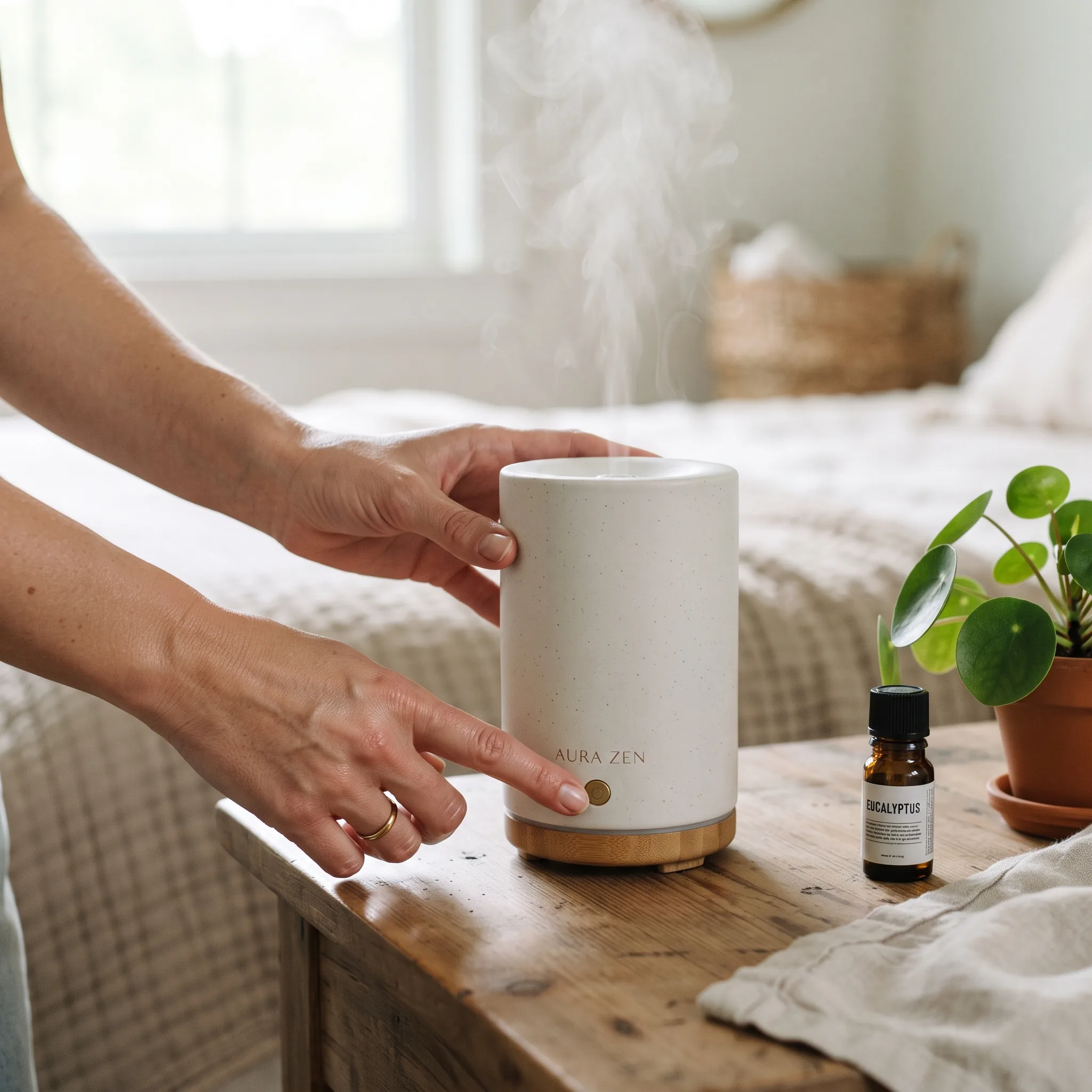
Compliant Secondary Use-Case Image — our own render of this exact prompt

Our render of this exact prompt.

15

Compliant Secondary Use-Case Image

Create an ultra-realistic product photography image of a product being used naturally by a model or hand. Compose it as clean use-case scene for secondary listing image. Use natural light with product in sharp focus. Emphasize clear benefit, realistic interaction, no extra fingers, no text. Keep the result commercial, high-resolution, natural in scale, and free from generated text overlays or watermarks.

nano-banana-21:1
The shortcut

You don’t need to learn prompting to get the images you want

Every prompt above invents a new product image that isn’t yours, and re-rolling gives you a different one each time. Upload a photo of what you actually sell and Scalio does the rest — no prompt, no re-rolls, no studio.

  • Try for free before choosing a plan
  • No prompt engineering required
  • Studio-quality in under 60 seconds
  • Marketplace-ready exports
Try Free with Scalio

Free to start · No card needed · Works on web, iOS and Android

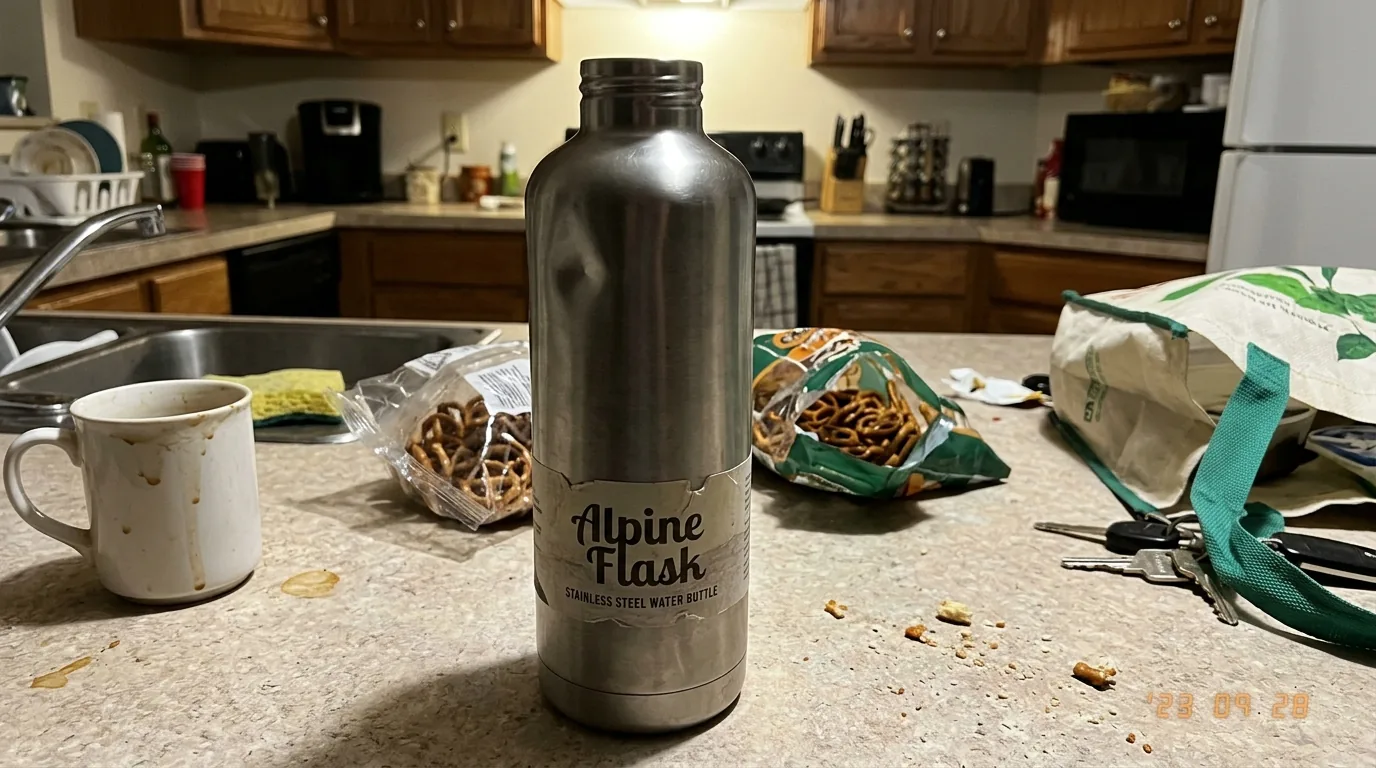
Plain product photo before AI treatment
Before
AI-generated studio product photo after treatment
After

Hover to compare — both frames generated by Scalio from one uploaded photo.

Turn Simple Product Photos into Studio Images with Scalio

No prompt engineering needed — just upload, choose a style, and generate.

1

Upload product photo

Upload any plain product image — no studio, no model, no special equipment needed.

2

Choose photoshoot style

Select from studio, lifestyle, marketplace, editorial, and more — for any garment or product type.

3

Generate professional AI images

Get studio-quality product photos in under 60 seconds, ready for marketplaces and ads.

Transform Product Photos into Professional Photoshoots

Upload a plain product image — Scalio generates studio-quality results in under 2 minutes.

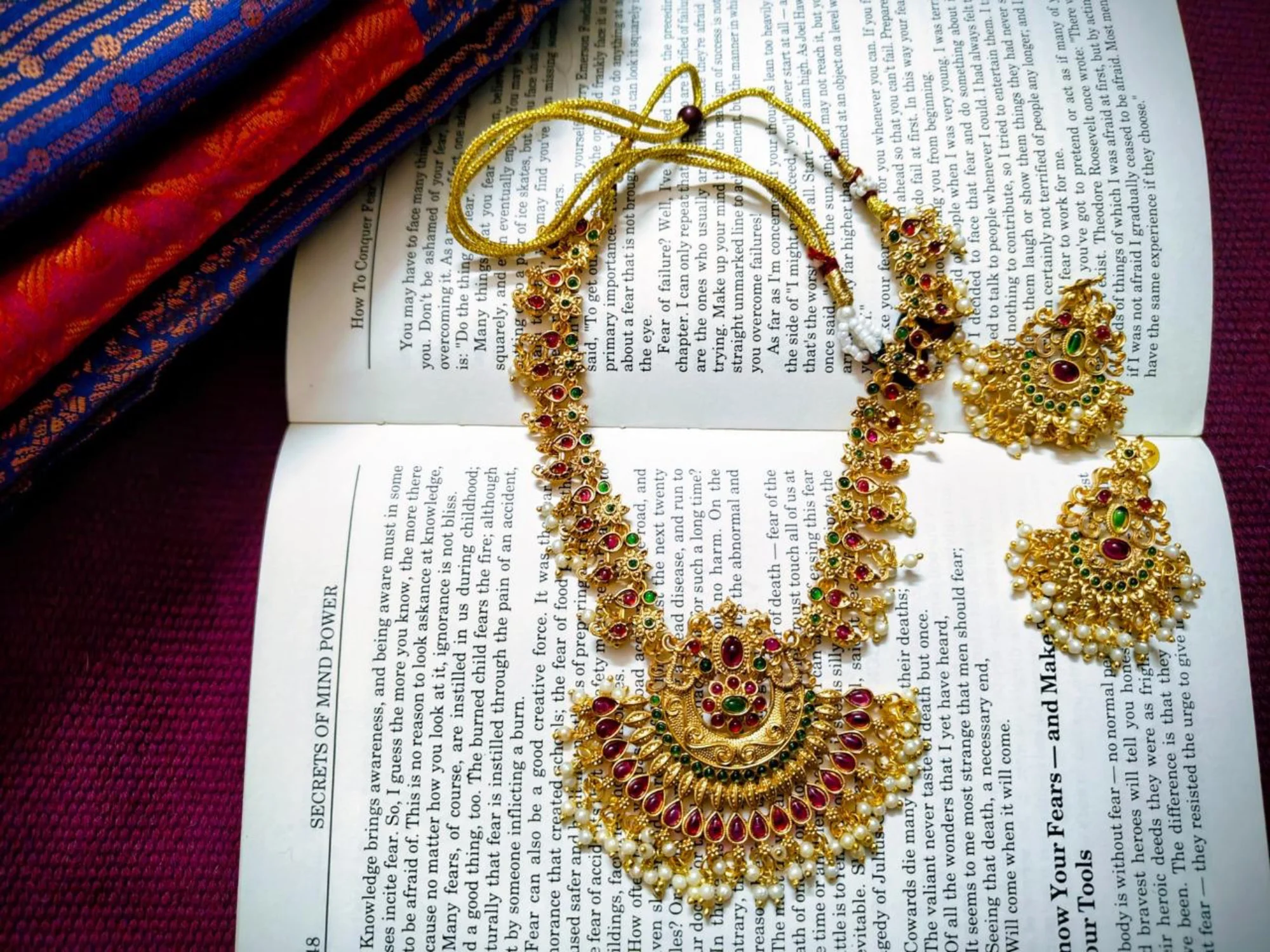
Plain necklace product photo — before
Before
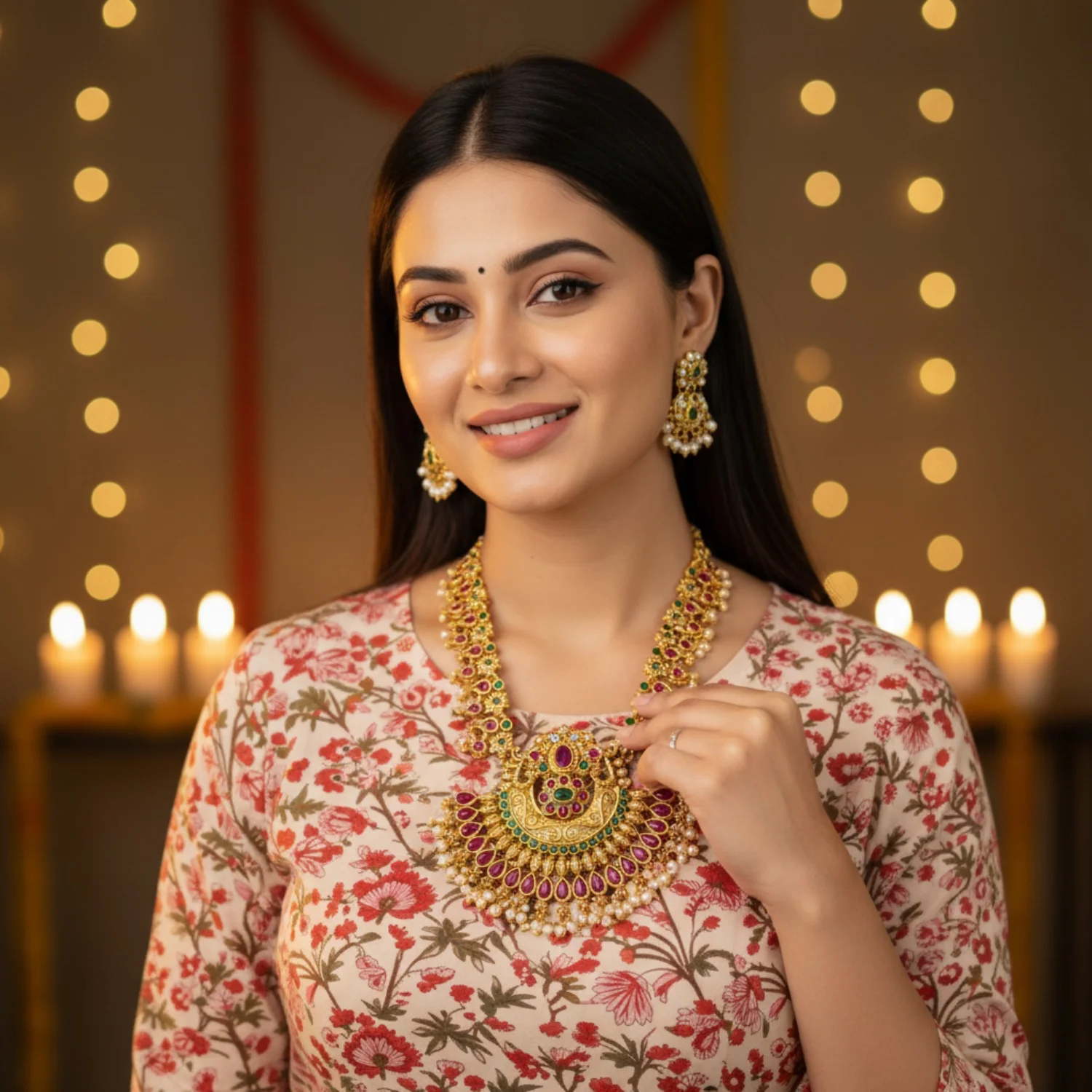
AI Generated
AI-generated necklace studio hero — after
After

Polki Necklace Set

From vendor lighting to luxe studio hero in seconds.

~2 minHD qualityNo studio
Plain watch flat-lay photo — before
Before
AI Generated
AI-generated watch hero shot — after
After

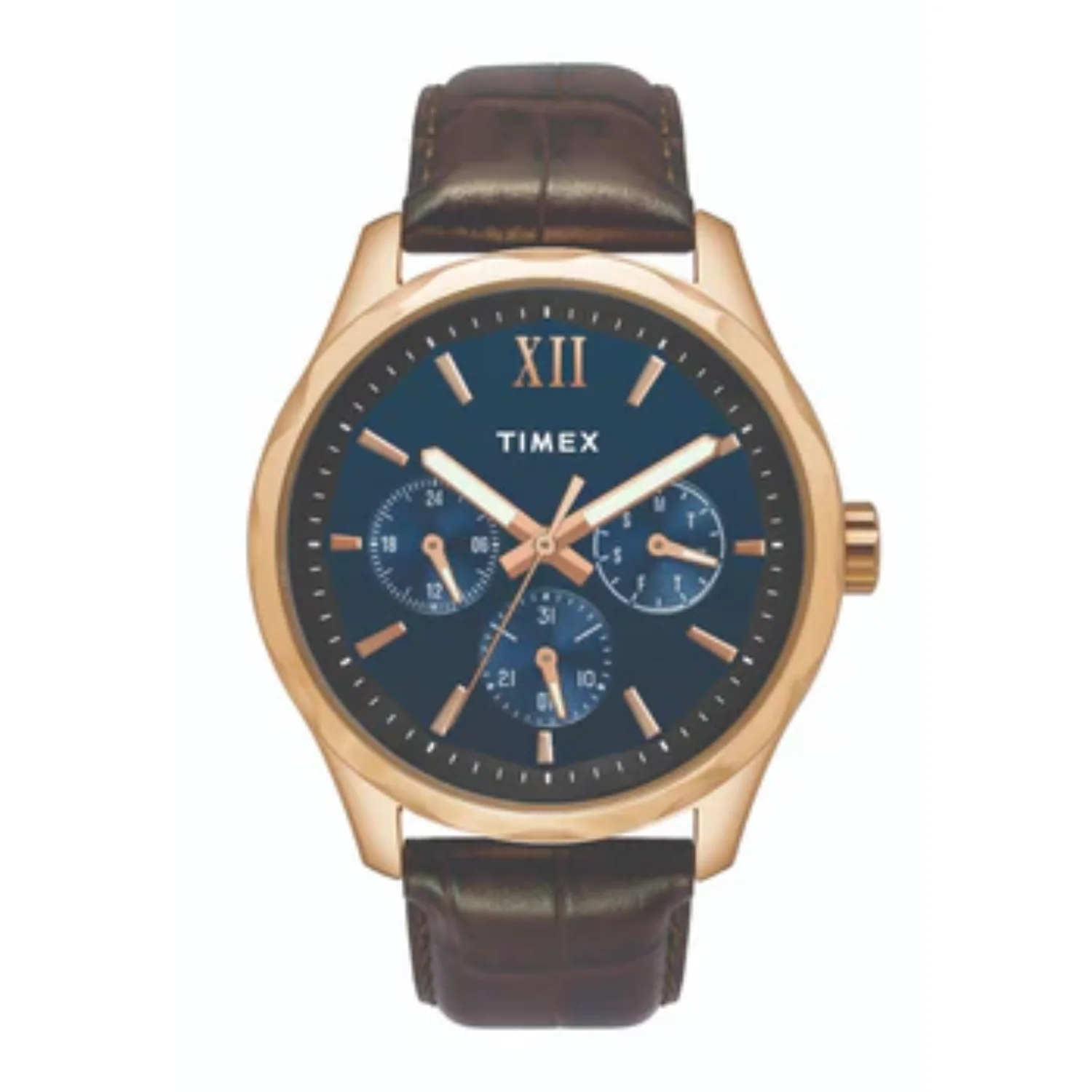
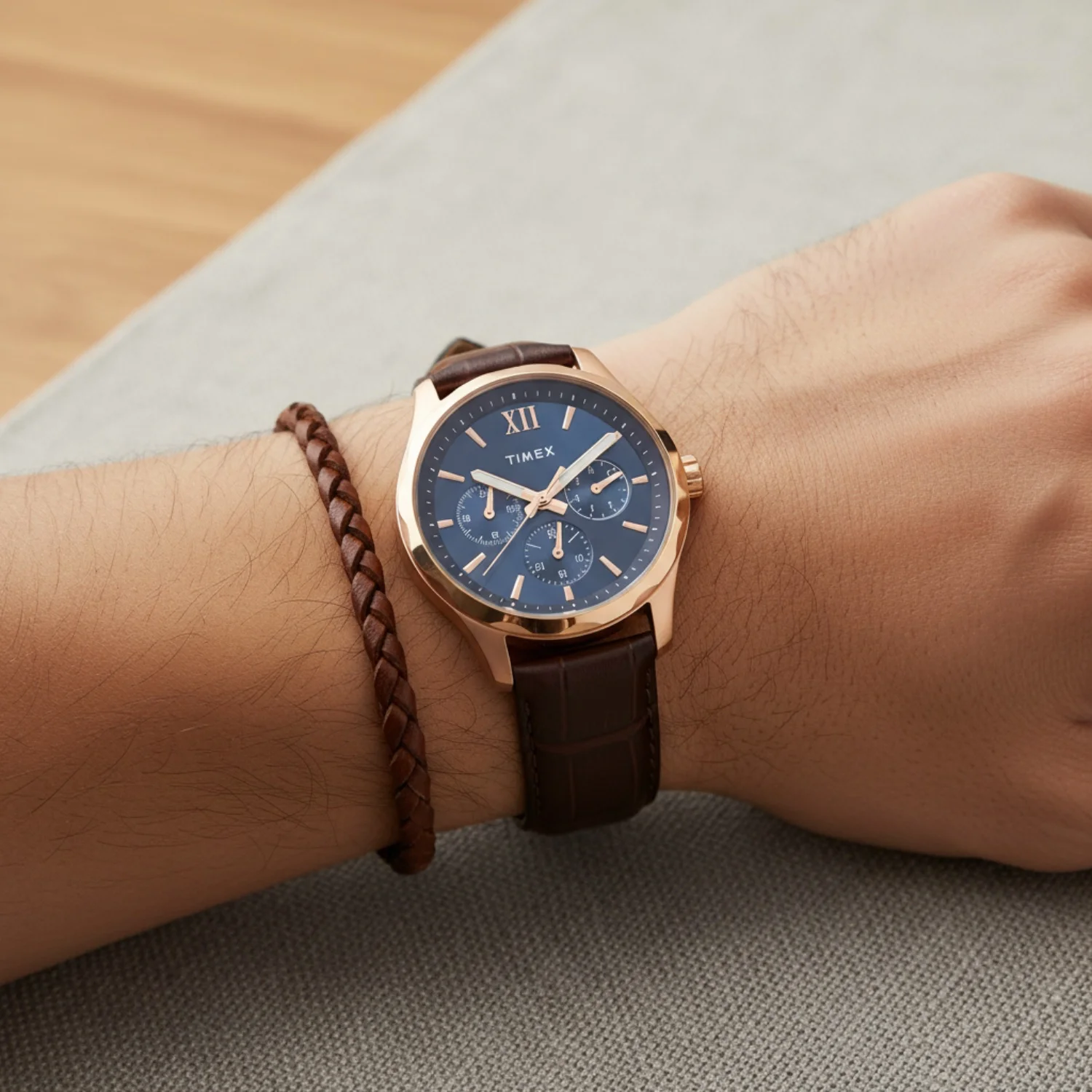
Leather Strap Watch

Three premium angles from a single flat-lay shot.

~2 minHD qualityNo studio
Plain handbag catalog photo — before
Before
AI Generated
AI-generated handbag hero render — after
After

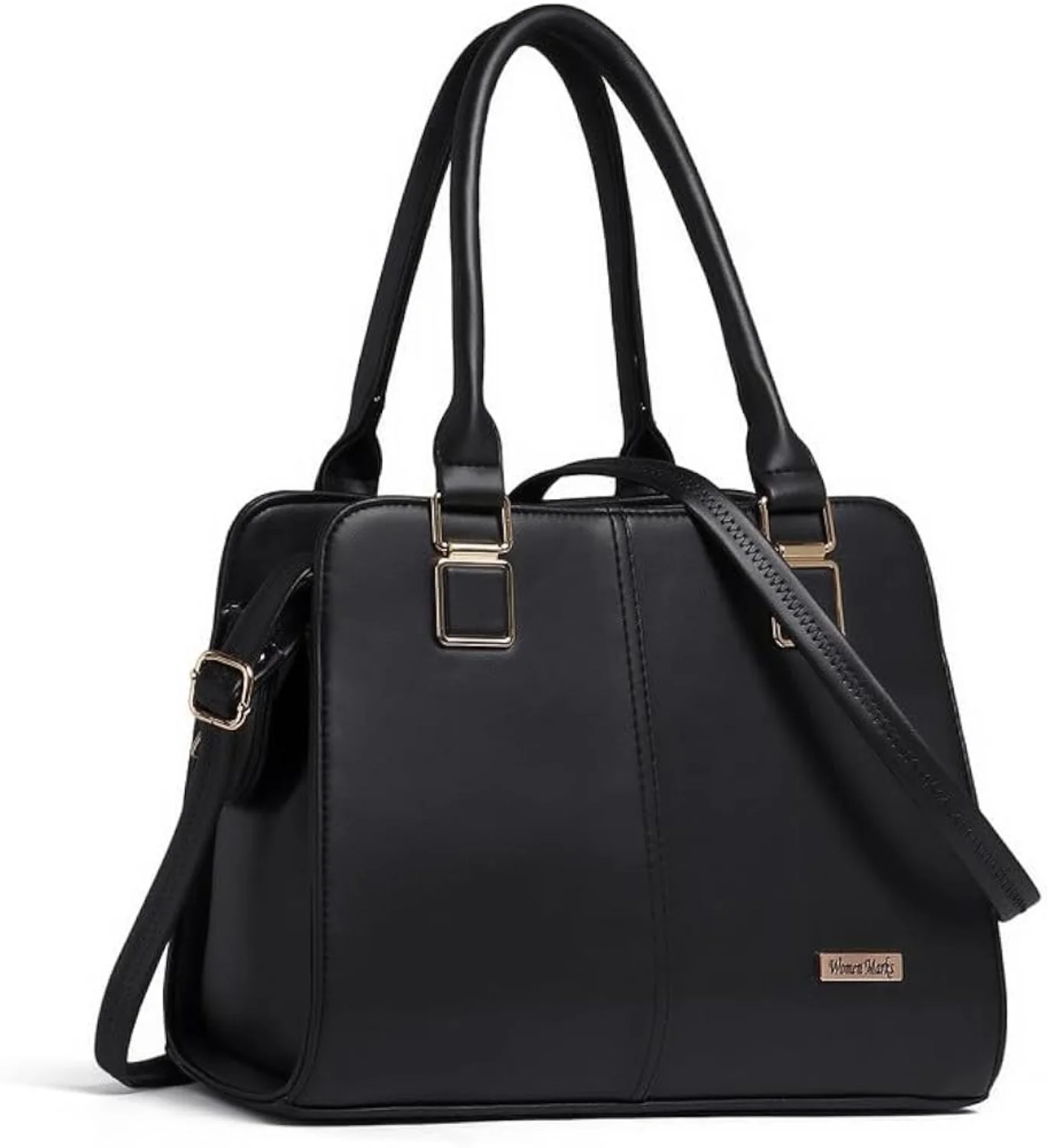
Structured Handbag

Flat catalog photo to premium studio-ready renders.

~2 minHD qualityNo studio
Plain sneaker product photo — before
Before
AI Generated
AI-generated sneaker hero on clean backdrop — after
After

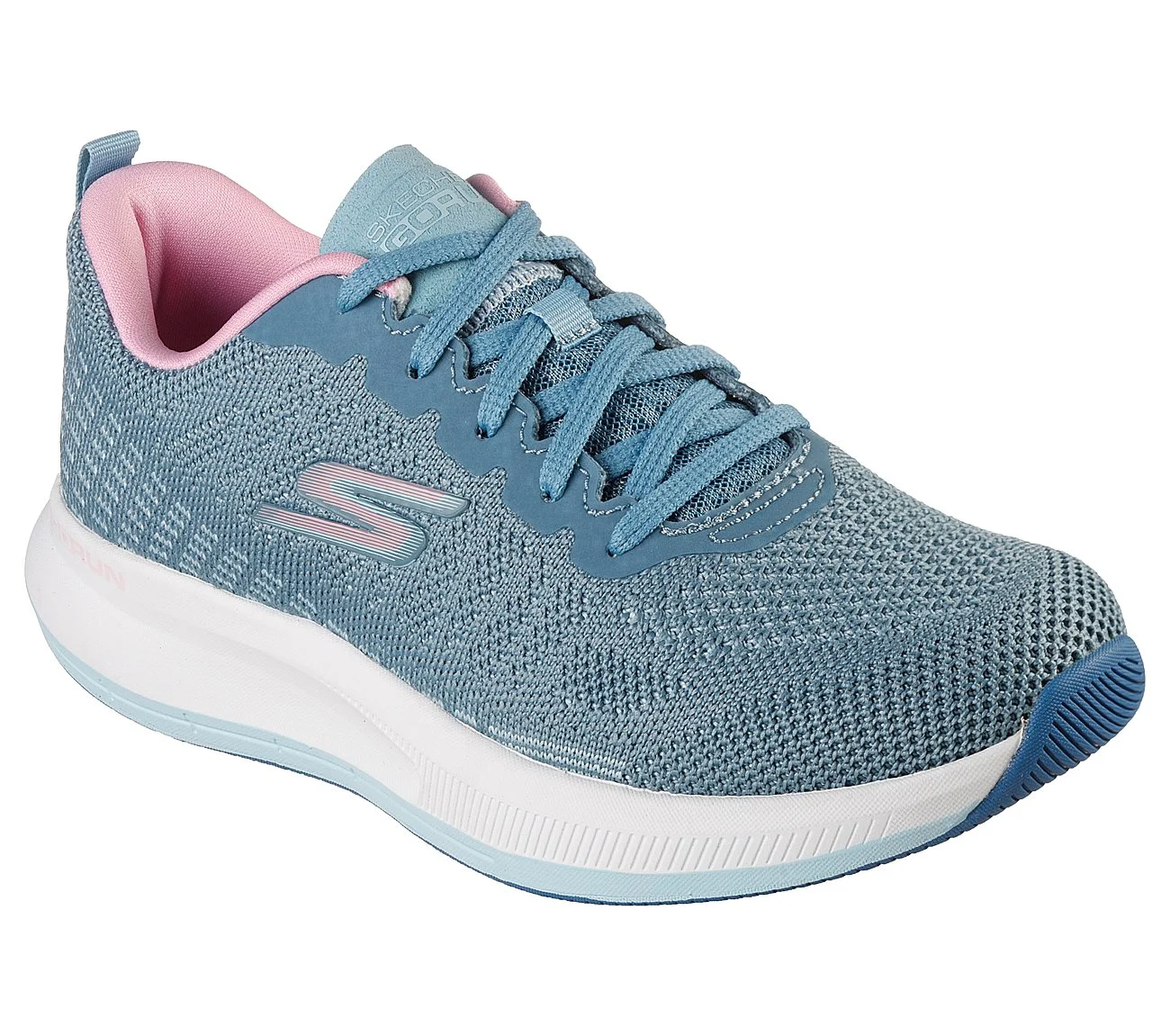
Premium Sneakers

Plain product shot to multi-angle marketplace visuals.

~2 minHD qualityNo studio

Results That Matter

E-commerce brands using Scalio see measurable improvements across every metric.

70%
Cost Reduction
Eliminate studio rental, model fees, and retouching.
10x
Faster Launches
Get products live in hours instead of weeks.
3x
More Variations
Generate every angle and background from one image.
40%
Higher Conversion
Professional photos increase buyer confidence.

Trusted by E-commerce Leaders

See how D2C brands and marketplace sellers are transforming their product photography with Scalio.

Scalio transformed how we photograph our entire collection. What used to take weeks now takes hours, and the quality is indistinguishable from a professional studio.
10x faster
Time to Launch
70% reduction
Cost Savings
Priya Sharma
Founder at StyleHub D2C Fashion
The AI-generated photos boosted our Amazon listing conversion rate significantly. We've photographed over 1,000 SKUs without a single studio visit.
+40%
Conversion Lift
1000+ SKUs
Photographed in 48hrs
Rajesh Patel
Amazon Seller at ElectroHub
We now offer AI-enhanced photography as a premium service to our clients. Revenue is up and turnaround time is down — a complete game-changer.
+50%
Revenue Growth
3x
More Variations
Ananya Gupta
Creative Director at HomeDecor Co.

How to Get the Best Results from These Prompts

Use these notes to keep outputs realistic, marketplace-ready, and easier to reuse across your product catalog.

Prompt Writing Tips

  • Be specific about background color, surface material, prop style, and image ratio.
  • Mention lighting direction so the result does not default to flat or random studio light.
  • Specify camera angle precisely: top-down, 45-degree overhead, eye-level, macro, or low-angle hero.
  • Include output needs such as square 1:1, vertical 4:5, marketplace-compliant, or ad-ready crop.
  • Add negative prompts to avoid text overlays, distorted logos, extra products, clutter, and unwanted shadows.

Platform-Specific Notes

  • Midjourney: use --ar 1:1 or --ar 4:5 for marketplace ratios and keep product nouns near the start of the prompt.
  • Flux: strong for material detail, textiles, glass, metal, skin texture, and product realism.
  • DALL-E 3: keep instructions literal and descriptive; avoid overly poetic styling language.
  • Stable Diffusion: use negative prompts such as no extra fingers, no warped product, no text overlay, no watermark.
  • All platforms: generate 3-5 variations per prompt before choosing the final image.

Style-Specific Notes

  • Use clean main images with full product visibility and a high-contrast mobile thumbnail crop.
  • For fashion listings, show fit, fabric, and color clearly before adding lifestyle context.
  • For electronics and appliances, prioritize front panel, ports, dimensions, and scale cues.
  • For secondary images, leave space for designers to add compliant callouts after generation.
  • Avoid generated offer text, badges, ratings, or brand marks that are not actually on the product.

Before / After Example

A quick way to frame what the prompt should improve before you spend time refining details.

Before

Plain catalog photo with flat lighting, inconsistent shadows, and no clear campaign mood.

After

AI-generated Flipkart product photography with polished light, clean composition, and product-first styling.

Before

A raw phone shot that needs props, background control, retouching, and repeated manual edits.

After

A ready-to-test Flipkart product photography concept with controlled setting, realistic material detail, and reusable brand direction.

Before

One static product angle that is difficult to adapt for marketplaces, ads, and social formats.

After

Multiple Flipkart product photography variations designed for ecommerce thumbnails, PDP modules, and performance creative.

How these were made

Marketplace prompts fail on compliance and consistency: a soft shadow creeps in where a pure-white background is required and the image fails Amazon or Flipkart QC, and re-rolling gives a different product each time so nothing matches across a listing. Every prompt below spells out the background, the crop and the lighting.

Aspect ratio matters for the channel. Main listing and thumbnail images read square at 1:1; lifestyle and model modules want a vertical 4:5; variant lineups and multi-angle sets read wide at 3:2. Each card lists the ratio we rendered it at.

Built and verified by us, 2026-08-10

All 15 prompts were rendered on nano-banana-2 on 2026-08-10. The image beside each prompt is our own render of that exact prompt text — not a stock photo, and not the model's marketing sample.

  • Every product shown is fictional. We instruct the model to invent a design rather than reproduce a real brand, so nothing here is anyone's copyrighted product.
  • The image beside each prompt was generated from that exact prompt text — re-rendered whenever the prompt changes, so the two never drift apart.
  • Each card lists the aspect ratio we rendered it at, so you can match it in your own tool.

Rendered on nano-banana-2. The prompt text works as-is on Gemini, Nano Banana, ChatGPT / GPT Image, Midjourney and Stable Diffusion.

Powered by Scalio AI

Create Professional Product Photos in Seconds

No prompt engineering. No expensive studios. No trial and error.

Just upload your product photo and Scalio generates studio-quality images ready for every marketplace and ad platform.

Try Scalio Free
Try for free before choosing a planNo prompt engineering requiredStudio-quality in under 60 secondsMarketplace-ready exports